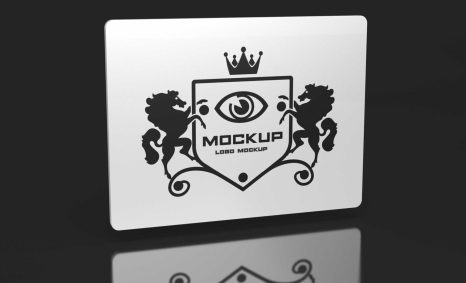
Introducing our Colorful Coaster Design Mockup, perfect for showcasing your creative coaster designs in a professional manner. This mockup allows you to display your artwork with realistic textures and lighting effects, making it an ideal choice for presentations, portfolios, or promotional materials. With its vibrant colors and attention to detail, this mockup will help your designs stand out and capture the attention of your audience.
Our mockup is user-friendly, compatible with Adobe Photoshop, and offers smart object layers for easy editing. Simply place your designs within the designated layers, adjust as needed, and watch your work come to life. The high-resolution quality ensures that every detail is crisp and clear, whether you’re creating for print or digital use. Download this mockup today and elevate your coaster design presentations to the next level.
All of these Resources are easy to use and can present your information beautifully. Some are free, while others cost a few dollars. More great & free PSD Mockups Collection:
- Best Paper Mockups (Free & Premium)
- Free Horizontal Postcard Mockup
- Free Download Coaster Mockup
- Free Rectangular Coaster Mockup
- Free Cork Coaster Mockup
- Free Branding DL Flyer Mockup
Description:
Available Format: Layered PSD through smart object insertion License: Free for personal and commercial use Zip File Includes: Photoshop PSD File Resolution: 2000 x 2250 pxFAQs – Colorful Coaster Design Mockup
Can I edit the Colorful Coaster Design Mockup in Photoshop?
Yes, the mockup is fully editable in Adobe Photoshop using smart object layers for easy customization.
Does the mockup include different coaster shapes?
Yes, the mockup features multiple coaster shapes and styles to suit various design needs.
What file format is the Colorful Coaster Design Mockup available in?
The mockup is provided in PSD format, making it easy to open and edit in Photoshop.
Is it possible to change the background of the mockup?
Absolutely! You can easily change the background color or image in Photoshop to match your design aesthetic.
Do I need advanced skills to use this mockup?
No, the mockup is designed for users of all skill levels, with straightforward instructions for easy use.