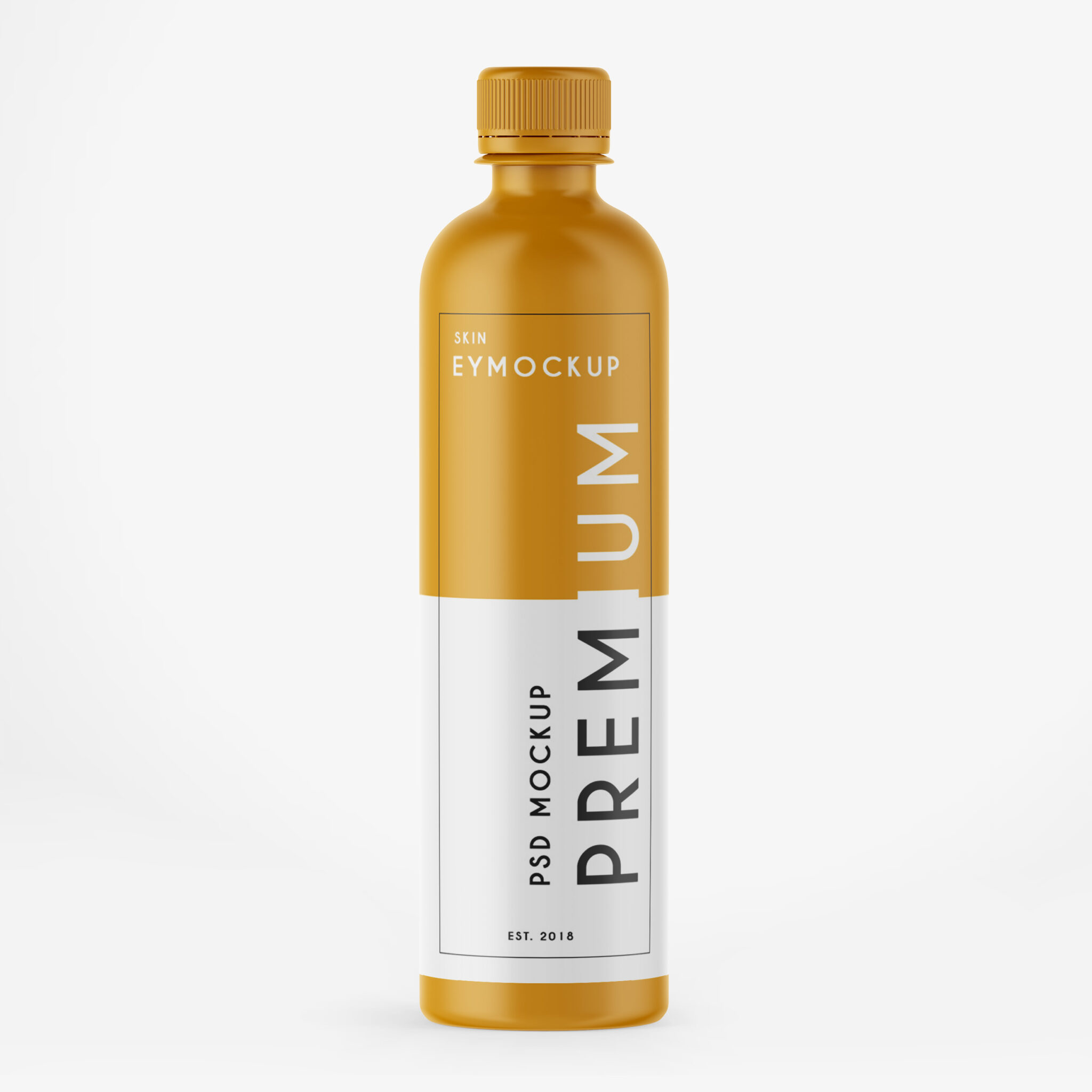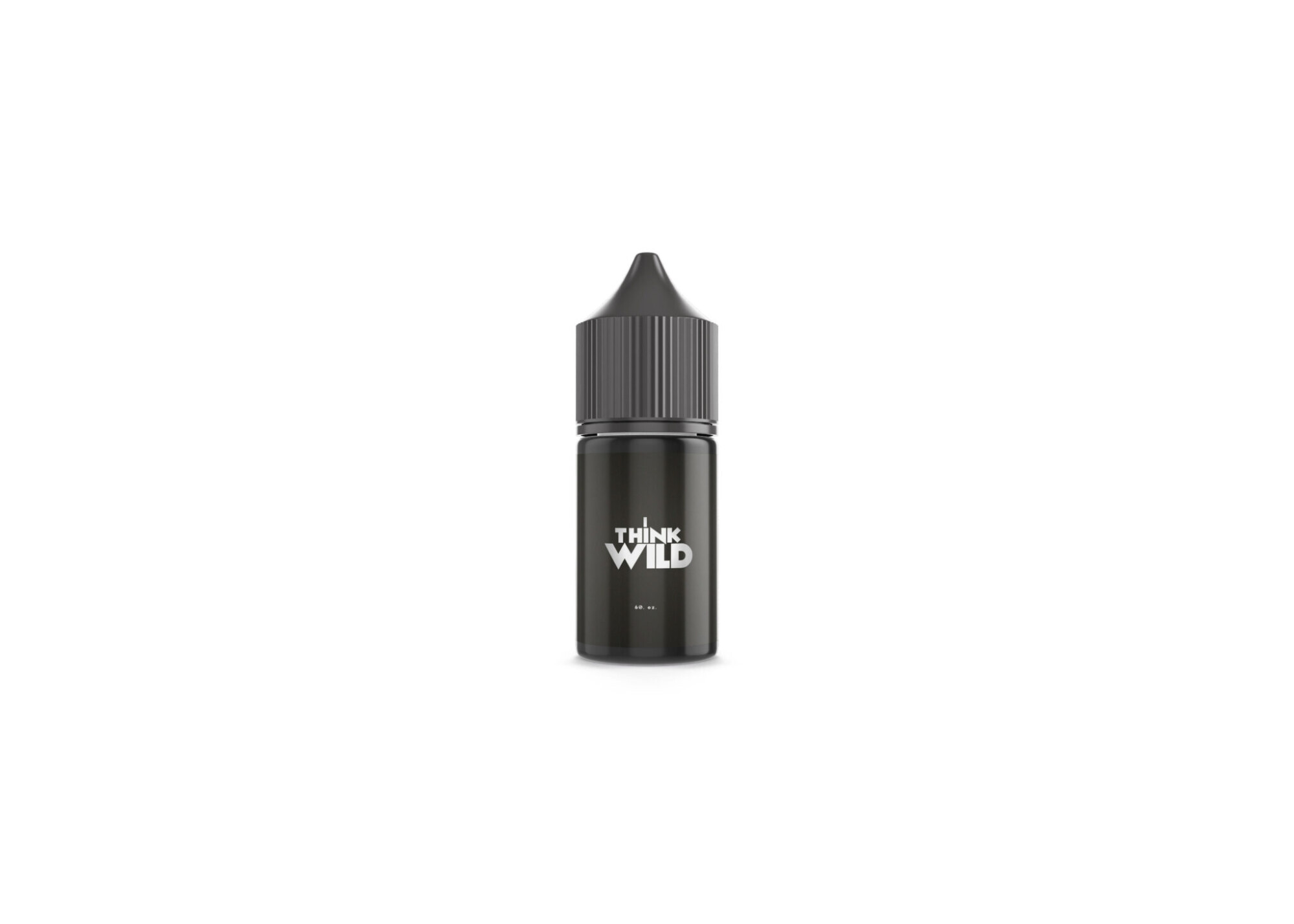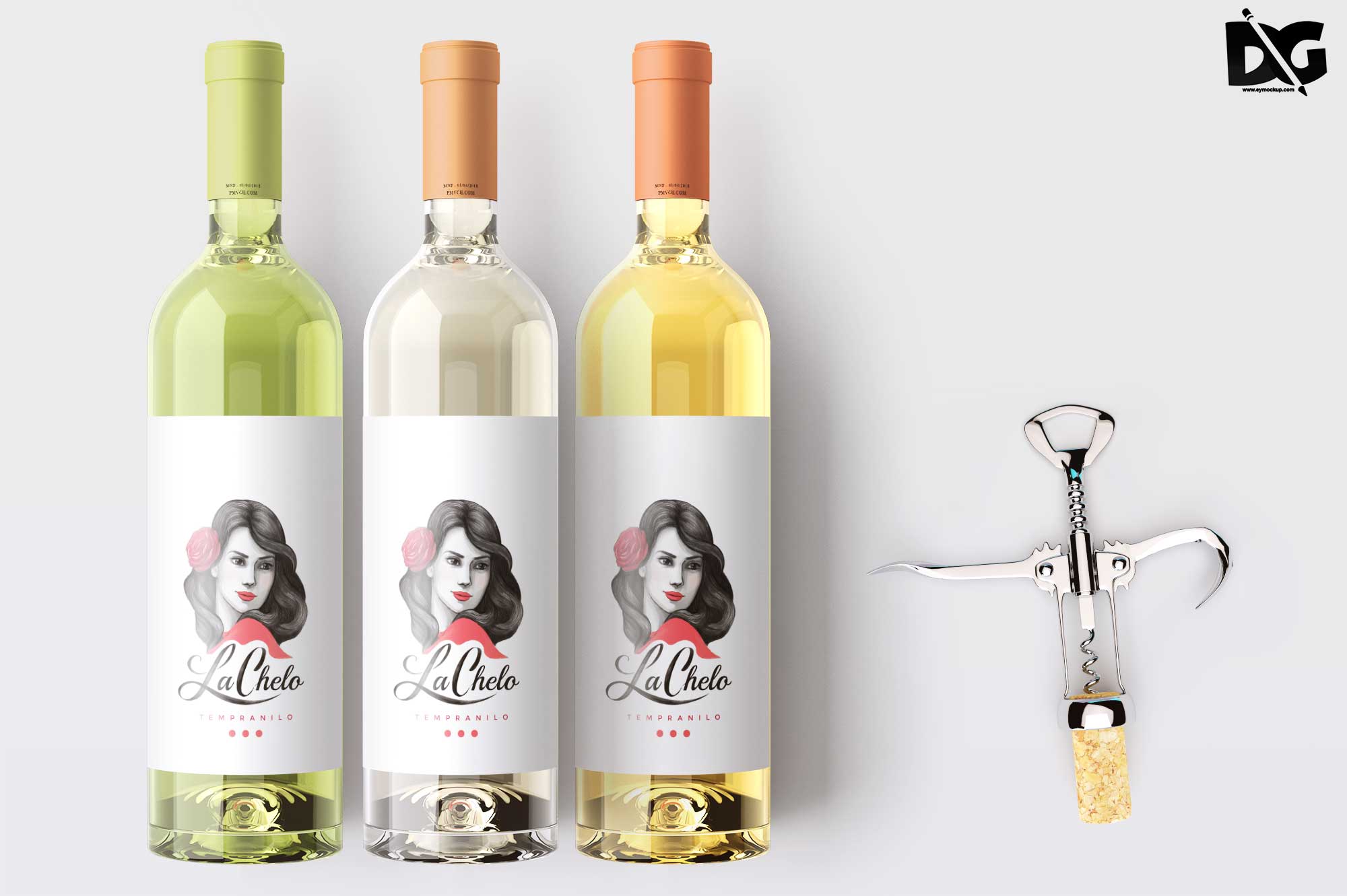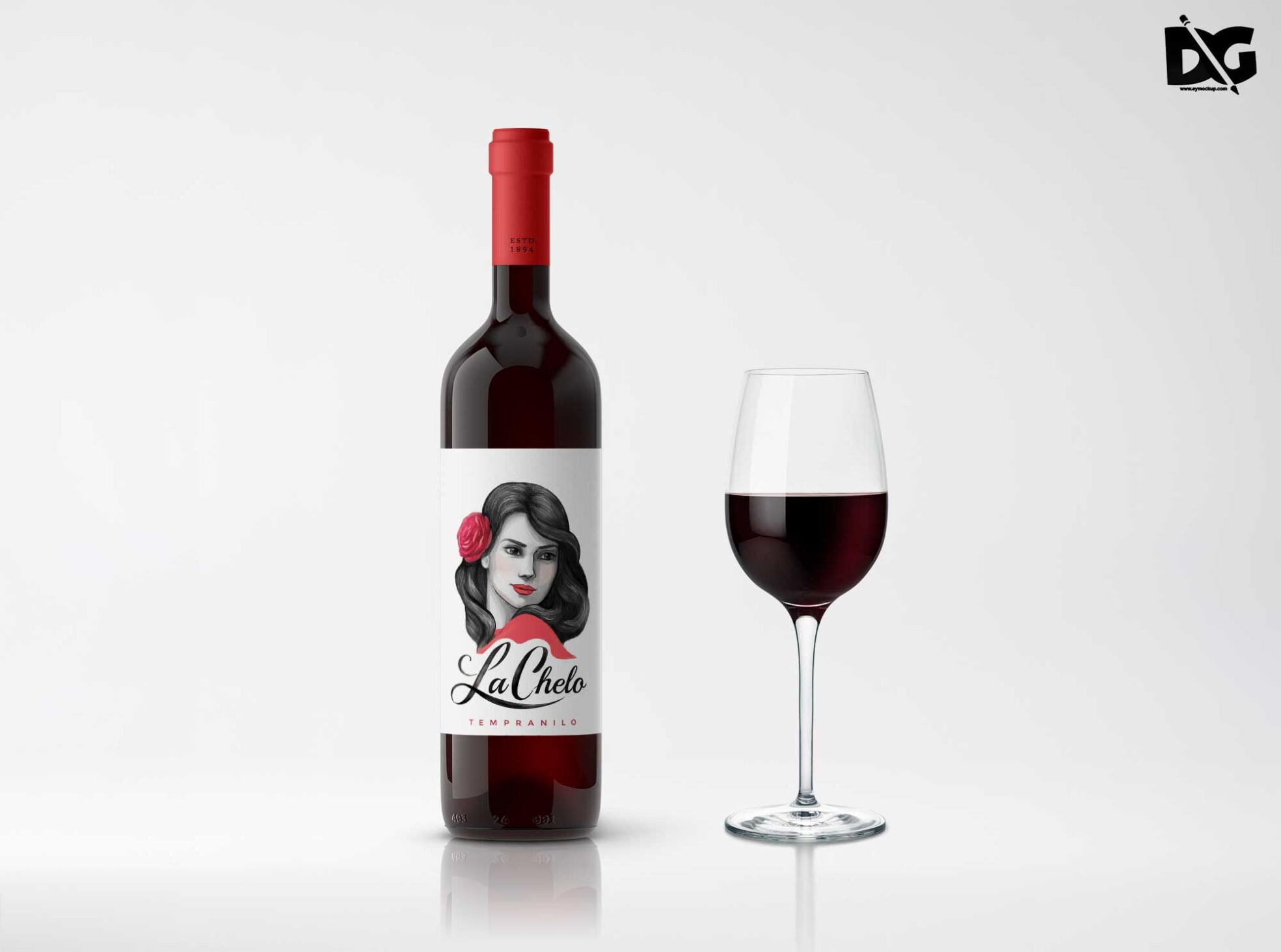
Showcase your creative designs with our Charm Bottle Label PSD Mockup. This high-quality mockup allows you to present your label designs in a realistic setting, perfect for branding projects and presentations. With customizable features, you can easily adjust colors, shadows, and lighting to match your design aesthetic.
The mockup is user-friendly and compatible with Adobe Photoshop, making it accessible for both beginners and experienced designers. Simply download the PSD file, open it in Photoshop, and replace the placeholder label with your own design. This tool is ideal for marketing materials, portfolio displays, and client presentations, ensuring your work stands out.
Luckily, there are lots of free bottle mockups and templates recently released for the benefit of graphic artists. These free bottle mockups and templates provide a perfect way to display bottles in a much attractive way.These can absolutely help graphic designers easily and conveniently add their own ideas to the bottles such as putting colors that can be either come in light or shadow effects.All of these Resources are easy to use and can present your information beautifully. Some are free, while others cost a few dollars. ( premium mockups template ) More great & free PSD Mockups Collection: Description:FAQs – Charm Bottle Label PSD Mockup
Can I edit the Charm Bottle Label PSD Mockup?
Yes, the PSD mockup is fully editable. You can customize the label design, colors, and shadows using Adobe Photoshop.
Does this mockup support various bottle shapes?
This mockup features a standard charm bottle shape, but you can adjust the design for variations as needed in Photoshop.
What file format is the Charm Bottle Label Mockup in?
The mockup is provided in PSD format, which is compatible with Adobe Photoshop for easy editing.
Is it easy to change the background in the mockup?
Yes, changing the background is straightforward. You can simply select the background layer and replace it with your desired image or color.
Do I need advanced Photoshop skills to use this mockup?
Not at all. Basic Photoshop skills are sufficient to navigate and customize the mockup effectively.