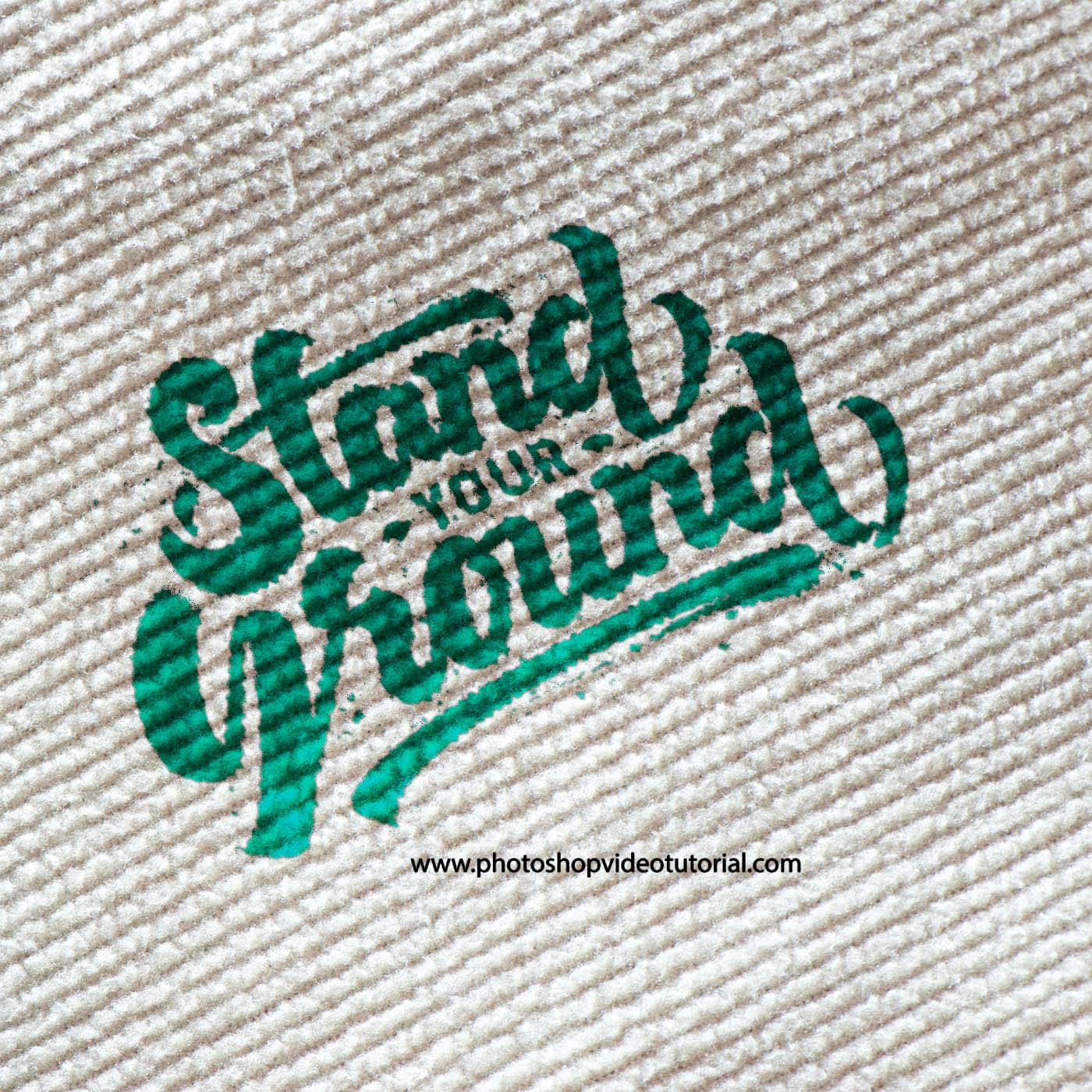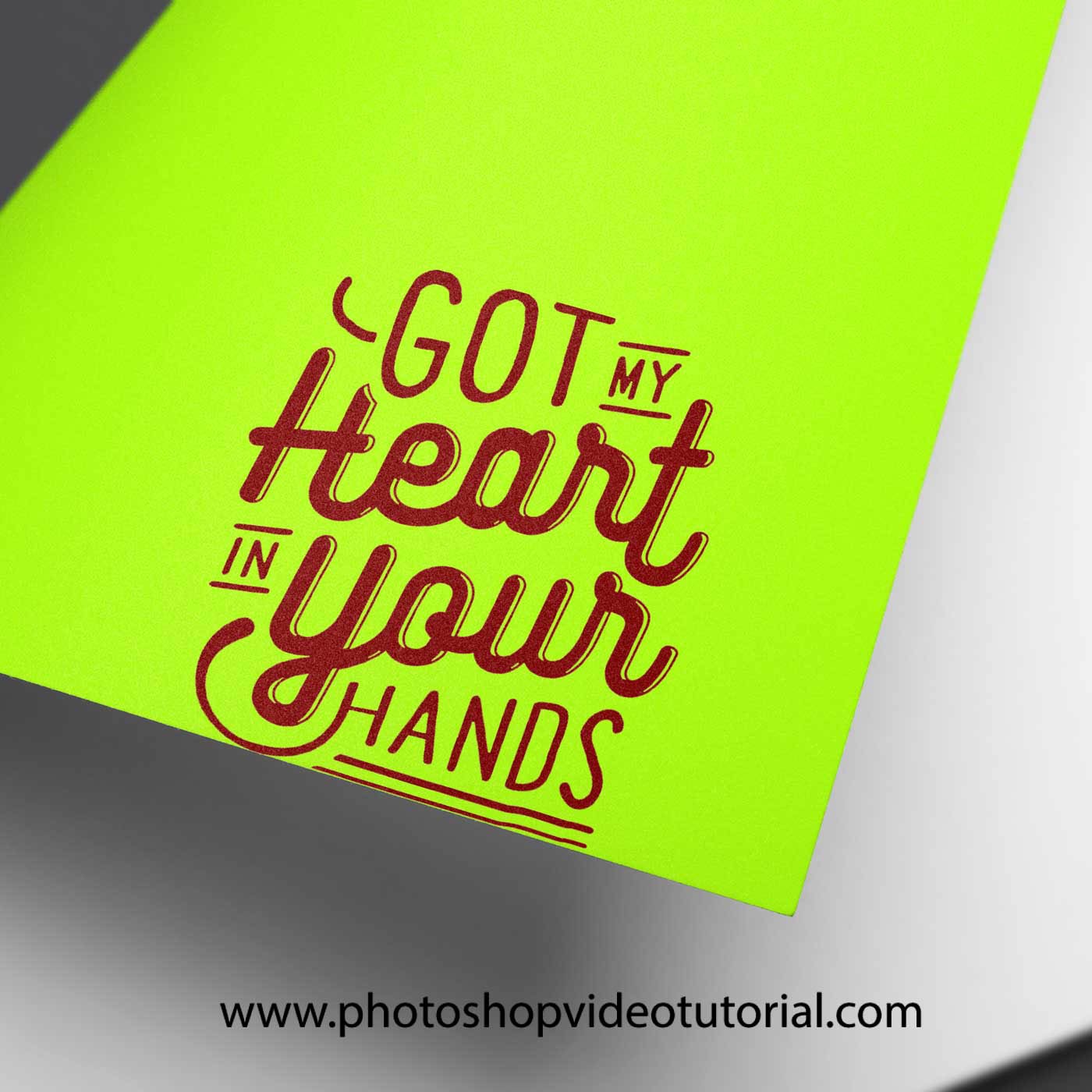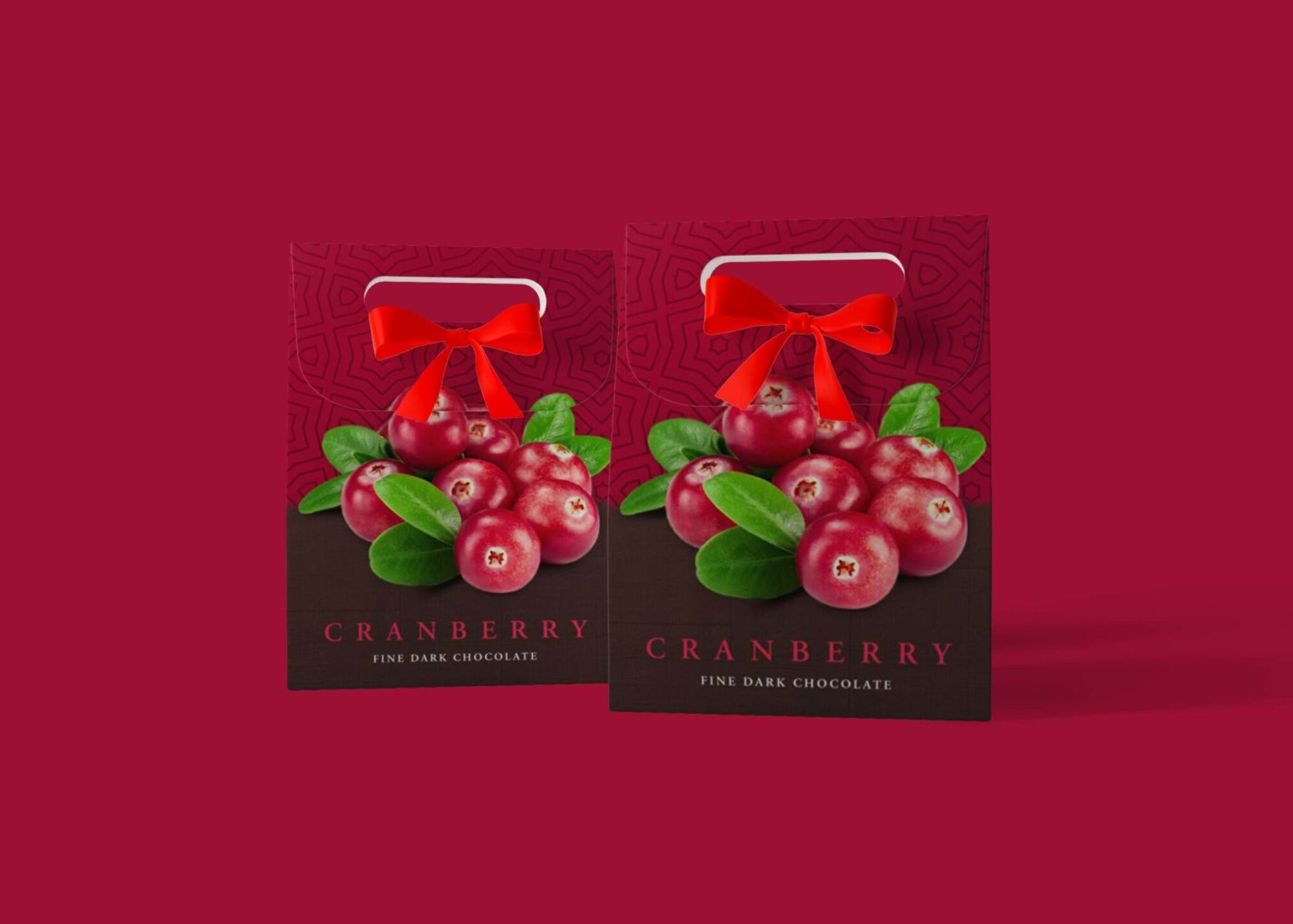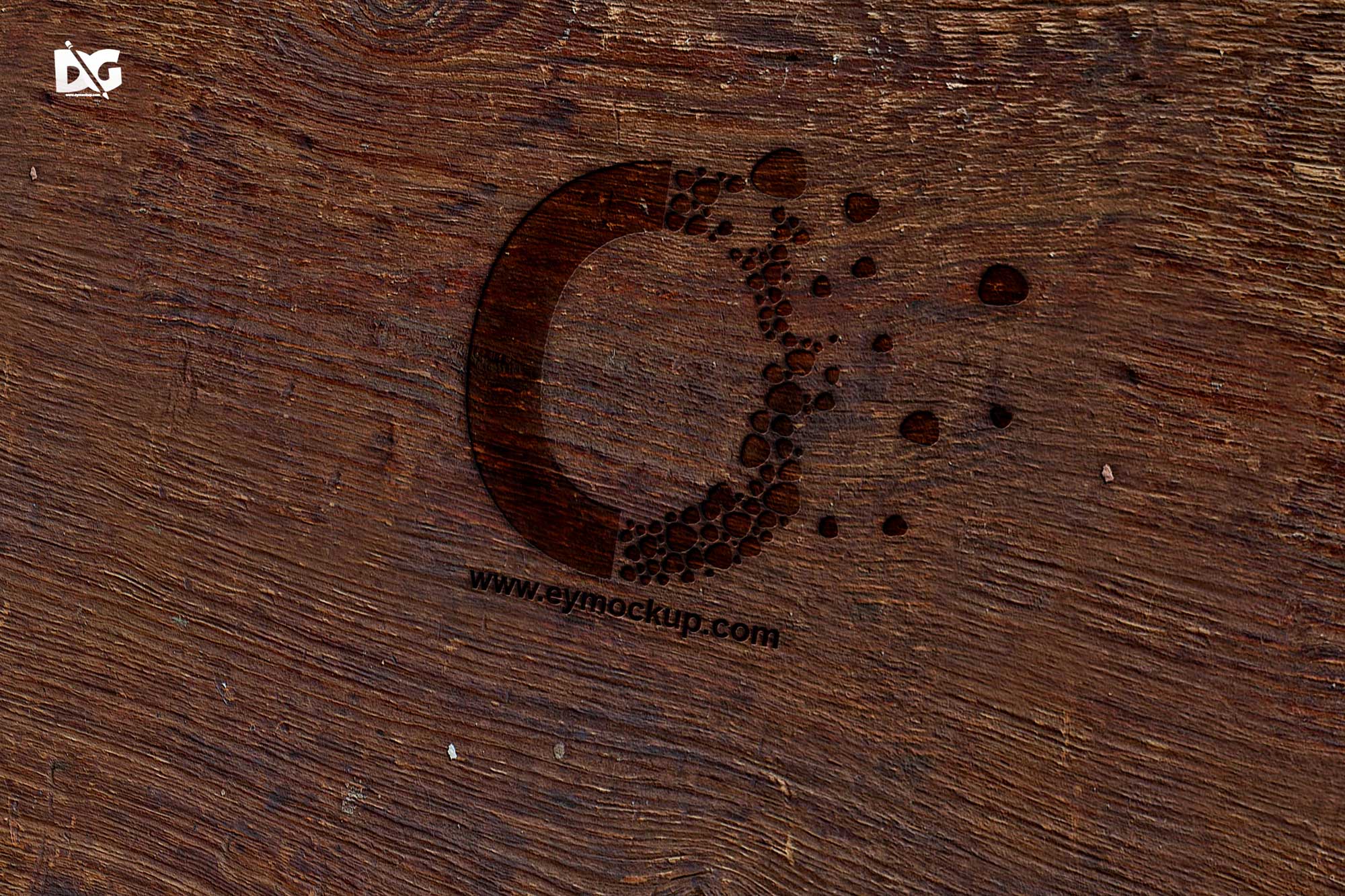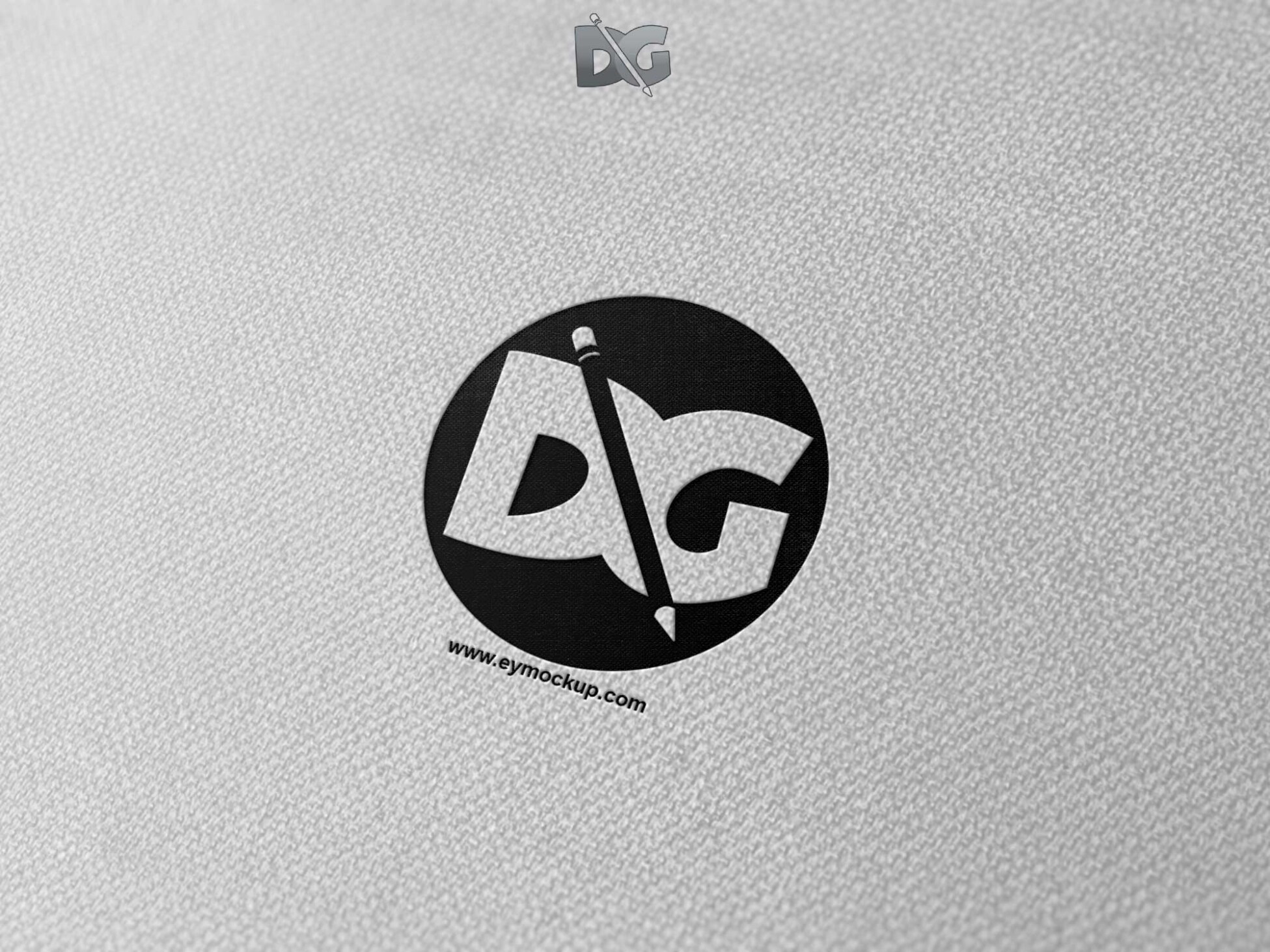
Showcase your logo designs with our Canvas Emboss Logo Mockup, designed to add a professional touch to your presentations. This mockup allows you to easily display your branding in a realistic setting, enhancing the visual appeal and impact of your designs.
Our Canvas Emboss Logo Mockup is user-friendly and compatible with Photoshop, making it accessible for designers of all skill levels. Customize your logo with just a few clicks and adjust the lighting and shadows to achieve the perfect look for your project.
Get 3D Logo MockupsAll of these Resources are easy to use and can present your information beautifully. Some are free, while others cost a few dollars.More great & free PSD Mockups Collection:
- Freebie Logo Mockup PSD Download
- 99+ PSD Packaging Mockup 2021
- Gift Box Packaging Design Mockup
- 88+ Bottle Packaging Mockup Collection
FAQs – Canvas Emboss Logo Mockup
Can I customize the Canvas Emboss Logo Mockup?
Yes, you can easily customize the mockup in Photoshop, allowing you to change the logo, colors, and shadows to fit your design needs.
Does the mockup include editable layers?
Absolutely! The Canvas Emboss Logo Mockup features editable layers, making it simple to insert your logo and adjust the appearance as desired.
Is it easy to use for beginners?
Yes, the mockup is designed with user-friendliness in mind, making it approachable for beginners while still providing professional results.
What file format is the mockup available in?
The Canvas Emboss Logo Mockup is available in PSD format, which is compatible with Adobe Photoshop for seamless editing.
Do I need advanced Photoshop skills to use this mockup?
No advanced skills are needed; the mockup comes with a simple guide to help you easily navigate the customization process.