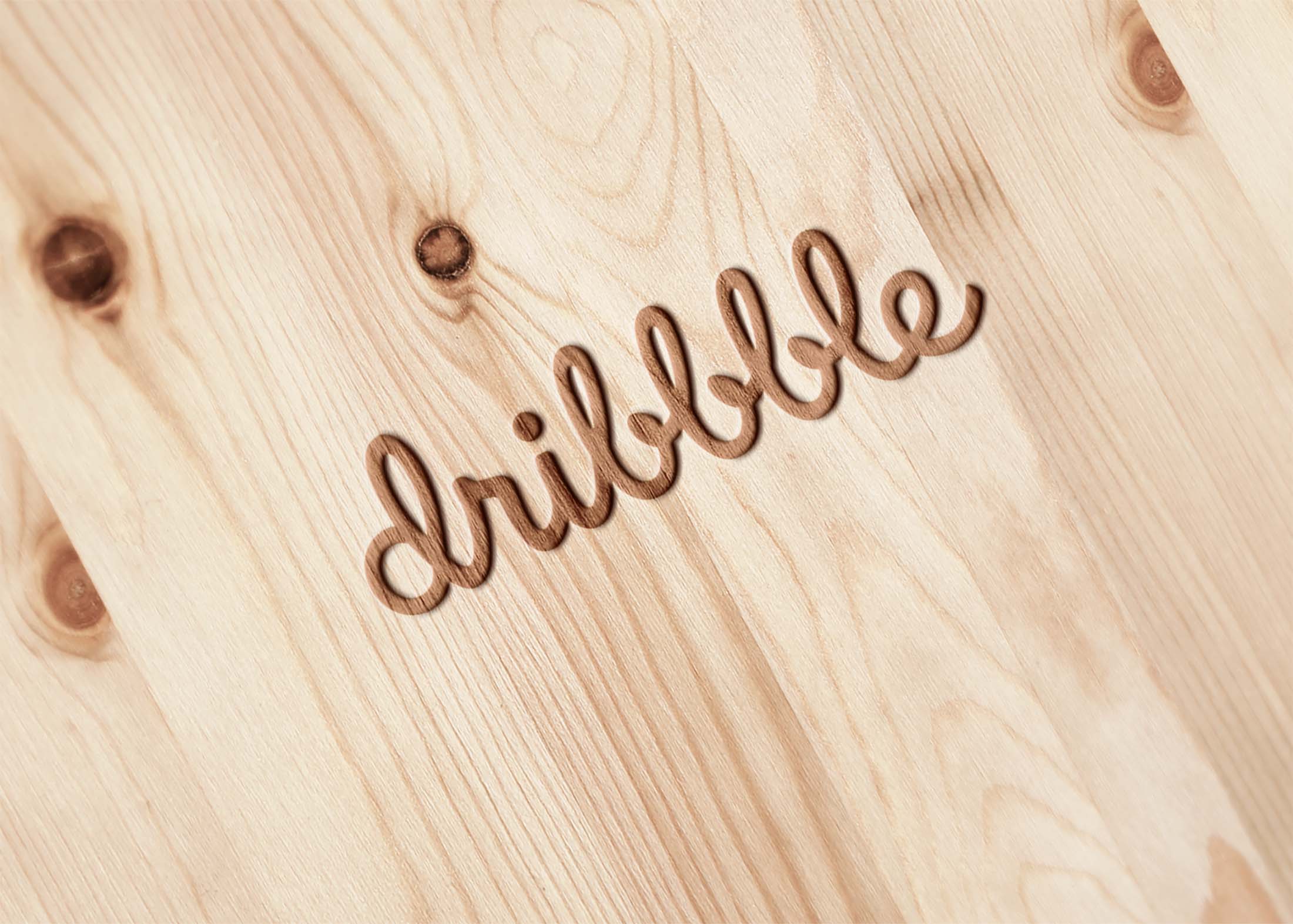
Create stunning presentations with our burn effect on wood logo mockup. This unique mockup showcases your logo on a rustic wooden surface, enhanced by realistic burn effects that add depth and character. Perfect for branding, the design allows you to showcase your creativity in a visually appealing manner, making your logo stand out in any portfolio or marketing material.
Easily customize this mockup using Photoshop to adjust the logo placement, colors, and effects. The high-resolution image ensures clarity and detail, allowing your brand to shine. Whether you’re designing for a client or showcasing your own work, this mockup provides a professional finish that captures attention. Download now and elevate your design projects with this versatile tool.
Need a nice Flaming Wood Logo? Here it is, easy to edit and fully layered psd!
Creating a new brand? Your perfect logo should be attractive and memorable. This mockup set contains three images that you can combine so your logo shines in any scenario. You can change the background color along with each of the objects to make it fit your brand personality.
Give your new logo a designer look with this wood mock-up! This fresh mockup is perfect for all kinds of businesses – it’s modern, professional and charming. It’s perfect to present your new logo, or to show your clients how their designs will look on different materials.
This is a realistic logo mockup with a light wood texture and an ash frame, a glass door that allows you to place your own design without any problem. This mockup has been created using Photoshop.
This is a cool mockup template. You can replace everything with the logo or the design of your choice.
Quickly create a beautiful and realistic 3D mockup of your logo label or packaging design in seconds! This photorealistic mock-up is comprised of a fully editable several Photoshop layers.
Description:
Available Format: Layered PSD through smart object insertion
License: Free for personal & commercial use
Zip File Includes: Photoshop PSD File
Resolution: 2000 x 2250 px
FAQs – Burn Effect On Wood Logo Mockup
Can I edit the wood logo mockup in Photoshop?
Yes, the wood logo mockup is fully editable in Photoshop, allowing you to customize the logo and effects according to your needs.
Does the burn effect on wood logo mockup look realistic?
Absolutely! The burn effect is designed to provide a lifelike appearance that enhances the overall aesthetic of your logo.
What file format is the wood logo mockup available in?
The mockup is available in PSD format, which is compatible with Adobe Photoshop for easy editing.
Is it easy to adjust lighting in the mockup?
Yes, you can easily modify the lighting settings within the Photoshop layers to achieve your desired look.
Do I need advanced skills to use the mockup?
No, the mockup is user-friendly and designed for both beginners and experienced designers, with simple instructions included.