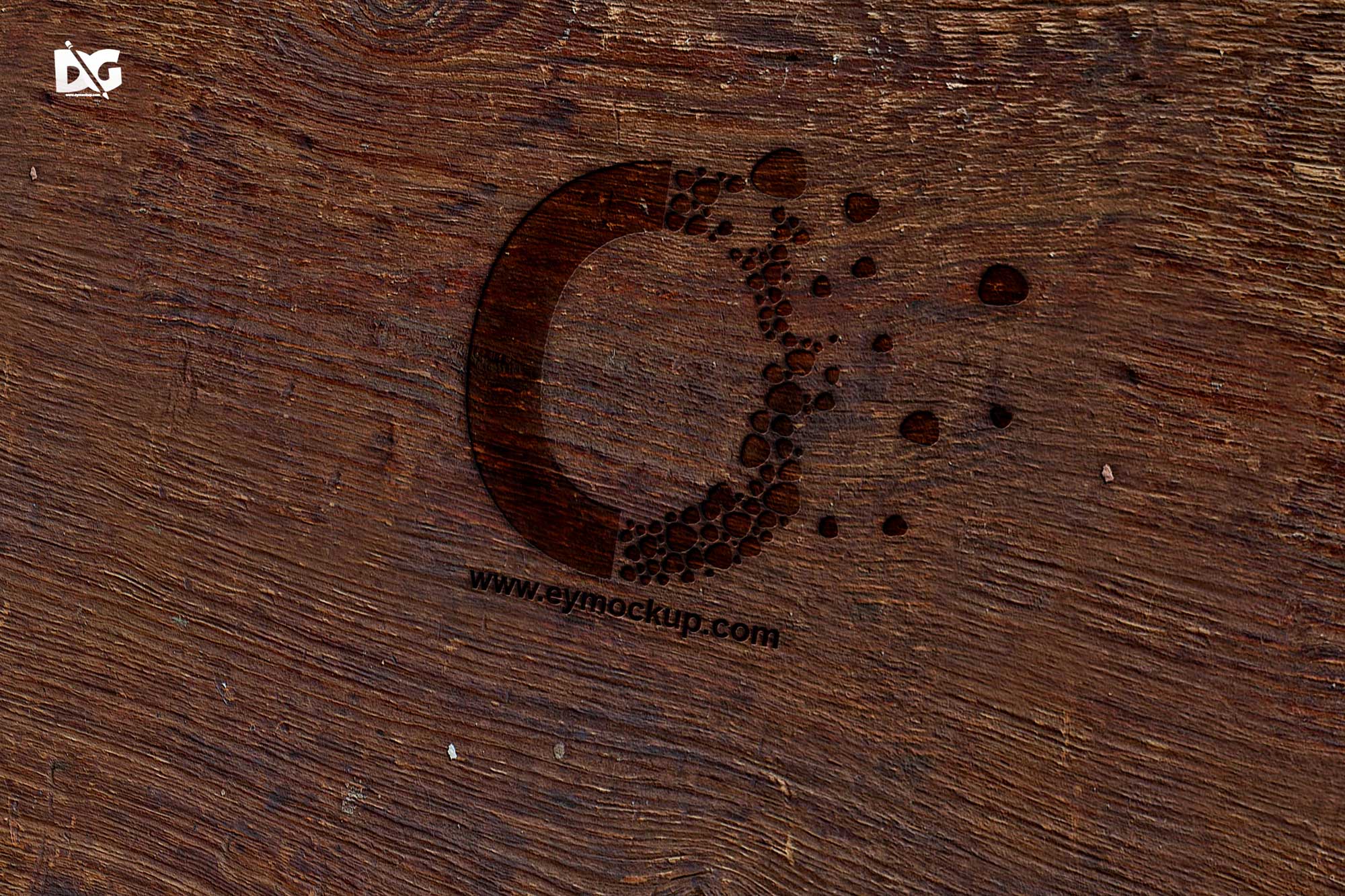
The Brown 3D Logo Mockup is an incredibly versatile tool for designers looking to showcase their branding projects. With its realistic texture and lighting, this mockup allows you to present your logo in a professional manner, making it perfect for portfolios, presentations, or client proposals. Simply insert your design, and watch it come to life in this beautifully crafted brown-themed environment.
This mockup is designed to be user-friendly and compatible with Adobe Photoshop. Whether you’re a seasoned designer or a novice, you can easily edit the mockup to fit your needs. Utilize smart object layers to insert your logo effortlessly, adjust the background as necessary, and tweak the lighting to create the perfect visual impact. Download the Brown 3D Logo Mockup today and elevate your design presentations!
All of these Resources are easy to use and can present your information beautifully. Some are free, while others cost a few dollars.
More great & free PSD Mockups Collection:
FAQs – Brown 3D Logo Mockup
Can I use the Brown 3D Logo Mockup for commercial projects?
Yes, you can use the Brown 3D Logo Mockup for personal and commercial projects without any restrictions.
What file format is the Brown 3D Logo Mockup in?
The mockup is provided in PSD format, which is compatible with Adobe Photoshop for easy editing.
Do I need special software to edit the mockup?
You will need Adobe Photoshop to edit the Brown 3D Logo Mockup efficiently. It supports smart objects for seamless integration.
Is it easy to change the background in the mockup?
Yes, changing the background is straightforward. Simply modify the background layer in Photoshop to suit your design needs.
Can I adjust the lighting in the Brown 3D Logo Mockup?
Absolutely! You can adjust the lighting effects in Photoshop to enhance the visual appeal of your logo presentation.