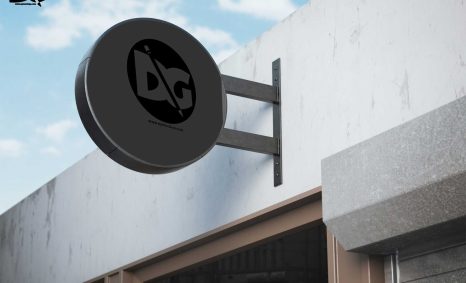
PSD Mockup

Showcase your logo designs with our Bottle Cap Logo PSD Mockup. This versatile mockup allows you to present your branding in a realistic and eye-catching way. Perfect for designers looking to impress clients or enhance their portfolios, this mockup features high-resolution details that bring your designs to life. Simply edit the smart object layer to easily insert your logo and see it displayed on a bottle cap.
The Bottle Cap Logo PSD Mockup comes equipped with customizable backgrounds, allowing you to match it to your project’s aesthetic. With easy-to-follow instructions, you can modify lighting and shadows to achieve the desired effect. Whether you’re working on a beverage brand or a promotional project, this mockup is an essential tool for visualizing your branding in a creative context. Download it today and elevate your design presentations!
Get 3D Logo MockupsAll of these Resources are easy to use and can present your information beautifully. Some are free, while others cost a few dollars.More great & free PSD Mockups Collection:
- Realistic 3D Logo Psd Mockups
- PSD Download iPhone Mockups 2021
- Wine PSD Download Packaging Mockups
- Food Truck Mock up PSD Download
FAQs – Bottle Cap Logo PSD Mockup
Can I edit the Bottle Cap Logo PSD Mockup in Photoshop?
Yes, the mockup is designed for easy editing in Photoshop. Simply use the smart object layer to insert your logo.
Does the mockup include customizable background options?
Absolutely! You can choose from various background styles to suit your design aesthetic and project needs.
What file format is the Bottle Cap Logo Mockup available in?
The mockup is available in PSD format, which is compatible with Adobe Photoshop for seamless editing.
Is it possible to adjust the lighting in the mockup?
Yes, you can easily modify the lighting and shadows within the PSD file to achieve the desired look for your design.
Do I need any special skills to use this mockup?
Basic knowledge of Photoshop is helpful but not required. The mockup is user-friendly with straightforward instructions for editing.