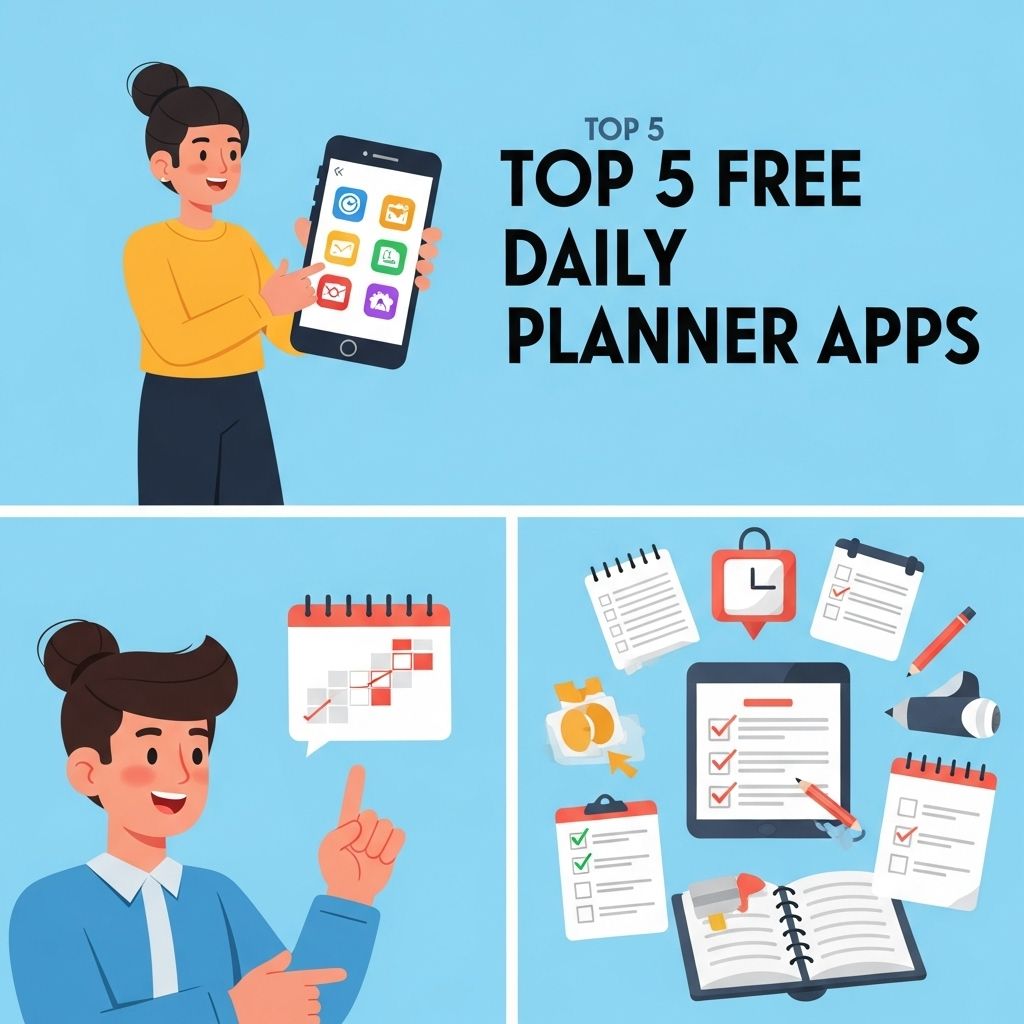
In today’s fast-paced world, staying organized is more critical than ever. Whether you’re a busy professional juggling meetings, a student managing class schedules, or simply someone who wants to keep life in order, a daily planner can be your best friend. With countless apps available, finding the perfect free daily planner can enhance your productivity and simplify your life. This article delves into the top five free daily planner apps that cater to various needs, ensuring you can find the one that suits your unique style of organization.
In today’s fast-paced world, staying organized is essential, and using a daily planner app can make all the difference. Whether you’re managing your work tasks or planning personal goals, the right tool can streamline your day-to-day activities. Explore our list of the top 5 free daily planner apps you need to stay on track and boost your productivity. If you’re also interested in creative designs, check out discover creative mug mockups.
1. Todoist
Todoist has gained immense popularity for its user-friendly interface and powerful organizational features. This app allows users to create tasks, set deadlines, and organize projects seamlessly. Here are some of its key features:
- Task Prioritization: Users can prioritize tasks using color-coded labels, ensuring that the most critical tasks are easily identifiable.
- Collaboration: Share projects with others and collaborate in real-time, making it ideal for team projects.
- Recurring Tasks: Set tasks that repeat daily, weekly, or monthly, perfect for regular responsibilities.
- Cross-Platform: Available on web, Android, and iOS, syncing your tasks across all devices effortlessly.
Benefits of Using Todoist
For users who appreciate a clean, minimalist design, Todoist’s streamlined interface is a major advantage. Its ability to integrate with various tools like Google Calendar and Slack enhances its functionality, making it a favorite among tech-savvy individuals.
2. Microsoft To Do
Microsoft To Do is an excellent choice for users already embedded in the Microsoft ecosystem. This app allows for easy task management and integrates seamlessly with other Microsoft products such as Outlook and OneNote.
- My Day Feature: Focus on daily tasks with the ‘My Day’ feature that allows you to select tasks for the day.
- Subtasks: Break down larger tasks into smaller, manageable subtasks.
- Reminders and Due Dates: Keep track of when tasks are due with reminders and due dates.
Integration with Other Microsoft Tools
The real strength of Microsoft To Do lies in its integration capabilities. For users who frequently use Outlook, the ability to sync tasks between Outlook and To Do simplifies the process of managing work and personal tasks in one place.
3. Google Keep
If you prefer a more visual approach to task management, Google Keep might be the perfect fit. This app allows users to create notes, lists, and reminders that are visually appealing and easy to access.
- Color-Coded Notes: Organize notes by color, making it easier to differentiate between personal and professional tasks.
- Voice Notes: Quickly capture ideas and tasks on the go using voice-to-text features.
- Collaboration: Share notes and lists with others, making it perfect for group projects or shared shopping lists.
Advantages of Google Keep
Google Keep’s simplicity and intuitive design make it user-friendly. Its integration with Google Workspace (formerly G Suite) allows users to quickly turn notes into Google Docs or create tasks in Google Tasks, enhancing productivity further.
4. Trello
Trello is a unique planner that uses a card-based system for task management. This visual approach to planning is particularly useful for project management and team collaboration.
- Boards, Lists, and Cards: Organize tasks into boards, lists, and cards, allowing for a clear overview of projects.
- Checklists: Create checklists within cards to ensure no detail is overlooked.
- Power-Ups: Use integrations (Power-Ups) to enhance functionality, such as calendar views and automation.
Why Choose Trello?
Trello’s flexibility is its biggest draw. Whether you’re managing a personal project or coordinating a team effort, Trello adapts to your needs, making it a versatile choice for many users.
5. Any.do
Any.do combines task management with a calendar to provide a holistic view of your day. It is straightforward yet powerful, making it suitable for both personal and professional use.
- Daily Planner: The daily planner feature allows users to schedule tasks alongside events, ensuring nothing is overlooked.
- Voice Entry: Add tasks using voice commands, perfect for multitasking.
- Location-Based Reminders: Set reminders based on location to ensure tasks are completed when you’re in the right place.
Features That Stand Out
Any.do’s combination of task management and scheduling creates a comprehensive planning tool. The ability to sync with calendars ensures users can see their to-do items within the context of their scheduled events.
Comparison Table of Features
| Feature | Todoist | Microsoft To Do | Google Keep | Trello | Any.do |
|---|---|---|---|---|---|
| Cross-Platform | Yes | Yes | Yes | Yes | Yes |
| Subtasks | Yes | Yes | No | Yes | Yes |
| Collaboration | Yes | Yes | Yes | Yes | Yes |
| Recurring Tasks | Yes | No | No | No | No |
| Voice Entry | No | No | Yes | No | Yes |
Conclusion
Choosing the right daily planner app can significantly enhance your productivity and organization. Whether you prefer a simple task manager like Todoist, a more visual approach with Trello, or a hybrid solution like Any.do, the options available cater to a diverse range of needs and preferences. Test out a few of these free daily planner apps to find the one that fits your lifestyle, and watch your productivity soar!
FAQ
What are the top free daily planner apps?
Some of the top free daily planner apps include Todoist, Google Calendar, Microsoft To Do, Any.do, and Trello.
How can I choose the best daily planner app for my needs?
Consider factors such as user interface, integration with other tools, features like reminders and task prioritization, and whether you need collaboration options.
Are there any daily planner apps that work offline?
Yes, apps like Microsoft To Do and Todoist offer offline functionality, allowing you to manage tasks without an internet connection.
Can I sync my daily planner app across multiple devices?
Most modern daily planner apps, like Google Calendar and Trello, allow you to sync your tasks and schedules across various devices seamlessly.
Do these daily planner apps have collaboration features?
Yes, many free daily planner apps, such as Trello and Any.do, offer collaboration features, enabling you to share tasks and projects with others.
Are free daily planner apps as effective as paid ones?
Yes, many free daily planner apps provide robust features that can effectively meet your planning needs, though paid versions may offer additional advanced features.