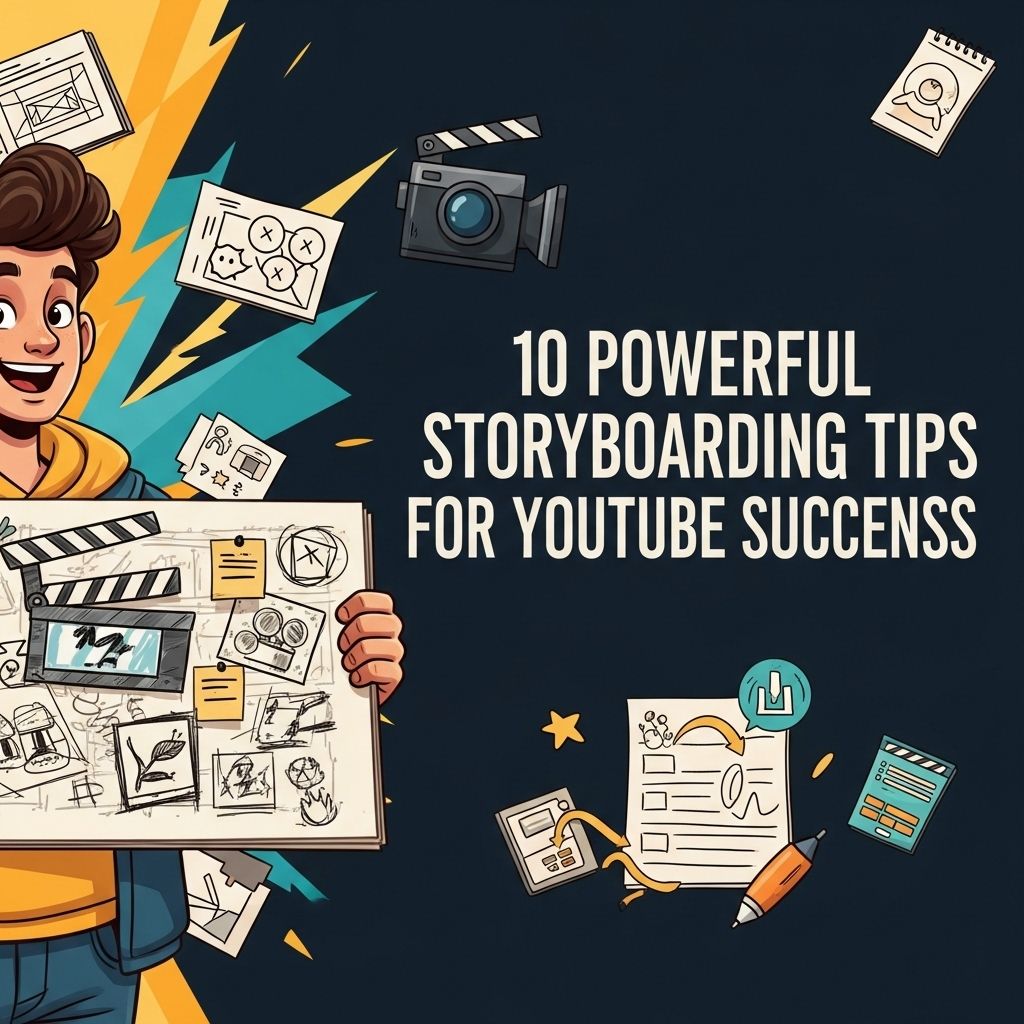
Creating compelling video content is an essential skill for any YouTuber aiming to engage their audience effectively. One of the most crucial steps in the video creation process is storyboarding. A well-structured storyboard helps to clarify your vision, streamline the filming process, and ensures that your final product resonates with viewers. In this article, we will delve into powerful storyboarding tips that can skyrocket your YouTube success.
Creating captivating content on YouTube requires meticulous planning, and one effective way to streamline your creative process is through storyboarding. With a well-structured storyboard, you can visualize your narrative, enhance viewer engagement, and improve the overall quality of your videos. To kickstart your journey, here are 10 powerful storyboarding tips that will help you achieve YouTube success. Additionally, for those interested in enhancing their visual presentations, explore full wrap mug options.
Understanding the Importance of Storyboarding
Storyboarding is a visual planning tool that allows creators to map out their videos in a series of sketches or images. This technique is not just for filmmakers; it’s a vital step for YouTubers as well. Here’s why:
- Clarity: Storyboarding helps you understand your video’s structure, making it easier to convey your message.
- Efficiency: By visualizing each scene, you save time during shooting and editing.
- Audience Engagement: A well-thought-out storyboard helps to create a narrative that captivates viewers.
1. Define Your Goals
Before you start sketching your storyboard, it’s important to define what you want to achieve with your video. Ask yourself:
- What is the purpose of this video?
- Who is my target audience?
- What action do I want viewers to take after watching?
2. Create a Video Outline
A detailed outline serves as the backbone of your storyboard. An outline typically includes:
- Introduction: Hook your audience.
- Main Content: Break down the core message or theme.
- Conclusion: Sum up the key points and provide a call to action.
Sample Outline Format
| Section | Description |
|---|---|
| Intro | Engaging hook with a brief overview of the video. |
| Body | In-depth discussion of main topics with examples. |
| Outro | Encouragement to like, comment, and subscribe. |
3. Visualize Each Scene
Begin sketching or writing down what each scene will look like. Consider including:
- Character positions
- Camera angles
- Key props or visual elements
Using Digital Tools
If you’re not inclined to draw, various digital tools can help you visualize your story. Some popular options include:
- Storyboard That: An easy-to-use online storyboard creator.
- Celtx: A complete pre-production suite.
- Canva: A versatile design tool that can be adapted for storyboarding.
4. Focus on Pacing
The pacing of your video determines how effectively your audience will follow along. Use your storyboard to map out the timing for each segment. Consider the following:
- Allow adequate time for viewers to absorb information.
- Vary the pacing to maintain interest – faster for action and slower for emotional moments.
5. Incorporate Visual Elements
Visual storytelling is key in video creation. Think about the following elements:
- Text Overlays: Use text for emphasis or to highlight important points.
- Graphics and Animations: Leverage visuals to explain complex ideas simply.
- Transitions: Plan smooth transitions between scenes to maintain flow.
6. Collaborate with Others
Bringing in fresh ideas can enhance your storyboard. Consider collaborating with:
- Other YouTubers
- Graphic designers
- Content strategists
7. Seek Feedback
Before heading into production, gather feedback on your storyboard. Share it with trusted friends or your online community and ask for their input. Focus on:
- Clarity of the narrative.
- Engagement level.
- Visual appeal.
8. Revise and Refine
Storyboarding is an iterative process. Don’t hesitate to revise your storyboard based on feedback or new ideas. Remember:
- Keep the core message intact.
- Be flexible with creative elements.
9. Test Your Storyboard
Consider a table read or a simple rehearsal before filming. This will help you gauge pacing and ensure that dialogue flows naturally. Use this time to:
- Identify awkward lines or scenes.
- Test camera angles and lighting.
10. Stay Consistent with Branding
Your storyboard should reflect your brand’s identity. This includes:
- Consistent colors and fonts.
- A recognizable style of video content.
- Branding elements like logos or taglines.
Conclusion
Crafting a successful YouTube video begins with a powerful storyboard. By following the tips above, you can create a clear and engaging blueprint for your content. Remember to keep your audience in mind, be flexible in your creative approach, and always seek to improve your process. As you refine your storyboarding skills, you’ll undoubtedly see a positive impact on your video quality and viewer engagement.
FAQ
What is storyboarding and why is it important for YouTube success?
Storyboarding is the process of visually planning out a video by sketching scenes or organizing ideas. It’s important for YouTube success because it helps to structure the content, ensures a clear narrative, and can save time during filming and editing.
How can I create an effective storyboard for my YouTube videos?
To create an effective storyboard, start by writing a script, then break it down into scenes. Use simple sketches or digital tools to visualize each scene, and include notes on transitions, camera angles, and key dialogue.
What tools can I use for storyboarding my YouTube content?
There are several tools available for storyboarding, including online platforms like Canva, Storyboard That, and Adobe Spark, as well as traditional methods like pen and paper.
Should I include audio and dialogue in my storyboard?
Yes, including audio and dialogue in your storyboard can help you visualize how the final product will sound. This ensures that the pacing and tone of your video align with your vision.
How detailed should my storyboard be for YouTube videos?
The level of detail in your storyboard can vary based on the complexity of the video. For simple videos, stick to basic sketches and key points; for more complex narratives, include detailed descriptions and visual references.
Can storyboarding help improve viewer engagement on YouTube?
Absolutely! A well-structured storyboard can enhance the flow of the video, making it more engaging and easier for viewers to follow, which can lead to increased watch time and higher audience retention.