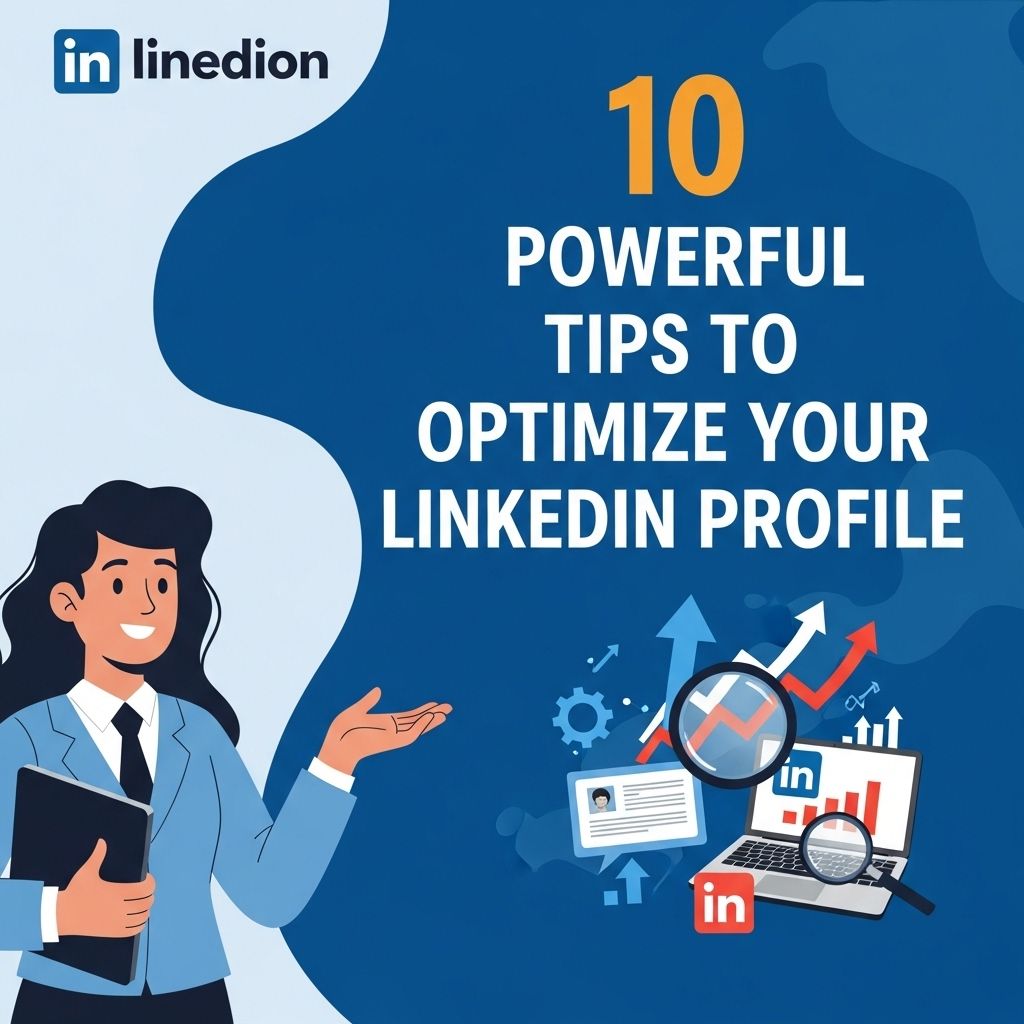
In the current digital age, having a compelling LinkedIn profile is essential for professionals looking to network, showcase their skills, or even secure a new job. LinkedIn is not just a social network; it is a powerful tool that can enhance your professional presence online. Optimizing your profile on this platform can dramatically increase your visibility and make you more appealing to potential employers and connections. Here are ten powerful tips to help you enhance your LinkedIn profile and stand out in a competitive job market.
In today’s competitive job market, your LinkedIn profile can be a game-changer in showcasing your professional brand. By following these 10 powerful tips to optimize your LinkedIn profile, you can enhance visibility, attract opportunities, and make meaningful connections. Whether you’re job hunting or looking to network, a polished LinkedIn presence is essential—explore full wrap mug options.
1. Choose the Right Profile Picture
Your profile picture often serves as the first impression for anyone viewing your profile. Therefore, selecting an appropriate image is critical.
- Avoid casual photos; instead, opt for a professional headshot.
- Ensure your face is clearly visible and occupies about 60% of the frame.
- Dress appropriately for your industry.
- Use a clean, uncluttered background.
2. Craft a Compelling Headline
Your headline is the most visible aspect of your profile, aside from your photo. Aim to create a headline that not only reflects your current position but also showcases your expertise and career aspirations.
Consider the following structure for your headline:
- Your current job title | Key skills or areas of expertise | Value proposition
3. Write an Engaging Summary
The summary section is your opportunity to tell your professional story. Instead of merely listing your skills, consider the following tips:
- Start with a hook to grab attention.
- Use first-person narrative to make it personal.
- Highlight key achievements and experiences.
- Conclude with a call-to-action (e.g., inviting connections).
4. Showcase Your Experience
When detailing your work experience, think beyond basic responsibilities. Consider the following:
- Use bullet points for clarity.
- Quantify achievements with specific metrics (e.g., increased sales by 30%).
- Utilize industry-specific keywords to enhance search visibility.
Sample Format for Work Experience
| Job Title | Company | Duration | Key Achievements |
|---|---|---|---|
| Marketing Manager | ABC Corp | Jan 2020 – Present | Improved engagement by 50% through strategic campaigns. |
| Sales Associate | XYZ Ltd | Jan 2018 – Dec 2019 | Consistently exceeded monthly sales targets by 20%. |
5. Highlight Your Skills
LinkedIn allows you to list various skills, which can improve your profile’s visibility. Here’s how to effectively showcase your skills:
- Select skills relevant to your career goals.
- Prioritize skills by importance, placing the most relevant first.
- Periodically update your skills as you gain new experiences.
6. Collect Recommendations
Recommendations from colleagues and supervisors can significantly bolster your profile’s credibility. Aim to:
- Request recommendations from people who can vouch for your work ethic or skills.
- Offer to write recommendations for others, as it often encourages reciprocation.
- Keep recommendations concise and focused on specific achievements.
7. Engage with Content
- Share relevant articles and insights.
- Comment on posts within your industry.
- Join and participate in relevant groups.
8. Customize Your LinkedIn URL
A custom LinkedIn URL makes it easier for people to find you and adds a professional touch. To create a custom URL:
- Go to your profile settings.
- Select ‘Edit public profile & URL.’
- Choose ‘Edit your custom URL’ and create a memorable link.
9. Stay Updated with Your Profile
- New positions or responsibilities.
- Additional qualifications or certifications.
- Recent projects or accomplishments.
10. Analyze Your Profile’s Performance
- Identify areas for improvement.
- Adjust your content based on who is viewing your profile.
- Track the effectiveness of your engagement strategies.
In conclusion, optimizing your LinkedIn profile is a continuous process that requires effort and attention. By implementing these ten powerful tips, you can enhance your professional online presence, attract the right connections, and increase your visibility to potential employers. Whether you are looking for new opportunities or simply aiming to expand your network, a well-optimized LinkedIn profile can set you apart in the competitive professional landscape.
FAQ
What are the key elements of a strong LinkedIn profile?
A strong LinkedIn profile includes a professional photo, a compelling headline, a detailed summary, relevant experience, and endorsements.
How important is a professional photo for my LinkedIn profile?
A professional photo is crucial as it creates a positive first impression and increases the likelihood of profile visits by 14 times.
What should I include in my LinkedIn headline?
Your LinkedIn headline should include your job title, industry keywords, and a unique value proposition to attract your target audience.
How can I optimize my LinkedIn summary?
Optimize your LinkedIn summary by using keywords related to your industry, showcasing your achievements, and highlighting your career goals.
What role do endorsements and recommendations play on LinkedIn?
Endorsements and recommendations enhance your credibility and showcase your skills and experiences through the validation of others.
How often should I update my LinkedIn profile?
You should update your LinkedIn profile regularly, especially after major career changes, new achievements, or acquiring new skills.