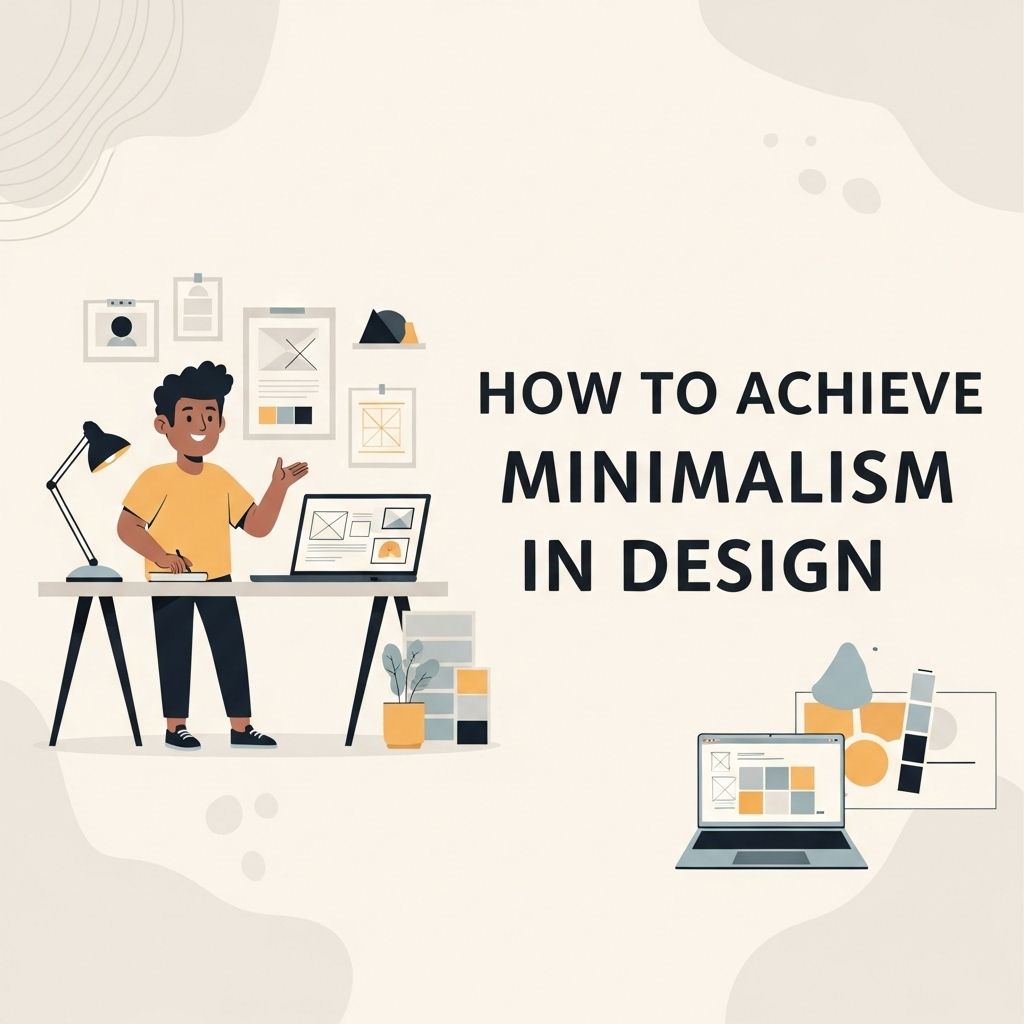
In an era where digital clutter can overwhelm, minimalism in design emerges as a breath of fresh air. This aesthetic emphasizes simplicity and functionality, stripping away the superfluous to highlight what truly matters. By embracing minimalism, designers can create spaces and interfaces that not only look beautiful but also enhance user experience. This article delves into the principles of minimalist design, showcasing strategies and tools to achieve a clean, functional aesthetic.
Mastering minimalism in design is about stripping away the unnecessary to showcase clarity and purpose. This guide provides essential principles and techniques to help you create impactful, clean designs that resonate with your audience. To dive deeper into the world of design, learn more about design.
Understanding Minimalism
Minimalism is more than just a design trend; it is a philosophical approach that advocates for simplicity and the removal of excess. In design, this translates to:
- Neutral color palettes
- Simple geometric shapes
- Functional spaces devoid of clutter
- A focus on typography and white space
By stripping away non-essential elements, designers can provide clarity and focus to users, allowing them to engage with the content without distraction.
Key Principles of Minimalist Design
To implement minimalism effectively, consider these key principles:
1. Less is More
This iconic phrase encapsulates the essence of minimalism. Eliminating unnecessary components allows the design to shine, honing in on the main message or function without distractions.
2. Functional Aesthetics
Each element in a minimalist design should serve a purpose. This ties into the concept of functional aesthetics, where beauty and utility coexist harmoniously.
3. White Space
Also known as negative space, white space is critical in minimalist design. It provides breathing room for elements on the page, enhancing readability and the overall user experience. Proper use of white space can:
- Draw attention to key components
- Create a sense of balance
- Improve comprehension
4. Limited Color Palette
Minimalism often employs a neutral color palette with occasional splashes of color for emphasis. A limited palette helps to unify the design while ensuring that any color used stands out effectively.
5. Typography
With fewer visual elements to work with, typography becomes a central focus in minimalist design. Selecting the right typeface can significantly impact the design’s clarity and appeal. Consider the following:
- Choose legible fonts
- Use varying font weights for hierarchy
- Limit the number of different fonts
Steps to Achieve Minimalism in Your Design Projects
Transitioning to a minimalist design approach involves several practical steps:
Step 1: Define Your Objectives
Before starting any design project, clarify your objectives. Understand the message you want to convey and the target audience. This sets the groundwork for a focused design.
Step 2: Prioritize Content
Identify the most important content that aligns with your objectives. Prioritizing content allows you to eliminate distractions and focus on delivering a clear message.
Step 3: Create a Wireframe
Wireframes serve as the skeletal framework for your design. Focus on layout and structure, ensuring each element has a specific purpose. Tools like Figma and Sketch can help streamline this process.
Step 4: Choose Your Elements Wisely
When selecting images, colors, and typography, adhere to the principles of minimalism. Opt for high-quality images with a clear purpose, a limited color palette, and a few well-chosen typefaces.
Step 5: Embrace Feedback
Gather feedback from peers or potential users. This can help you identify areas of clutter that may have been overlooked and provide insights into enhancing usability.
Tools for Minimalist Design
Numerous tools can facilitate the creation of minimalist designs:
| Tool | Purpose | Features |
|---|---|---|
| Figma | Design and prototyping | Collaborative design, vector graphics, and responsive design |
| Sketch | User interface design | Plugins, symbols for reuse, and grid layouts |
| Adobe XD | Wireframing and prototyping | Interactive prototypes, voice design, and sharing options |
| Canva | Graphic design | Templates, easy-to-use interface, and stock images |
Case Studies in Minimalist Design
Examining successful minimalist designs can provide inspiration and insight. Here are a few notable examples:
1. Apple
Apple’s product design epitomizes minimalism, focusing on smooth lines, a limited color palette, and intuitive interfaces. The simplicity of Apple products allows users to engage with the technology effortlessly.
2. Google Homepage
The Google homepage is a classic example of minimalist design. The stripped-down aesthetic emphasizes functionality, allowing users to search seamlessly without distraction.
3. Muji
Muji’s product design embodies minimalism in everyday products, focusing on functionality and simple aesthetic appeal. Each item reflects the brand’s philosophy of simplicity without sacrificing quality.
Challenges in Minimalist Design
While minimalism offers significant advantages, it also presents several challenges:
1. Striking the Right Balance
Finding the right balance between simplicity and functionality can be tricky. Over-simplifying may lead to a lack of clarity or usability.
2. Misinterpretation of Minimalism
Some might confuse minimalism with a lack of creativity or personality. Ensuring that a minimalist design still resonates with the brand’s identity is crucial.
3. User Expectations
Users may have preconceived notions about design aesthetics. Ensuring that a minimalist approach meets user expectations while challenging traditional norms can be a fine line to walk.
Conclusion
Embracing minimalism in design offers an opportunity to create engaging, functional spaces that resonate with audiences. By focusing on essential elements and stripping away the unnecessary, designers can enhance user experience and foster clarity. As technology and design continue to evolve, minimalism remains a timeless approach, encouraging us to appreciate the beauty of simplicity.
FAQ
What is minimalism in design?
Minimalism in design refers to a style that emphasizes simplicity and the removal of unnecessary elements, focusing on the essentials to create a clean and uncluttered look.
What are the key principles of minimalist design?
Key principles of minimalist design include simplicity, functionality, balance, and the use of space. It often involves a limited color palette and the elimination of excess.
How can I start incorporating minimalism into my design projects?
To incorporate minimalism, start by identifying the core message you want to convey, remove any non-essential elements, and focus on a clean layout with ample white space.
What color schemes work best for minimalist designs?
Minimalist designs typically use neutral colors such as whites, grays, and blacks, often accented with a single bold color to create contrast and interest.
Are there any tools or resources for minimalist design?
Yes, there are many tools like Adobe XD, Figma, and Sketch that can help you create minimalist designs. Additionally, design blogs and courses can offer inspiration and guidance.
Can minimalism be applied to all types of design?
Yes, minimalism can be applied to various design types including graphic design, web design, interior design, and product design, enhancing the overall user experience.