PSD Mockup
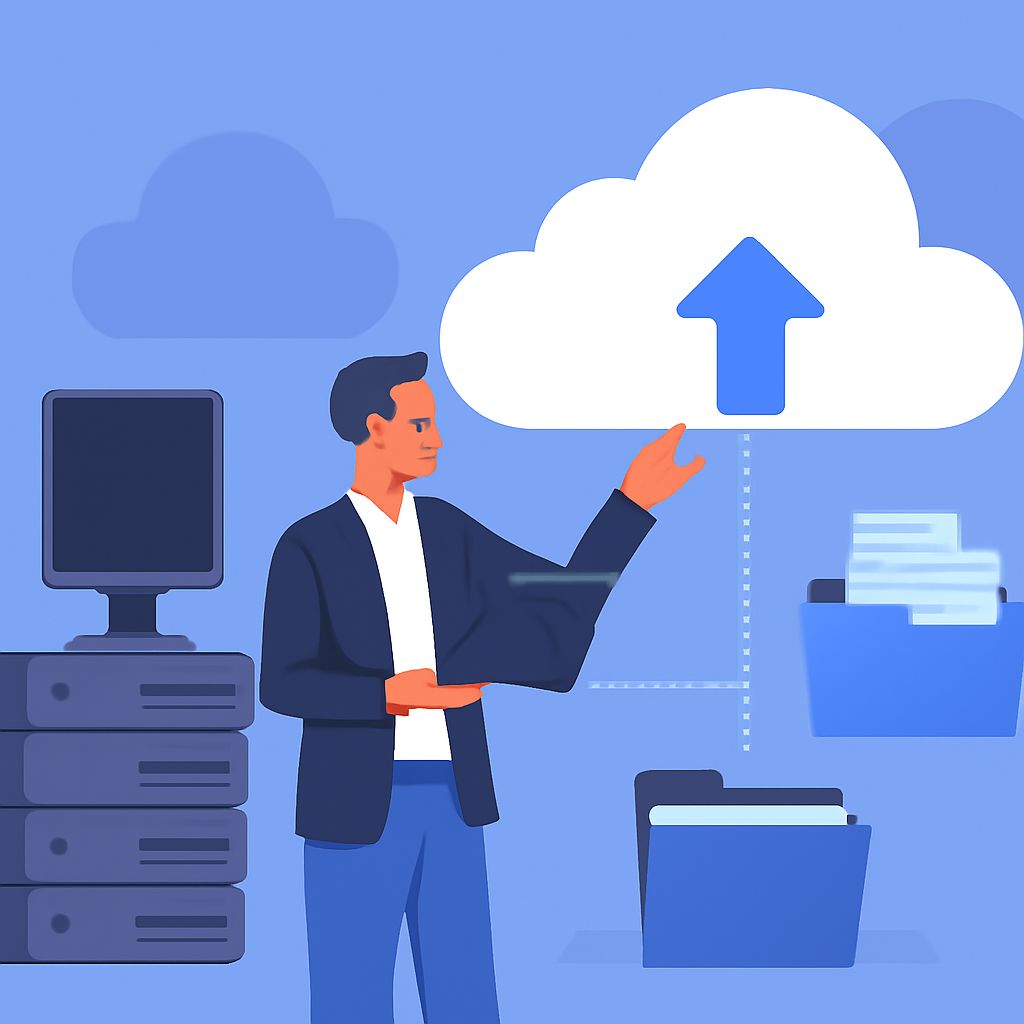
Transform Your Legacy Systems with Cloud Migration
In today’s fast-paced digital environment, many organizations are facing the challenge of maintaining outdated legacy systems. These systems, often built on older technologies, can hinder agility, increase costs, and limit innovation. Migrating to the cloud presents a transformative opportunity to modernize IT infrastructure, optimize operations, and enhance overall performance. This article delves into the benefits of cloud migration, the steps you need to take, and best practices to successfully transition your legacy systems.
Understanding Legacy Systems
Legacy systems refer to outdated computing systems, software, or applications that remain in use even though more efficient and modern solutions are available. These systems can be critical to business operations, but they often face limitations:
- High Maintenance Costs: Maintaining legacy systems can be expensive due to the need for specialized skills and outdated hardware.
- Incompatibility: Legacy systems may not integrate well with newer technologies and applications.
- Limited Scalability: As organizations grow, legacy systems may struggle to scale effectively.
- Security Risks: Older systems are more vulnerable to security breaches, requiring constant vigilance and updates.
The Importance of Cloud Migration
Cloud migration refers to the process of moving data, applications, and other business elements from on-premises infrastructure to a cloud-based environment. Here are the key reasons why migrating legacy systems to the cloud is becoming increasingly essential:
1. Cost Efficiency
By moving to the cloud, organizations can significantly reduce their IT expenses. Instead of investing in costly hardware and maintenance, they can leverage cloud service providers that offer pay-as-you-go or subscription-based pricing models.
2. Enhanced Flexibility and Scalability
The cloud allows businesses to scale resources up or down based on their needs. This flexibility enables organizations to respond quickly to market demands, ensuring they are always equipped to handle fluctuations in workload.
3. Improved Security
Cloud service providers prioritize security and often provide higher-level security protocols than most in-house systems. They offer regular updates and maintenance, ensuring that data is protected against emerging threats.
4. Greater Collaboration
Cloud-based systems enhance collaboration by providing employees with access to the tools and data they need from anywhere, promoting a more productive workforce.
5. Accelerated Innovation
By adopting cloud technologies, organizations can take advantage of advanced technologies such as artificial intelligence, machine learning, and analytics, enabling faster decision-making and innovation.
Steps to Migrate Legacy Systems to the Cloud
Transforming legacy systems through cloud migration involves a series of strategic steps. Here’s a guide to ensure a successful migration:
1. Assessment and Planning
The first step is to assess current systems, applications, and workflows. Identify which components can be migrated to the cloud and which may need to be replaced. Consider the following:
- Evaluate the business needs and objectives.
- Identify critical applications and data.
- Analyze existing infrastructure for potential bottlenecks.
2. Choose the Right Cloud Model
Select a cloud deployment model that aligns with your organization’s goals. The main models include:
| Cloud Model | Description | Best For |
|---|---|---|
| Public Cloud | Services offered over the public internet and shared across multiple clients. | Organizations seeking cost-effective solutions without stringent compliance requirements. |
| Private Cloud | Dedicated infrastructure for a single organization, offering greater control and security. | Businesses with strict compliance needs or sensitive data. |
| Hybrid Cloud | A combination of public and private clouds, allowing data and applications to move between them. | Organizations needing flexibility and scalability while maintaining control over sensitive workloads. |
3. Data Migration Strategy
Develop a data migration strategy that outlines how data will be transferred to the cloud. Consider the following methods:
- Rehosting (Lift and Shift): Moving applications directly to the cloud with minimal changes.
- Refactoring: Making some optimizations to applications to enhance their performance in the cloud.
- Rebuilding: Completely rewriting applications to take full advantage of cloud features.
4. Implement Security Measures
Prioritize security throughout the migration process. Establish a robust security framework that includes the following:
- Data encryption
- Access controls
- Regular security audits
- Compliance with regulations such as GDPR or HIPAA
5. Testing and Validation
Before fully deploying migrated applications, conduct thorough testing to ensure that all functionalities work as expected. Validate performance, security, and data integrity before launching.
6. Training and Change Management
Involve your team in the migration process by providing training on new systems and processes. Effective change management strategies can help minimize resistance and facilitate a smooth transition.
Best Practices for Cloud Migration
To ensure the success of your cloud migration project, consider the following best practices:
- Engage Stakeholders Early: Involve key stakeholders from the beginning to secure their support and address any concerns.
- Iterative Approach: Utilize an iterative migration approach, migrating in phases rather than all at once to mitigate risks.
- Monitor Performance: After migration, continuously monitor the performance of applications to identify and resolve any issues.
- Document Everything: Maintain detailed documentation of the migration process, challenges faced, and solutions implemented for future reference.
Conclusion
Cloud migration offers organizations an opportunity to transform legacy systems and optimize their IT infrastructure. By understanding the benefits, following a structured migration approach, and adopting best practices, businesses can harness the power of the cloud to drive innovation, enhance security, and improve operational efficiency. Embrace this change to stay competitive and agile in an ever-evolving digital landscape.
FAQ
What is cloud migration?
Cloud migration refers to the process of moving data, applications, and other business elements from on-premises infrastructure to a cloud-based environment.
Why should businesses consider cloud migration?
Businesses should consider cloud migration to benefit from improved scalability, cost savings, enhanced security, and increased collaboration capabilities.
What are the main challenges of migrating legacy systems to the cloud?
The main challenges include data compatibility, the complexity of legacy systems, potential downtime during migration, and ensuring security and compliance.
How long does the cloud migration process typically take?
The duration of cloud migration varies based on the size and complexity of the systems involved; it can range from a few weeks to several months.
What are the best practices for a successful cloud migration?
Best practices include thorough planning, conducting a cost-benefit analysis, ensuring data security, and providing training for staff on new systems.
Can all legacy systems be migrated to the cloud?
Not all legacy systems can be directly migrated; some may require refactoring or rebuilding to be compatible with cloud environments.