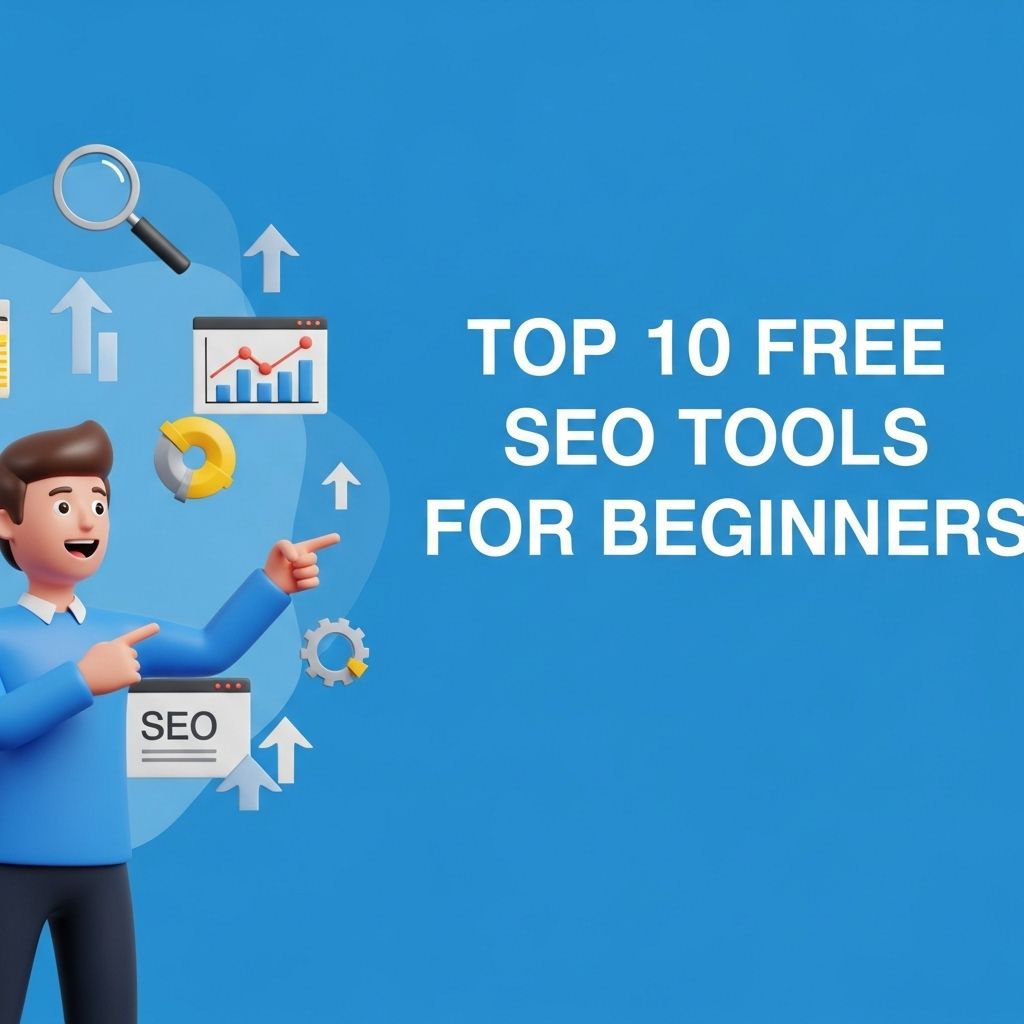
In the world of digital marketing, SEO (Search Engine Optimization) is an essential skill for driving traffic to websites and enhancing online visibility. For beginners, diving into SEO can be overwhelming due to the sheer volume of tools available. However, several free tools offer tremendous value without requiring a financial investment. This article will explore the top 10 free SEO tools that every beginner should consider to get started on their SEO journey.
For beginners venturing into the world of SEO, utilizing free tools can significantly enhance website performance and visibility. In this guide, we’ll explore the top 10 free SEO tools that simplify the optimization process, helping you adhere to best practices for website design while boosting your site’s search engine rankings.
1. Google Search Console
Google Search Console is a must-have tool for anyone looking to improve their website’s SEO. This free service from Google allows you to monitor your site’s presence in Google search results.
Key Features:
- Performance Tracking: Check which queries bring users to your site.
- URL Inspection: Analyze specific URLs to see how Google views them.
- Sitemap Submission: Submit your sitemap for better indexing.
2. Google Analytics
Google Analytics is another powerful tool that provides insights into your website’s traffic and user behavior. Understanding these metrics is essential for optimizing your site.
Key Features:
- User Demographics: Learn about the demographics and interests of your visitors.
- Traffic Sources: Identify where your traffic is coming from.
- Behavior Flow: Analyze how users navigate through your site.
3. Ubersuggest
Ubersuggest is a versatile tool created by Neil Patel that offers keyword suggestions, traffic estimates, and SEO analysis for any website.
Key Features:
- Keyword Suggestions: Generate new keyword ideas based on your main topic.
- Domain Overview: Analyze your competitors to find out what’s working for them.
- Content Ideas: Discover popular content based on specific keywords.
4. Moz Link Explorer
Moz Link Explorer provides insights into your website’s link profile and authority. While it has a paid tier, the free version offers valuable information.
Key Features:
- Link Analysis: Assess your backlinks and those of your competitors.
- Domain Authority: Understand how authoritative your domain is compared to others.
- Spam Score: Identify potentially harmful links.
5. SEMrush (Free Version)
SEMrush is a comprehensive SEO tool that offers a free version with limited features. It’s excellent for beginners to understand various aspects of SEO.
Key Features:
- Keyword Research: Find keywords based on search volume and competition.
- Site Audit: Identify SEO issues on your site.
- Traffic Analysis: Estimate the traffic of competitor websites.
6. Ahrefs Webmaster Tools
Ahrefs is renowned for its link-building analysis, and their free Webmaster Tools offer essential features for website owners.
Key Features:
- Site Audit: Get a health score for your website based on SEO metrics.
- Backlink Checker: Analyze the backlinks pointing to your site.
- Domain Comparison: Compare your site’s performance with competitors.
7. AnswerThePublic
AnswerThePublic is a unique tool that visualizes search queries and questions related to specific keywords, providing insight into user intent.
Key Features:
- Question Generation: Discover what questions people are asking about your topic.
- Keyword Ideas: Generate long-tail keywords based on common queries.
- Visualization: Get a visual representation of search queries.
8. Yoast SEO (for WordPress)
If you’re using WordPress, the Yoast SEO plugin is invaluable. While it has premium features, the free version offers robust SEO capabilities.
Key Features:
- Content Analysis: Receive real-time feedback on content readability and SEO.
- Meta Tag Management: Easily manage titles, descriptions, and keywords.
- XML Sitemaps: Automatically generate sitemaps for your site.
9. GTmetrix
Page speed is crucial for SEO, and GTmetrix helps analyze your website’s speed and performance, providing recommendations for improvement.
Key Features:
- Performance Metrics: Get insights into load times, requests, and page sizes.
- Recommendations: Receive specific advice on how to enhance your site’s speed.
- Historical Data: Track your site’s performance over time.
10. Rank Math (for WordPress)
Rank Math is a newer SEO plugin for WordPress that offers a range of features to optimize your site for search engines.
Key Features:
- Easy Configuration: Setup wizard to configure your site with ease.
- SEO Analysis: Comprehensive analysis of on-page SEO elements.
- Rich Snippets: Supports schema markup for enhanced search visibility.
Conclusion
Starting your SEO journey doesn’t have to be expensive. With these top 10 free tools, beginners can lay a strong foundation in SEO and gradually build their skills and strategies. By utilizing these resources, you will not only improve your website’s visibility but also gain valuable insights that can drive your digital marketing efforts forward.
FAQ
What are the best free SEO tools for beginners?
Some of the best free SEO tools for beginners include Google Analytics, Google Search Console, Ubersuggest, MozBar, and Answer The Public.
How can Google Analytics help with SEO?
Google Analytics helps track website traffic, user behavior, and conversion rates, allowing beginners to analyze which SEO strategies are working.
Is Ubersuggest a good tool for keyword research?
Yes, Ubersuggest is an excellent free tool for keyword research, providing insights on keyword volume, competition, and related keywords.
Can I use Google Search Console for SEO audits?
Absolutely! Google Search Console helps identify website issues, monitor search performance, and optimize for better rankings.
What is MozBar and how can it assist in SEO?
MozBar is a browser extension that provides instant metrics on any webpage, helping beginners evaluate SEO performance and competition.
Are there any limitations to using free SEO tools?
Yes, free SEO tools often have limitations in terms of features, data access, and usage frequency compared to their premium counterparts.