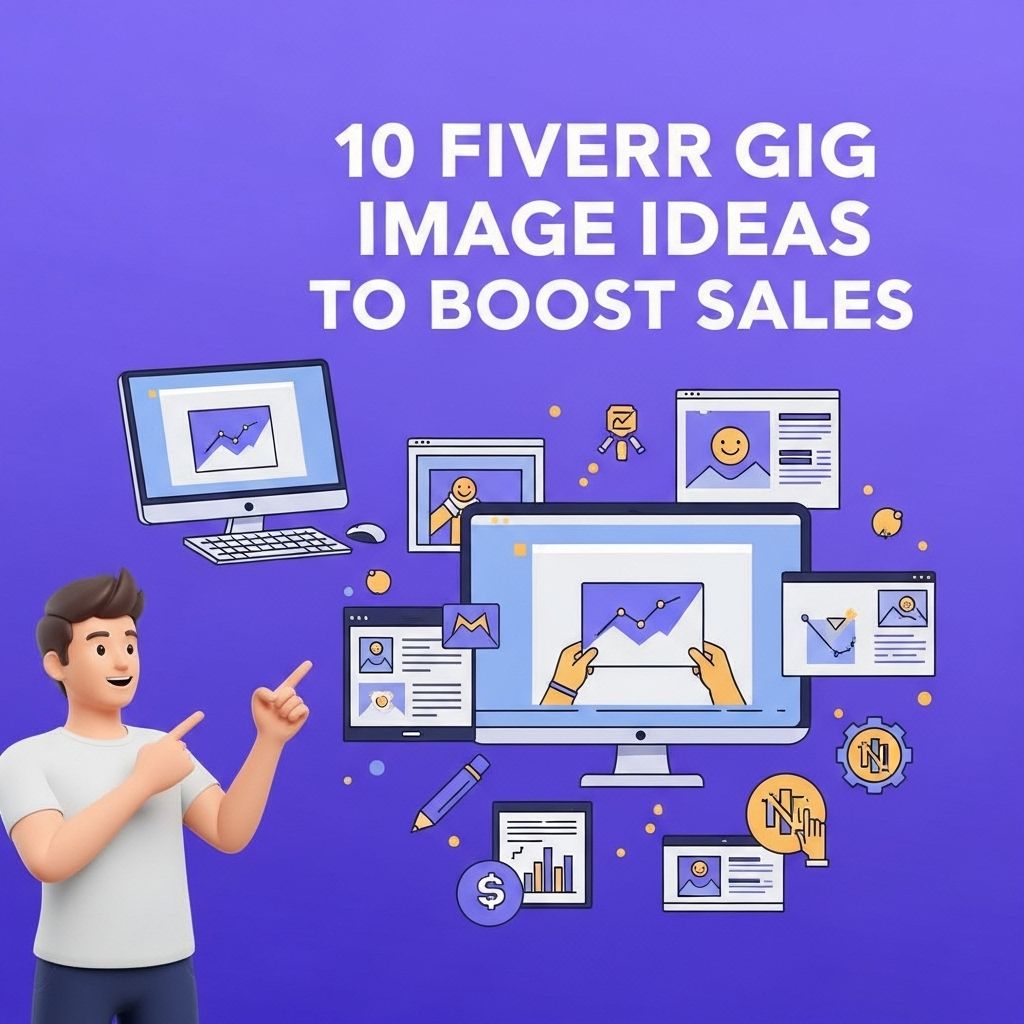
In the competitive world of freelancing, especially on platforms like Fiverr, the importance of a captivating gig image cannot be overstated. Your gig image is often the first impression potential clients will have of your services, and it can significantly influence their decision to click on your listing or scroll past it. In this article, we will explore ten innovative Fiverr gig image ideas that can help you stand out from the crowd and boost your sales.
Creating eye-catching Fiverr gig images is essential for attracting clients and boosting sales. This article explores 10 creative ideas that can help you design compelling visuals that showcase your services effectively. For insights on enhancing your online presence, consider resources focused on improving user experience on websites.
The Psychology of Gig Images
Before diving into the specific ideas, let’s briefly discuss why gig images matter. A strong gig image can:
- Capture attention quickly
- Convey professionalism
- Reflect the quality of your work
- Establish brand identity
Now that we understand the importance of gig images, let’s look at some effective strategies.
1. Use Bold Colors
Colors can evoke emotions and grab attention. Consider using bright, bold colors that contrast well with each other to make your gig image pop. Here’s how you can implement this idea:
- Choose a vibrant background color.
- Use contrasting colors for text and icons.
- Avoid overly complex designs that can distract from the message.
2. Incorporate High-Quality Images
Using high-resolution images can enhance the perceived quality of your gig. Make sure to:
- Use professional photos or graphics.
- Avoid pixelated or blurry images.
- Consider stock images that relate to your service.
3. Showcase Your Work
Demonstrating your skills through your gig image is crucial. You can:
- Create a collage of your best work.
- Include before-and-after images for services like graphic design or writing.
- Feature customer testimonials as overlays on your images.
4. Use Clear and Readable Fonts
The text on your gig image should be legible even in small sizes. Here are some tips:
- Choose sans-serif fonts for a modern look.
- Keep font sizes large and easy to read.
- Limit the number of different fonts to maintain clarity.
5. Add a Personal Touch
Introducing yourself can help create a connection with potential clients. Consider:
- Including a professional photo of yourself.
- Using a friendly and approachable design.
- Adding your name and a tagline that summarizes your service.
6. Utilize Infographics
Infographics can be an excellent way to convey complex information simply and visually. You can:
- Summarize your services in a visually appealing format.
- Use icons and charts to illustrate benefits.
- Ensure your infographic matches your branding.
7. Create Seasonal Variations
Updating your gig image for seasonal occasions can attract more attention. Think about:
- Designing themed images for holidays (Christmas, Halloween).
- Creating seasonal promotions (e.g., summer sale).
- Incorporating seasonal colors and symbols.
8. Emphasize Call-to-Action
Encouraging potential clients to click through is key. You can:
- Include a strong call-to-action in your image (e.g., “Order Now!”).
- Use arrows or design elements that draw attention to the call-to-action.
- Make sure your CTA is concise and compelling.
9. Use Mockups for Services
For services like web design or product design, using mockups can help clients visualize the final product. Consider:
- Creating mockups of websites, apps, or logos.
- Using digital devices (like phones or laptops) to showcase your work.
- Ensuring the mockups are professionally designed and relevant.
10. Test and Iterate
Finally, one of the best ways to find out what works is to test different images. You can:
- Use A/B testing to compare different gig images.
- Monitor your click-through rates and sales.
- Iterate based on data to improve your images over time.
Conclusion
Your gig image is a powerful tool in attracting clients on Fiverr. By implementing these ten ideas, you can create captivating images that not only catch the eye but also communicate your professionalism and quality. Remember, the goal is to convey the value of your services and inspire potential clients to take action. Don’t underestimate the impact a well-designed gig image can have on your overall sales and success on freelance platforms.
FAQ
What are effective Fiverr gig image ideas to attract buyers?
Effective Fiverr gig image ideas include showcasing your work in a visually appealing way, using vibrant colors, incorporating text overlays that highlight key benefits, and using before-and-after comparisons.
How important is a gig image for sales on Fiverr?
A gig image is crucial for sales on Fiverr, as it is the first thing potential buyers see and can significantly influence their decision to click on your gig.
Can I use stock images for my Fiverr gig?
While you can use stock images, it is recommended to use original images of your work to better showcase your skills and build trust with potential clients.
What size should my Fiverr gig images be?
Fiverr recommends that gig images be at least 550 pixels by 370 pixels for optimal display on the platform.
How can I make my Fiverr gig image stand out?
You can make your Fiverr gig image stand out by using bold colors, clear fonts, and including unique design elements that reflect your personal brand or style.
Should I update my Fiverr gig images regularly?
Yes, updating your Fiverr gig images regularly can help keep your offerings fresh and may improve your visibility and sales on the platform.