

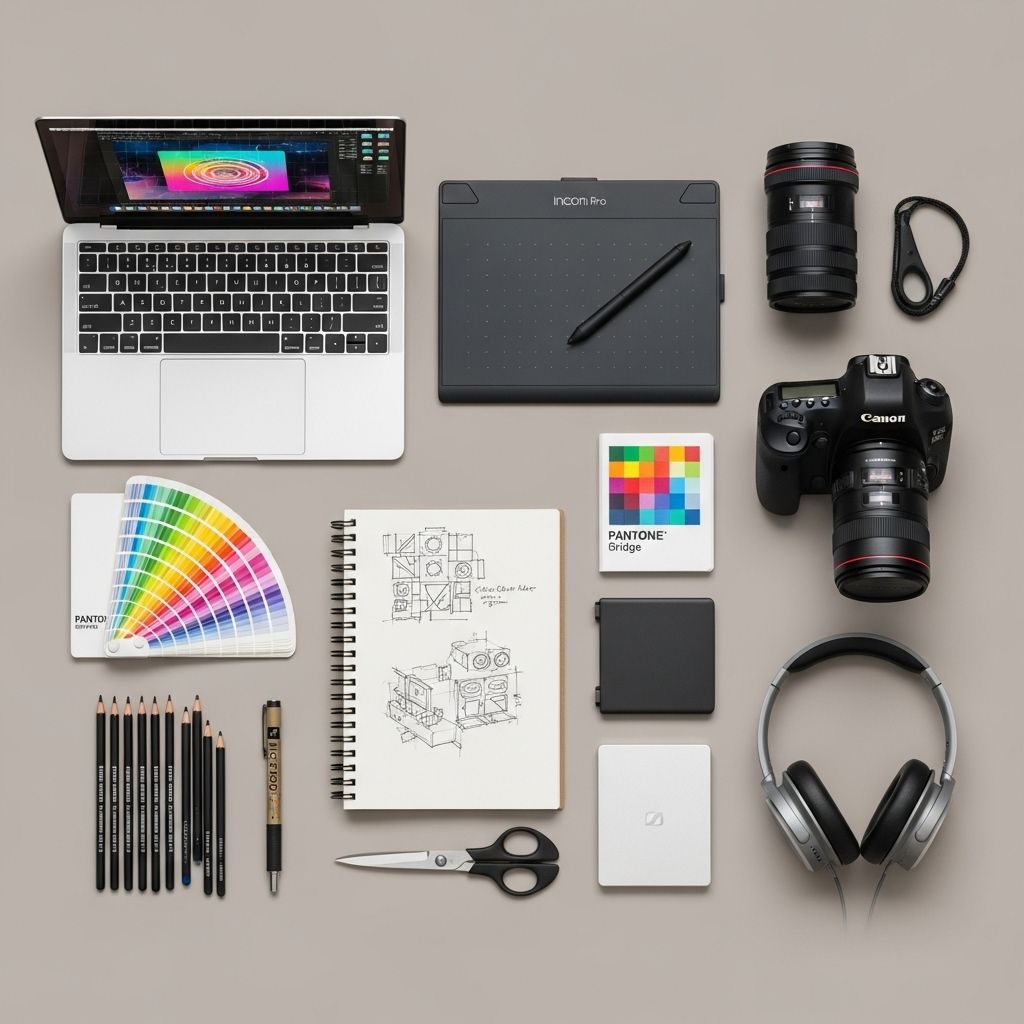
Building a stunning graphic design portfolio is essential for any designer looking to showcase their skills and attract clients. A well-crafted portfolio highlights your creativity, versatility, and unique approach to design. However, simply gathering your work is not enough; you need the right tools to present it in a professional and engaging manner. In this article, we will explore ten must-have tools that will elevate your graphic design portfolio and help you stand out in a competitive market.
Creating an impressive graphic design portfolio requires the right tools to showcase your best work effectively. From layout inspirations to presentation software, each tool plays a crucial role in crafting a visually appealing online presence. For fantastic ideas on how to structure your design, check out these website layout inspirations.
1. Adobe Creative Cloud
No graphic designer’s toolkit is complete without Adobe Creative Cloud. This suite includes powerful applications, such as:
- Adobe Photoshop
- Adobe Illustrator
- Adobe InDesign
These tools are essential for creating and editing graphics, layouts, and illustrations. The versatility of Adobe Creative Cloud allows designers to work with various media formats seamlessly.
2. Behance
Behance is a popular platform for showcasing creative work. It allows you to create a visually appealing online portfolio that can be shared with potential clients and employers. Key features include:
- Easy project uploads
- Networking opportunities with other creatives
- Integration with Adobe Creative Cloud
Pros and Cons of Behance
| Pros | Cons |
|---|---|
| Wide audience reach | Highly competitive |
| Free to use | Limited customization options |
3. Dribbble
Dribbble is another fantastic platform for designers, allowing them to share small snippets of their work. It’s a community-driven platform that lets you connect with other designers and receive feedback. Key benefits include:
- Showcase design work in progress
- Engage with potential clients
- Join design challenges and gain exposure
4. Adobe Portfolio
For designers who want a hassle-free way to create a custom portfolio website, Adobe Portfolio is an excellent choice. It offers:
- Easy integration with Adobe Creative Cloud
- Responsive design templates
- Custom domain options
Adobe Portfolio allows you to showcase your work beautifully while maintaining a professional appearance.
5. Canva
Canva is a user-friendly graphic design tool that’s perfect for quick and easy design projects. It features:
- A vast library of templates
- Drag-and-drop functionality
- Collaboration tools for teams
While Canva is not a replacement for professional design software, it’s a great tool for creating marketing materials, social media graphics, and presentations.
6. Sketch
Sketch is a powerful vector design application ideal for designing user interfaces and web layouts. Its notable features include:
- Intuitive interface
- Symbols for reusable design elements
- Easy export options
This tool is particularly popular among UI/UX designers, making it a valuable addition to your portfolio toolkit.
7. Figma
Figma is a collaborative interface design tool that allows multiple users to work on the same project simultaneously. Key features include:
- Cloud-based access
- Real-time collaboration
- Extensive design libraries
Figma is an excellent choice for teams and individuals looking to streamline their design workflow.
8. Google Drive
Google Drive serves as a secure cloud storage solution for designers. It allows you to:
- Store and organize your portfolio files
- Share files effortlessly with clients and collaborators
- Access documents from anywhere
Google Drive ensures that your work is backed up and easily accessible, making it a must-have for any graphic designer.
9. 500px
If photography is a significant part of your graphic design portfolio, 500px is an excellent platform to showcase your images. Benefits include:
- High-quality photography community
- Exposure to photography enthusiasts
- Portfolio and print sales options
Utilizing 500px can enhance your portfolio by adding stunning visual elements.
10. Personal Website
A personal website serves as your online home and can be an effective way to showcase your portfolio. Essential components include:
- A portfolio section with your best work
- About me page detailing your background
- Contact information for potential clients
Investing time in creating a well-structured website can significantly boost your visibility and credibility as a designer.
Conclusion
In the fast-evolving world of graphic design, having the right tools at your disposal can make all the difference. Utilizing a combination of these ten must-have tools will not only enhance the presentation of your work but also streamline your design process. Whether you’re an experienced designer or just starting, leveraging these resources can help you create a standout portfolio that attracts attention and showcases your talent.
FAQ
What are the essential tools for building a graphic design portfolio?
Key tools include Adobe Creative Suite, Canva, Behance, Dribbble, and portfolio website builders like Squarespace or Wix.
How can I showcase my graphic design work effectively?
Use high-quality images, a clean layout, and categorize your projects to highlight your skills and style.
Is it necessary to have a physical portfolio as a graphic designer?
While digital portfolios are more common, having a physical portfolio can be beneficial for in-person interviews or presentations.
What should I include in my graphic design portfolio?
Include a variety of your best work, case studies, project descriptions, and your design process to demonstrate your skills and thought process.
How often should I update my graphic design portfolio?
Aim to update your portfolio regularly, ideally every few months, to reflect your latest work and skills.
Can I use social media to promote my graphic design portfolio?
Yes, platforms like Instagram, Pinterest, and LinkedIn are excellent for showcasing your work and connecting with potential clients.








