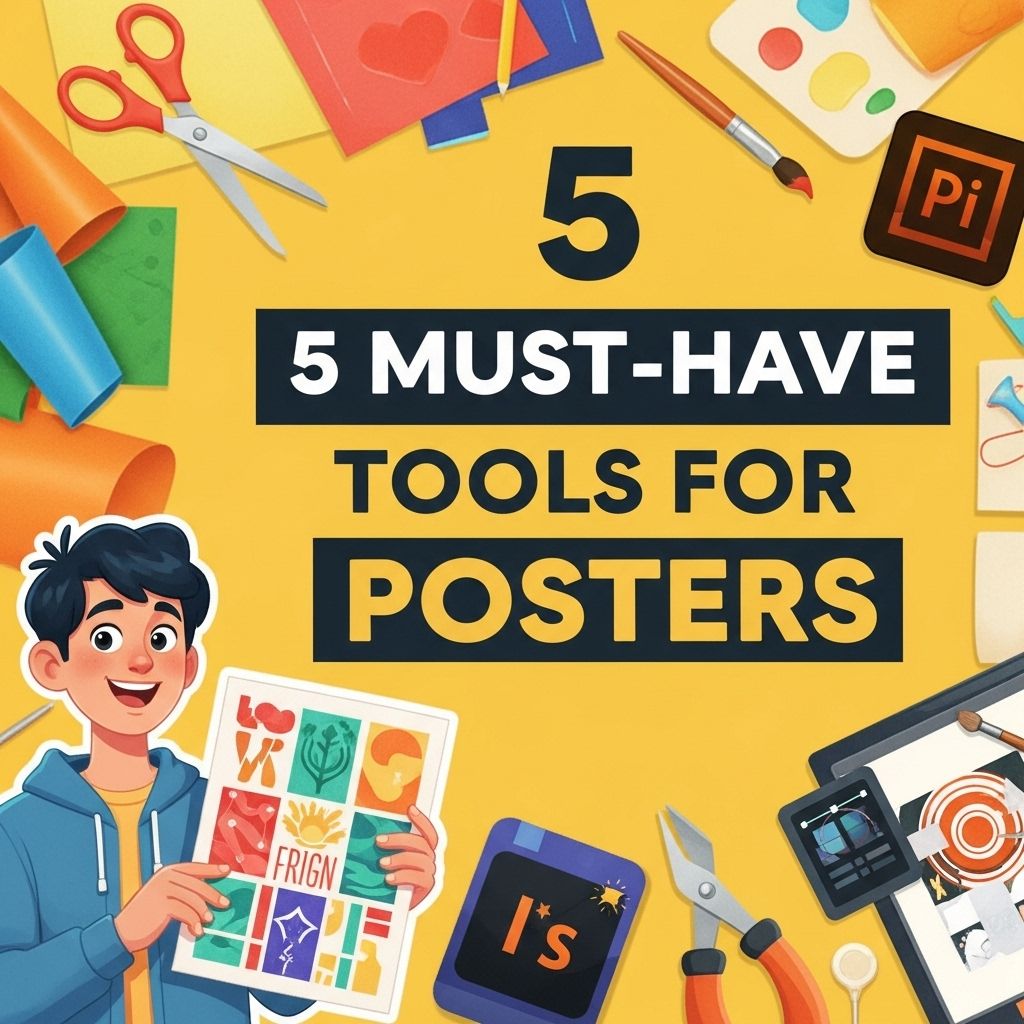
Creating visually appealing posters requires a blend of creativity and the right tools. Whether you’re designing for an event, a campaign, or personal expression, the tools you choose can significantly impact the effectiveness of your design. In this article, we will explore ten essential poster-making tools that every designer should consider.
Creating eye-catching posters is an art that requires the right tools to bring your vision to life. From design software to free resources, leveraging essential tools can streamline your creative process. For instance, discover creative mug mockups to enhance your promotional materials.
Graphic Design Software
At the core of poster-making is graphic design software. These programs offer extensive features that allow for precise design and creativity.
1. Adobe Illustrator
Adobe Illustrator is a vector graphics editor that allows for unparalleled design capabilities. Some of its standout features include:
- Scalability of designs without loss of quality
- A vast range of tools for illustration and typography
- Integration with other Adobe products
2. Canva
Canva is a user-friendly web-based design tool ideal for beginners and professionals alike. Its key features include:
- Pre-made templates for countless design scenarios
- Drag-and-drop interface
- Collaboration features for team projects
Image Editing Tools
Incorporating images into your posters can enhance their visual appeal. Editing tools help in customizing images to better fit your design.
3. Adobe Photoshop
Adobe Photoshop is renowned for its robust photo editing capabilities. Important features include:
- Advanced editing and retouching tools
- Layer management for complex designs
- A plethora of filters and effects
4. GIMP
An open-source alternative to Photoshop, GIMP offers a wide range of features, including:
- Customizable interface
- Support for various file formats
- Extensive plugin library
Color and Font Management
The right color scheme and typography can make or break a poster. Tools dedicated to these aspects are crucial.
5. Adobe Color
This tool helps in creating color schemes that resonate with the intended message. Key features include:
- Color wheel for generating palettes
- Option to explore trending color combinations
- Integration with Adobe design tools
6. Google Fonts
A vast repository of free fonts, Google Fonts allows designers to choose typography that complements their designs effectively. Benefits include:
- Web-safe fonts for online use
- Extensive categorization for fonts
- Easy integration into web projects
Printing and Production Tools
Once the design is complete, it’s important to consider how the poster will be printed. Tools that assist in this process can enhance the final product.
7. Adobe InDesign
Adobe InDesign is perfect for layout design, especially for printed materials. Its features include:
- Robust layout options for multi-page documents
- Text management tools for large bodies of text
- Export options optimized for print and digital formats
8. Print Studio Pro
This tool simplifies the printing process, especially for large-format prints. It offers:
- Easy-to-use interface for setting print parameters
- Previews of prints to ensure quality
- Integration with various printing services
Collaboration and Feedback Tools
Getting feedback on your designs is essential for improvement. Collaboration tools help streamline this process.
9. Trello
A project management tool that facilitates collaboration among team members. Features include:
- Boards and cards for organizing tasks
- Comment sections for feedback
- Integration with other design tools
10. Slack
Slack is an effective communication platform for teams working on poster designs. Its capabilities include:
- Channels for organized discussions
- File sharing for easy access to design drafts
- Integration with various tools for project management
Conclusion
With the right tools, anyone can create stunning posters that communicate effectively and attract attention. By leveraging software for design, image editing, color management, printing, and collaboration, you can streamline your poster-making process and produce professional-quality results. Explore these must-have tools and elevate your design game today.
FAQ
What are the essential tools for making posters?
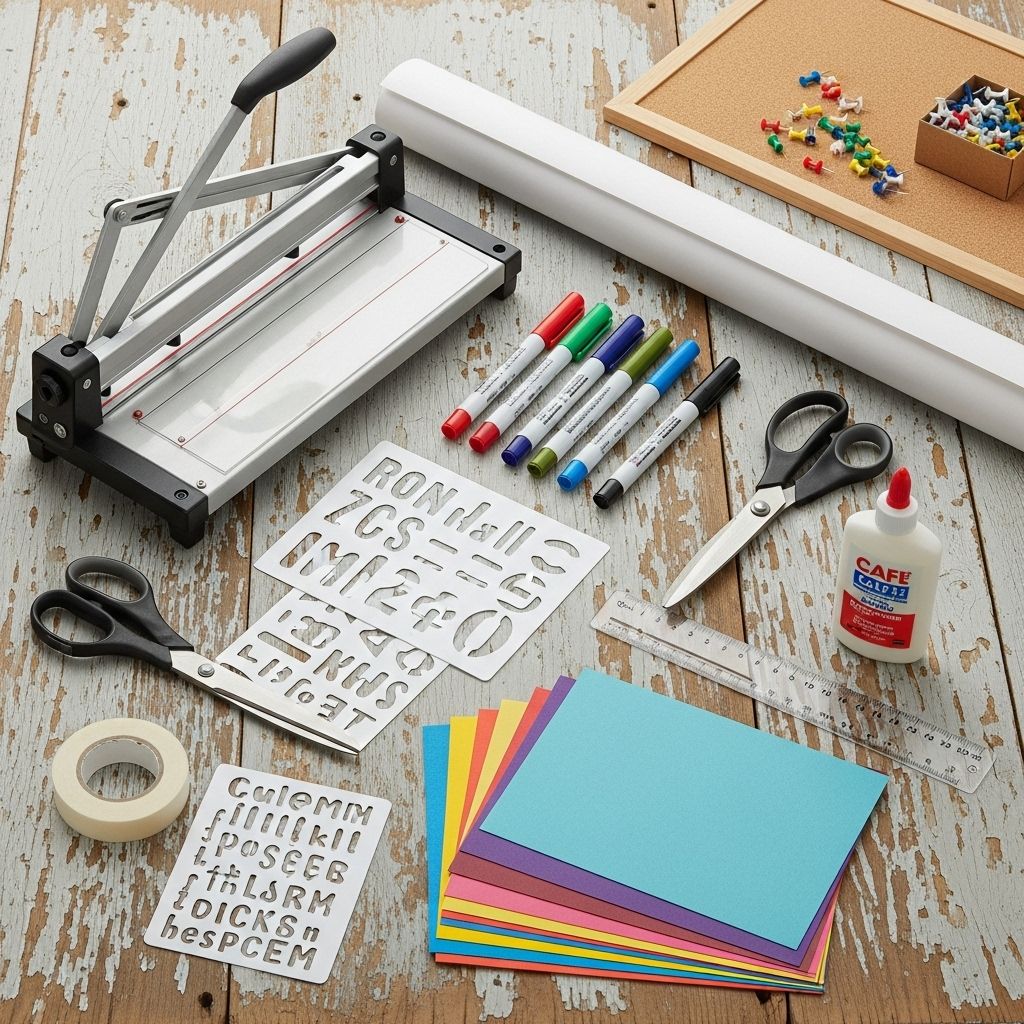
The essential tools for making posters include high-quality paper, markers, paint, graphic design software, scissors, and adhesive.
Can I create posters digitally?
Yes, you can create posters digitally using graphic design software like Adobe Photoshop, Illustrator, or free options like Canva and GIMP.
What type of paper is best for poster making?
The best type of paper for poster making is usually thick cardstock or poster board, which provides durability and a professional finish.
Are there any specific markers recommended for poster making?
Yes, permanent markers or alcohol-based markers are recommended for their vibrant colors and quick drying time.
What adhesives work best for poster projects?
Glue sticks, double-sided tape, and spray adhesive are all effective for sticking components together in poster projects.
How can I enhance my poster’s design?
You can enhance your poster’s design by using contrasting colors, clear fonts, and incorporating images or graphics to make it visually appealing.