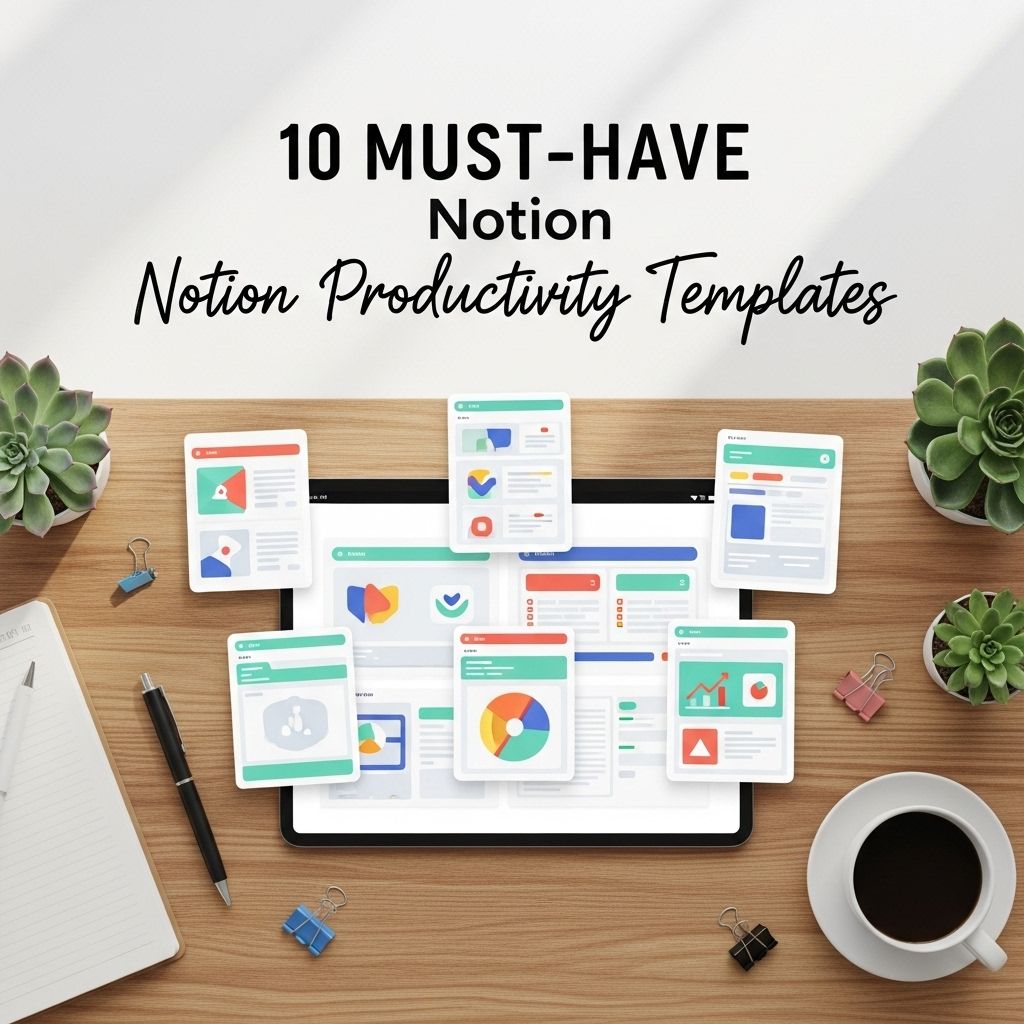
In the fast-paced world of digital productivity, Notion has emerged as a frontrunner, providing a versatile platform for organizing tasks, notes, and projects. Its flexibility allows users to tailor their workspaces to fit their unique needs, making it a prime choice for both personal and professional productivity. Whether you’re a student, a freelancer, or managing a team, having the right templates can significantly enhance your Notion experience. In this article, we explore ten must-have Notion productivity templates that can help streamline your workflow, improve organization, and boost efficiency.
In today’s fast-paced world, boosting productivity is essential, and Notion offers a versatile platform to help you achieve just that. In this blog, we will explore ten essential Notion productivity templates that can streamline your workflow and keep you organized. To enhance your design skills in conjunction with your productivity tools, learn more about design to create visually appealing layouts.
1. Task Management Template
Every productivity journey begins with effective task management. A well-structured task management template enables you to track your to-dos, prioritize effectively, and ensure nothing slips through the cracks. Look for features like:
- Task status tracking (Pending, In Progress, Completed)
- Due dates and reminders
- Priority levels
- Tags for categorization
Using this template can help you visualize your workload and manage your time effectively.
2. Project Management Dashboard
A project management dashboard serves as the command center for all your projects. With this template, you can monitor the status of various projects in one glance, making it easier to manage deadlines and team responsibilities. Key elements to include:
- Project timelines
- Team member assignments
- Milestone tracking
- Budgeting and resources
This template is especially beneficial for teams working collaboratively on multiple projects.
3. Habit Tracker
Building and maintaining habits is crucial for long-term productivity. A habit tracker template can help you keep tabs on your daily habits, visualize your progress, and stay accountable. Features should include:
- Daily check-ins
- Progress graphs
- Customizable habit list
By regularly reviewing your habits, you can develop a more productive routine and reach your goals systematically.
4. Note-Taking Template
For anyone who needs to capture ideas quickly, a note-taking template is essential. This template should facilitate easy organization of notes by subject, date, or priority. Consider these elements:
- Rich text formatting options (bold, italics, bullet points)
- Tags for quick searching
- Linking capability to other pages in Notion
A streamlined note-taking template allows you to focus on content creation rather than formatting.
5. Reading List and Book Tracker
Lifelong learning is a cornerstone of personal and professional growth. A reading list template helps you keep track of books you want to read, those you’re currently reading, and your thoughts on completed books. Essential features might include:
- Genre categorization
- Rating system
- Quote storage
This template not only enriches your reading experience but also provides insights into your intellectual growth.
6. Meeting Notes Template
Efficient meetings require organized note-taking. A dedicated meeting notes template can help you capture key points, decisions, and action items during discussions. Look for these functionalities:
- Sections for agenda items
- Field for participant list
- Action items with assigned responsibilities
Having a structured format ensures that important information is documented and easily accessible post-meeting.
7. Goals and KPI Tracker
Setting goals is one thing; tracking them is another. This template enables you to outline your personal and professional ambitions, along with Key Performance Indicators (KPIs) to measure your progress. Ideal features include:
- SMART goal framework (Specific, Measurable, Achievable, Relevant, Time-bound)
- Regular review periods
- Visual progress indicators (like charts)
Regularly updating your goals will keep you motivated and aligned with your objectives.
8. Content Calendar
If you manage a blog or social media accounts, a content calendar is indispensable. This template helps you plan and schedule content, ensuring a consistent output. Include:
- Post ideas and deadlines
- Platform specificity (Blog, Instagram, Twitter, etc.)
- Engagement metrics tracking
This organized approach enables you to maintain a steady flow of content while evaluating its performance.
9. Budget Tracker
Managing finances is vital for personal and business productivity. A budget tracker template assists in keeping your expenses in check, allowing you to allocate resources more effectively. Consider the following features:
- Income and expense logging
- Spending categories
- Monthly summaries with visual graphs
This template can help you identify spending patterns and encourage smarter financial decisions.
10. Travel Planner
For the wanderlust-driven, a travel planner template can help you organize trips seamlessly. This template can include:
- Itinerary planning (flight details, accommodation, activities)
- Budgeting for travel expenses
- Packing lists
Having a comprehensive travel planner simplifies logistics and enhances your travel experience, ensuring you can focus on enjoying your adventures.
Conclusion
Notion is a powerful tool that can be customized to fit a wide range of productivity needs. By adopting these ten must-have templates, you can enhance your organizational skills, manage tasks effectively, and ultimately boost your productivity. The right templates not only save time but also help keep you focused on your core objectives. Explore these templates today and transform your workflow into a streamlined, efficient process.
FAQ
What are Notion productivity templates?
Notion productivity templates are pre-designed layouts and structures within Notion that help users organize tasks, projects, and information efficiently.
How can I use Notion templates to boost my productivity?
You can use Notion templates to streamline your workflow, manage projects, track goals, and organize your notes, allowing you to focus on what matters most.
Where can I find the best Notion productivity templates?
The best Notion productivity templates can be found on platforms like Notion’s official template gallery, community forums, and websites that specialize in productivity tools.
Are Notion templates customizable?
Yes, Notion templates are highly customizable, allowing users to modify them to fit their specific needs and preferences.
Can I create my own Notion productivity template?
Absolutely! You can create your own Notion productivity template by designing a layout that suits your workflow and saving it for future use.
What are some popular types of Notion productivity templates?
Popular types of Notion productivity templates include task management boards, project trackers, habit trackers, and note-taking systems.