

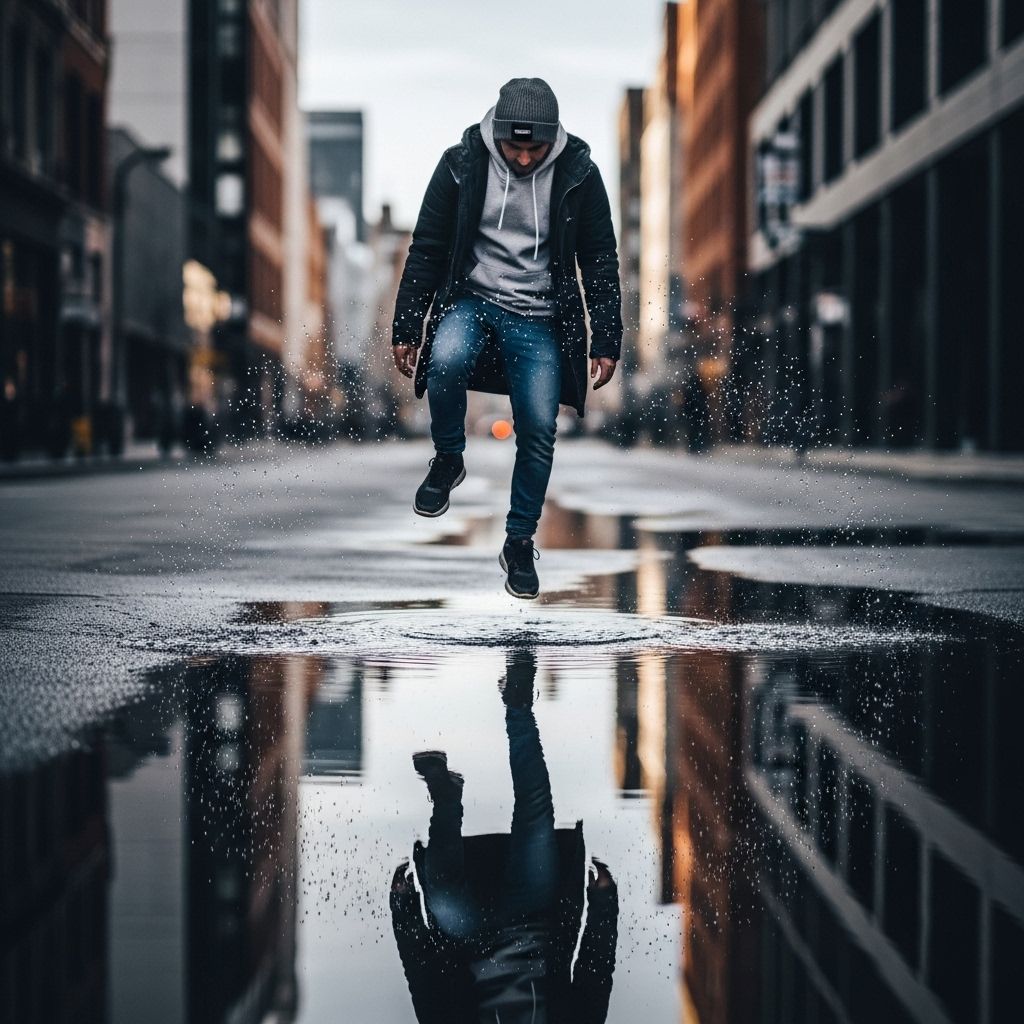
In the world of digital creativity, the ability to produce stunning edits can set you apart from the crowd. Whether you’re a photographer, videographer, or graphic designer, there are countless techniques and styles to elevate your work. This article explores five creative ideas that will help you achieve breathtaking edits, transforming ordinary visuals into extraordinary pieces of art.
In the world of digital design, creative edits can transform ordinary images into stunning visuals that capture attention. Whether you’re a seasoned designer or a novice, exploring unique editing techniques can enhance your projects significantly. For instance, if you’re looking to elevate your mug designs, you can check out our mug mockups for inspiration on visual presentation.
1. Mastering Color Grading
Color grading is an essential aspect of editing that can dramatically alter the atmosphere and emotion of a piece. By manipulating colors and tones, you can give your work a unique style. Here are a few techniques to consider:
Tips for Effective Color Grading
- Understand Color Theory: Familiarize yourself with the color wheel and complementary colors to create harmony in your edits.
- Use LUTs: Look-Up Tables (LUTs) can provide a quick way to apply a cinematic look to your footage.
- Adjust Contrast: High contrast can make images pop, while softer contrast can create a dreamy effect.
- Experiment with Color Curves: Adjusting the RGB curves can help you fine-tune your colors dynamically.
Popular Color Grading Tools
| Tool | Platform | Price |
|---|---|---|
| Adobe Premiere Pro | Windows, macOS | $20.99/month |
| DaVinci Resolve | Windows, macOS, Linux | Free / $299 Pro Version |
| Final Cut Pro | macOS | $299.99 |
2. Creating Motion Graphics
Incorporating motion graphics into your edits can bring static images to life. Whether it’s adding titles, lower thirds, or animated infographics, motion graphics can significantly enhance your storytelling.
Steps to Create Engaging Motion Graphics
- Storyboarding: Plan your graphics and animations ahead of time to ensure a cohesive look.
- Software Selection: Use software like Adobe After Effects or Blender for complex animations.
- Keep It Simple: Avoid overcrowding your visuals; simplicity often leads to more impactful graphics.
Useful Resources for Motion Graphics
There are many tutorials and templates available online that can help you get started:
- VideoHive – Marketplace for motion graphics templates.
- Motion Array – Offers a wide selection of templates and tutorials.
- YouTube – Great for free tutorial content and community tips.
3. Exploring Double Exposure Techniques
Double exposure is a technique that overlays two images to create a surreal effect. This can evoke powerful emotions and tell rich stories. Here’s how to execute this technique effectively:
Steps for Creating Stunning Double Exposures
- Choose Your Images Wisely: Select images that complement each other. For example, a portrait combined with a landscape can create an intriguing visual.
- Use Layer Masks: In editing software like Photoshop, utilize layer masks to blend the two images seamlessly.
- Adjust Opacity: Play with the opacity settings to find the right balance between the images.
Examples of Inspiring Double Exposure Art
For inspiration, consider the works of:
- Daniel Sroka – Known for ethereal landscapes combined with human forms.
- Floyd Williams – Expert in creating dramatic and abstract double exposures.
4. Playing with Textures and Overlays
Incorporating textures and overlays into your edits can add depth and interest to your visuals. Here are some ways to achieve this:
Types of Textures to Use
- Grunge Textures: Perfect for creating a raw, edgy look.
- Paper Textures: Ideal for softening images and giving a vintage feel.
- Light Leaks: These can add a dreamy or cinematic quality to your edits.
How to Apply Textures Effectively
- Select Appropriate Textures: Make sure they align with the theme of your project.
- Blend Modes: Experiment with different blending modes to achieve desirable effects.
- Adjust Layer Opacity: Play with opacity for a more subtle integration into your image.
5. Experimenting with Unique Formats
Breaking the traditional format can provide a fresh perspective on your edits. Consider these unique formats to spice up your visuals:
Innovative Formats to Explore
- Pano Shots: A panoramic view can provide a wider perspective, ideal for landscapes.
- 360-Degree Videos: Engage your audience by allowing them to explore scenes from multiple angles.
- Vertical Videos: With the rise of social media, vertical videos are becoming increasingly popular for platforms like Instagram and TikTok.
Tips for Adapting to New Formats
- Know Your Audience: Understand which formats resonate best with your target audience.
- Utilize Platform-Specific Tools: Use tools tailored for the platform you are editing for, such as Instagram’s built-in editing features.
- Stay Current: Keep an eye on trends to remain relevant and innovative.
Conclusion
Creative editing is all about experimenting with techniques and styles to find what works for you. By mastering color grading, creating motion graphics, exploring double exposure, incorporating textures, and experimenting with unique formats, you can produce stunning edits that captivate your audience. Remember, practice makes perfect, so keep experimenting and refining your skills to reach new creative heights!
FAQ
What are some creative ideas for stunning photo edits?
Some creative ideas include using double exposure effects, applying vintage filters, experimenting with color grading, incorporating overlays and textures, and creating surreal compositions using blending techniques.
How can I enhance my images with unique editing techniques?
You can enhance your images by using techniques like selective color adjustments, adding light leaks, experimenting with tilt-shift effects, and utilizing motion blur for dynamic visuals.
What tools can I use for creative photo editing?
Popular tools for creative photo editing include Adobe Photoshop, Lightroom, GIMP, and mobile apps like Snapseed and VSCO.
How do I create a cohesive look across my edits?
To create a cohesive look, develop a consistent color palette, use similar filters or presets, and maintain a uniform style in composition and subject matter.
What are the best practices for layering images in edits?
Best practices for layering images include using high-resolution images, adjusting opacity for blending, utilizing masks for precise control, and applying shadows for depth.



