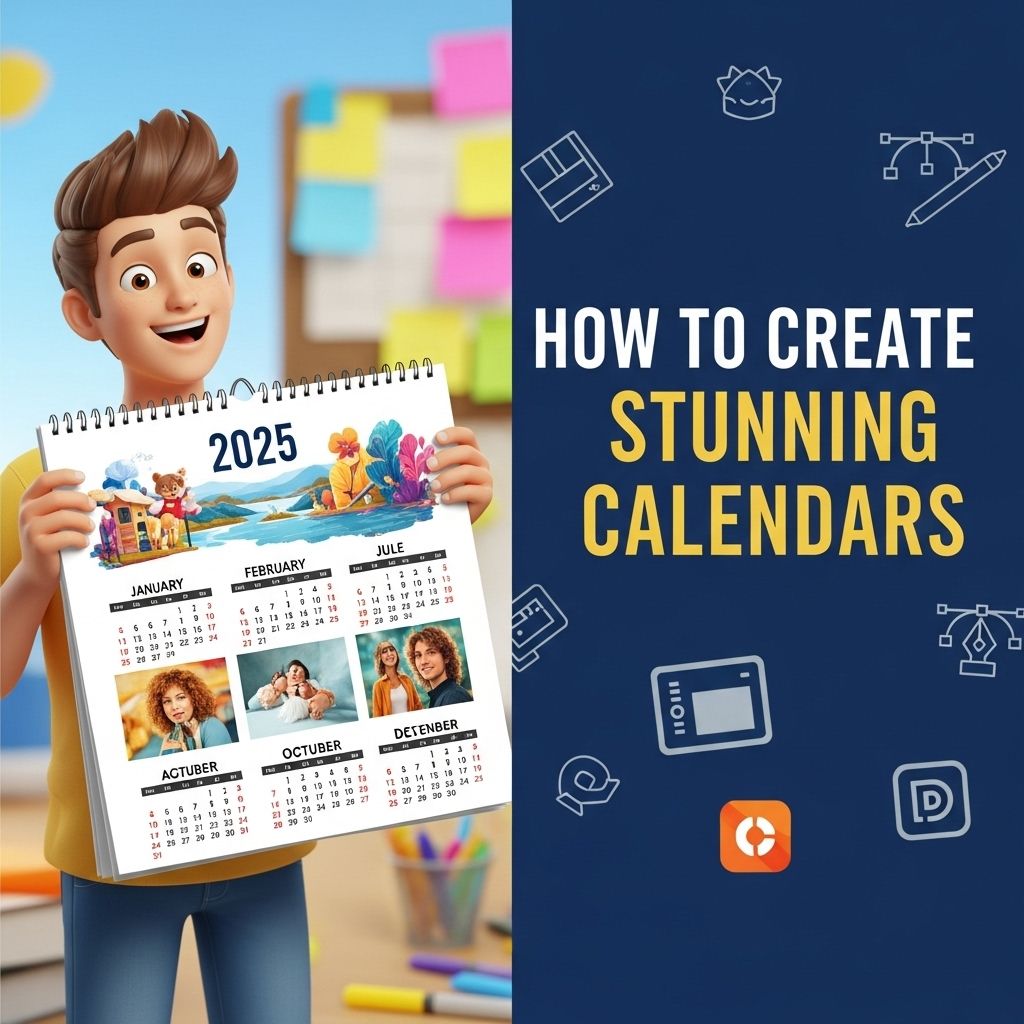
Creating stunning calendars can be a rewarding project, whether for personal use or as a gift to friends and family. With 2025 around the corner, now is the perfect time to dive into the world of calendar design. In this article, we will explore the various methods, tools, and tips you can use to create visually appealing and functional calendars that capture the essence of the year.
If you’re looking to add a personal touch to your planning, creating stunning 2025 calendars is easier than you might think. In just a few simple steps, you can design a calendar that not only helps you stay organized but also reflects your unique style. To learn more about the process, explore our articles.
Choosing Your Calendar Format
Before diving into the design process, it’s essential to decide on the format of your calendar. There are several popular formats to choose from:
- Wall Calendar: A large-format calendar that can showcase beautiful images or artwork.
- Desk Calendar: A smaller, often stand-up design that provides daily or monthly views.
- Printable Calendar: A calendar that you can print at home to use on your wall, desk, or planner.
- Digital Calendar: Interactive calendars that can be used on devices and can include reminders and notifications.
Gathering Inspiration
Once you’ve decided on the format, the next step is to gather inspiration. Consider the themes, colors, and images that resonate with you or your target audience. Here are some suggestions:
Theme Ideas
- Nature: Use stunning photographs of landscapes, plants, or animals.
- Minimalist: Simple designs with clean lines and limited color palettes.
- Inspirational Quotes: Feature a motivational quote for each month.
- Seasonal: Highlight the four seasons with appropriate imagery and colors.
Designing Your Calendar
With your theme in mind, it’s time to start designing. You can use various tools to create your calendar, including:
Online Design Tools
- Canva: Offers a user-friendly interface with thousands of templates.
- Adobe Spark: Great for creating visually appealing graphics and calendars.
- Visme: A versatile tool for creating infographics, presentations, and calendars.
Graphic Design Software
If you’re comfortable with graphic design software, consider using:
- Adobe Illustrator: Allows for detailed vector designs and customization.
- Photoshop: Excellent for photo editing and creating complex images.
- InDesign: Ideal for layout design, especially for multi-page calendars.
Structuring Your Calendar
Every calendar needs a clear structure. Here’s how to organize the content:
Monthly Layout
Most calendars are structured monthly. A typical layout might include:
| Month | Featured Image | Key Dates |
|---|---|---|
| January | Winter Wonderland | New Year’s Day, Martin Luther King Jr. Day |
| February | Heartfelt Love | Valentine’s Day, Presidents’ Day |
| March | Spring Awakening | St. Patrick’s Day, Easter |
| April | A Floral Delight | Earth Day, Tax Day |
| May | Blooming Flowers | Memorial Day, Mother’s Day |
| June | Summer Vibes | Father’s Day, Summer Solstice |
| July | Fireworks Celebration | Independence Day |
| August | Sunny Days | Back to School |
| September | Fall Colors | Labor Day, Autumn Equinox |
| October | Spooky Season | Halloween |
| November | Thanks & Giving | Thanksgiving, Black Friday |
| December | Winter Festivities | Christmas, New Year’s Eve |
Adding Personal Touches
Incorporate personal elements such as:
- Important family dates (birthdays, anniversaries)
- Custom quotes or sayings
- Personalized images or illustrations
Printing and Distribution
Once you’ve finalized your design, it’s time to print and distribute your calendar. Here are some options:
Printing Options
- Local Print Shops: Great for high-quality prints and materials.
- Online Printing Services: Websites like Vistaprint and Shutterfly offer custom printing options.
- DIY Printing: Use your printer at home for smaller quantities.
Distribution Methods
Consider how you want to share your calendar:
- Physical Copies: Hand them out as gifts or sell them at local markets.
- Digital Versions: Provide PDF downloads or create an online shop.
Marketing Your Calendar
If you plan to sell your calendar, here are tips for effective marketing:
Creating a Target Audience
- Identify your ideal customer demographic.
- Understand their preferences regarding design and themes.
Utilizing Social Media
Leverage platforms like Instagram and Pinterest to showcase your designs. Use hashtags relevant to your audience to increase visibility.
Building an Online Presence
A dedicated website or blog can help establish your brand and provide a platform for sales. Consider including:
- A gallery of your designs
- A blog about design tips and ideas
- Links to purchase your calendars
Conclusion
Creating stunning calendars for 2025 requires careful planning, creativity, and the right tools. By choosing the right format, gathering inspiration, and employing thoughtful design and marketing strategies, you can produce a calendar that not only serves a practical purpose but also delights the senses. Whether for personal use or as a thoughtful gift, your calendar can become a cherished item for anyone who receives it.
FAQ
How can I design a stunning calendar for 2025?
To design a stunning calendar for 2025, start by selecting a theme that resonates with your audience. Use high-quality images, choose an appealing color palette, and ensure the layout is clean and organized. Utilize design software like Adobe InDesign or Canva to bring your vision to life.
What are the key elements to include in a 2025 calendar?
Key elements to include in a 2025 calendar are the months, days, and holidays. Consider adding space for notes, inspirational quotes, or themed illustrations to enhance its appeal and usability.
What software is best for creating calendars?
Popular software for creating calendars includes Adobe InDesign, Canva, Microsoft Publisher, and even Excel. Each offers unique features that cater to different design needs and skill levels.
How can I make my calendar stand out?
To make your calendar stand out, focus on unique designs, personalized themes, and high-quality images. Incorporate custom illustrations or photographs and consider using different formats like wall calendars or planners.
Where can I print my 2025 calendar?
You can print your 2025 calendar at local print shops, online services like Vistaprint or Shutterfly, or through office supply stores that offer printing services.
Can I create a digital calendar for 2025?
Yes, you can create a digital calendar for 2025 using tools like Google Calendar, Microsoft Outlook, or dedicated apps that allow for customization and sharing across devices.