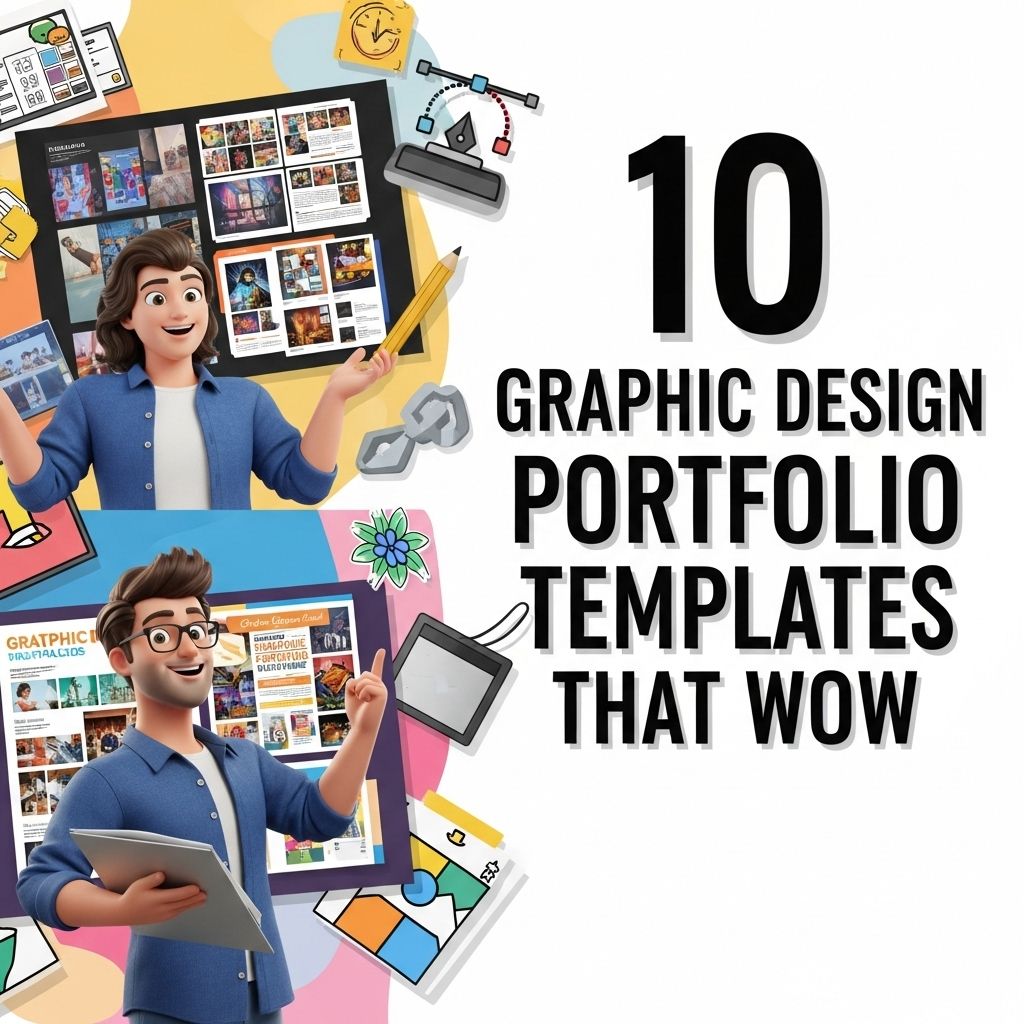
In the fast-paced and visually driven world of graphic design, having a standout portfolio is crucial. It serves as your gateway to showcasing your skills, creativity, and style to potential clients and employers. A well-crafted portfolio not only highlights your best work but also speaks volumes about your personal brand. To help you create an impressive collection of your designs, we’ve compiled a list of ten amazing graphic design portfolio templates that are sure to wow your audience.
In the competitive world of graphic design, showcasing your work effectively is crucial to attracting potential clients. A well-curated portfolio can make a lasting impression, and choosing the right template is key to presenting your designs beautifully. Explore these 10 stunning graphic design portfolio templates for inspiration, along with additional website layout inspirations.
Why a Great Portfolio Matters
Your portfolio is often the first impression clients have of your work. A compelling portfolio can:
- Demonstrate your skills and versatility.
- Showcase your creativity and unique style.
- Help you stand out in a competitive market.
- Serve as a conversational piece during interviews and client meetings.
With the right template, you can create a visually stunning portfolio that not only highlights your work but also enhances your personal branding.
Choosing the Right Template
When selecting a portfolio template, consider the following factors:
- Aesthetic Appeal: Choose a design that reflects your personal style and the type of work you do.
- User Experience: Make sure the template is easy to navigate, allowing viewers to easily browse your portfolio.
- Customization Options: Look for templates that allow you to personalize colors, fonts, and layouts.
- Responsive Design: Ensure that your portfolio looks great on different devices, including desktops, tablets, and smartphones.
Top 10 Graphic Design Portfolio Templates
Here are ten graphic design portfolio templates that stand out for their design, flexibility, and ease of use:
1. Behance Portfolio Pro
Behance is a popular platform among creatives. Their Portfolio Pro template allows you to customize your portfolio while leveraging the community for exposure. Key features include:
- Customizable layouts
- Integration with Adobe Creative Cloud
- Community feedback options
2. Adobe Portfolio
Adobe Portfolio offers beautiful templates that integrate seamlessly with other Adobe products. Ideal for creatives who want to showcase images without distractions. Features include:
- Responsive design
- Easy drag-and-drop customization
- Built-in support for Adobe Fonts
3. Squarespace
Squarespace is known for its visually striking templates. It’s perfect for designers who want a modern, sleek portfolio. Highlights include:
- Multiple template options
- Integrated ecommerce solutions
- SEO optimization tools
4. Wix
Wix offers an array of portfolio templates that cater to various design styles. Its website builder is user-friendly, making it suitable for beginners. Features include:
- Drag-and-drop functionality
- Extensive app market for added features
- Mobile optimization
5. Format
Format specializes in portfolio websites for creatives. Their templates are specifically designed to highlight your work attractively. Key features include:
- Client proofing tools
- Built-in blogging options
- Customizable galleries
6. WordPress with Elementor
WordPress combined with the Elementor plugin offers powerful customization for portfolio creation. Whether you prefer a minimalistic or elaborate design, you can achieve it with:
- Extensive template library
- Visual editor for real-time customizations
- Plugins for enhanced functionality
7. Cargo
For creatives looking for unique designs, Cargo provides innovative templates tailored for visual storytelling. Features include:
- Custom domain options
- Integrated video and image galleries
- Responsive layouts
8. Webflow
Webflow allows designers to create bespoke portfolios without coding. Ideal for those looking to push boundaries. Key points include:
- Customizable CSS
- CMS functionality for dynamic content
- Responsive design tools
9. Bluefish
Bluefish is a template designed for portfolio sites that want to emphasize the artist’s creative process while showcasing work. Highlights include:
- Project management tools
- Blogging features
- Social media integration
10. Dribbble
Dribbble is a community platform that allows designers to showcase their work and collect feedback. Their portfolio templates are geared toward creating a vibrant online presence. Important features include:
- Community engagement
- Interactive project showcases
- Easy-to-use interface
Conclusion
Creating an outstanding graphic design portfolio doesn’t have to be overwhelming. With the right template, you can present your work in an engaging and professional manner. Each of the templates listed above offers unique features that cater to different styles and preferences, allowing you to find the perfect fit for your artistic vision. Remember, your portfolio is a reflection of you—make it count!
FAQ
What should I include in my graphic design portfolio?
Your graphic design portfolio should include a variety of your best work, showcasing different styles and techniques. Include case studies, project descriptions, and the impact of your designs.
How can I make my graphic design portfolio stand out?
To make your portfolio stand out, choose a unique layout, use high-quality images, and personalize the presentation. Highlight your creative process and include testimonials from clients.
Are there free graphic design portfolio templates available?
Yes, there are many free graphic design portfolio templates available online. Websites like Canva, Adobe Spark, and Behance offer customizable templates that can help showcase your work.
What file formats are best for a graphic design portfolio?
The best file formats for a graphic design portfolio are PDF for print and online presentations, and JPEG or PNG for web-based portfolios. Ensure they are optimized for quick loading.
How often should I update my graphic design portfolio?
You should update your graphic design portfolio regularly, ideally every 6 to 12 months, to reflect your latest work and any new skills or techniques you have acquired.
Can I use social media to showcase my graphic design portfolio?
Absolutely! Social media platforms like Instagram, Pinterest, and LinkedIn are excellent for showcasing your graphic design portfolio, allowing you to reach a wider audience and engage with potential clients.