PSD Mockup
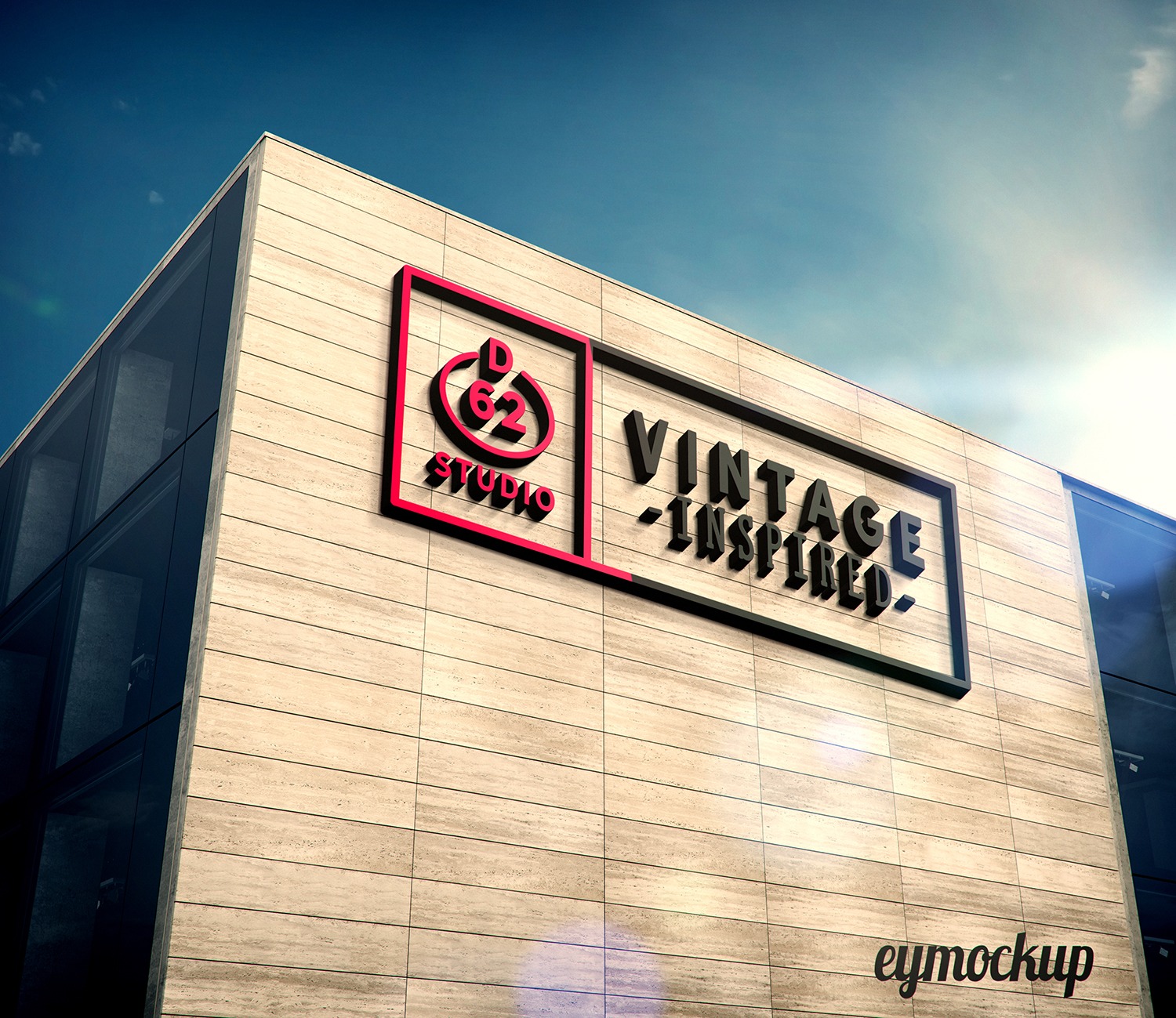
Introducing our Arms Building 3D Logo Mockup, perfect for showcasing your brand identity with style. This mockup provides a realistic representation of your logo in a dynamic three-dimensional setting, ensuring that your designs stand out. Whether you’re a graphic designer, a branding expert, or a business owner, this mockup will help elevate your presentations and portfolios, making your logo look professional and engaging.
The mockup is easy to use and compatible with Adobe Photoshop, allowing you to edit the design seamlessly. Simply place your logo into the designated smart object layer, adjust the lighting and shadows to fit your aesthetic, and watch your logo come to life. This mockup not only enhances visual appeal but also provides a versatile way to display your brand across various platforms, from social media to print materials.
All of these Resources are easy to use and can present your information beautifully. Some are free, while others cost a few dollars.
More great & free PSD Mockups Collection:
- Square box mockup PSD download
- Bottle Mockup PSD Download Now
- Latest Logo Mockup PSD Free Download
- Cafe menu design template free download
- 20+ Free Building Mockup Collection
Description:
Available Format: Layered PSD through smart object insertion
License: Free for personal and commercial use
Zip File Includes: Photoshop PSD File
Resolution: 2200 x 1500 px
Advertisement:
FAQs – Arms Building 3D Logo Mockup
Can I edit the Arms Building 3D Logo Mockup?
Yes, you can easily edit the mockup using Adobe Photoshop by placing your logo in the smart object layer.
Does this mockup support high-resolution images?
Absolutely! The mockup supports high-resolution images, ensuring your logo maintains clarity and quality.
What file format is the 3D logo mockup available in?
The mockup is available in PSD format, compatible with Adobe Photoshop for easy editing.
Is it possible to customize lighting in the mockup?
Yes, you can adjust the lighting and shadows within Photoshop to achieve your desired look.
Do I need any special skills to use this mockup?
No special skills are required; basic knowledge of Photoshop is sufficient to use the mockup effectively.
Download PSD Now!