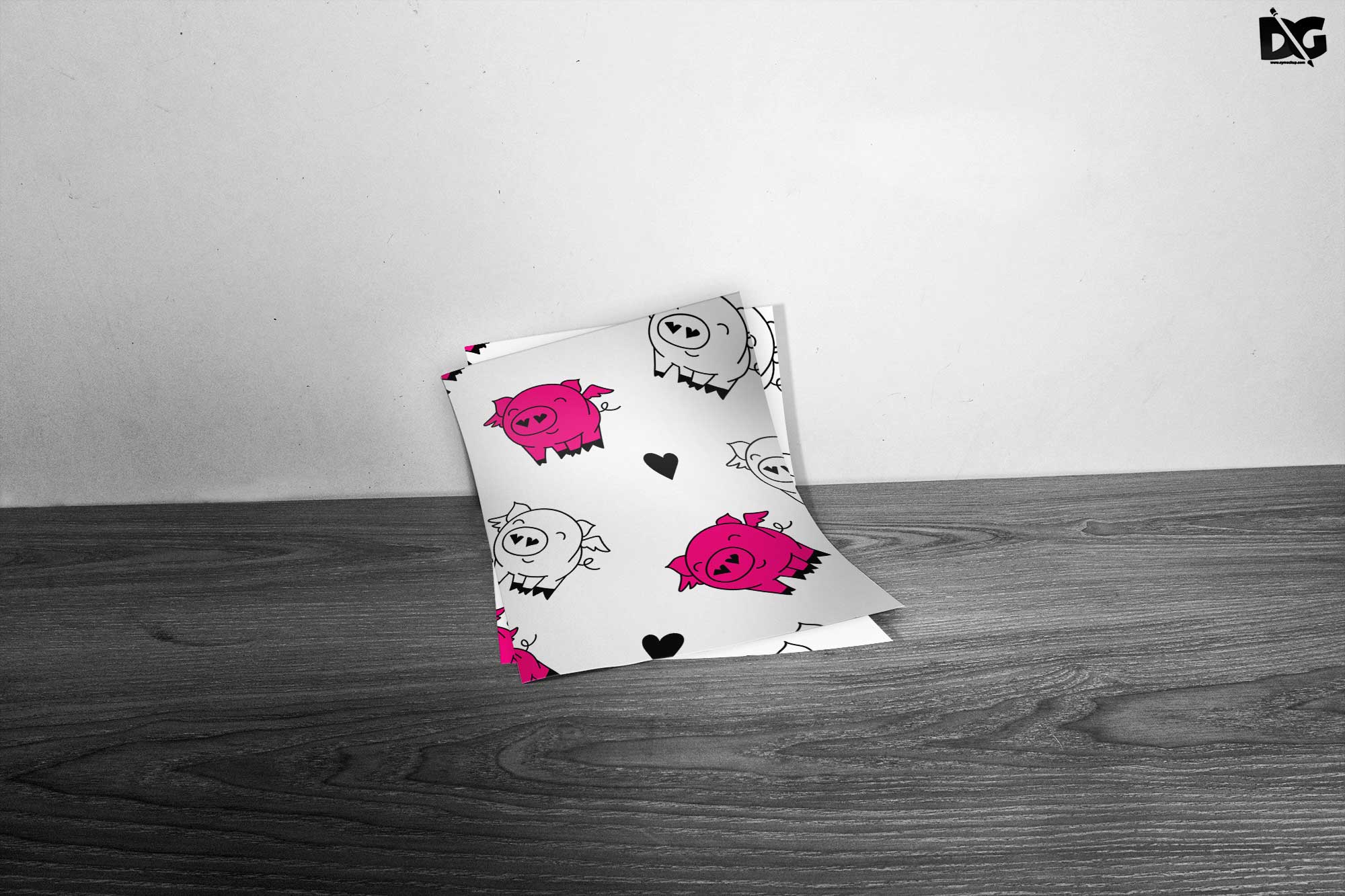
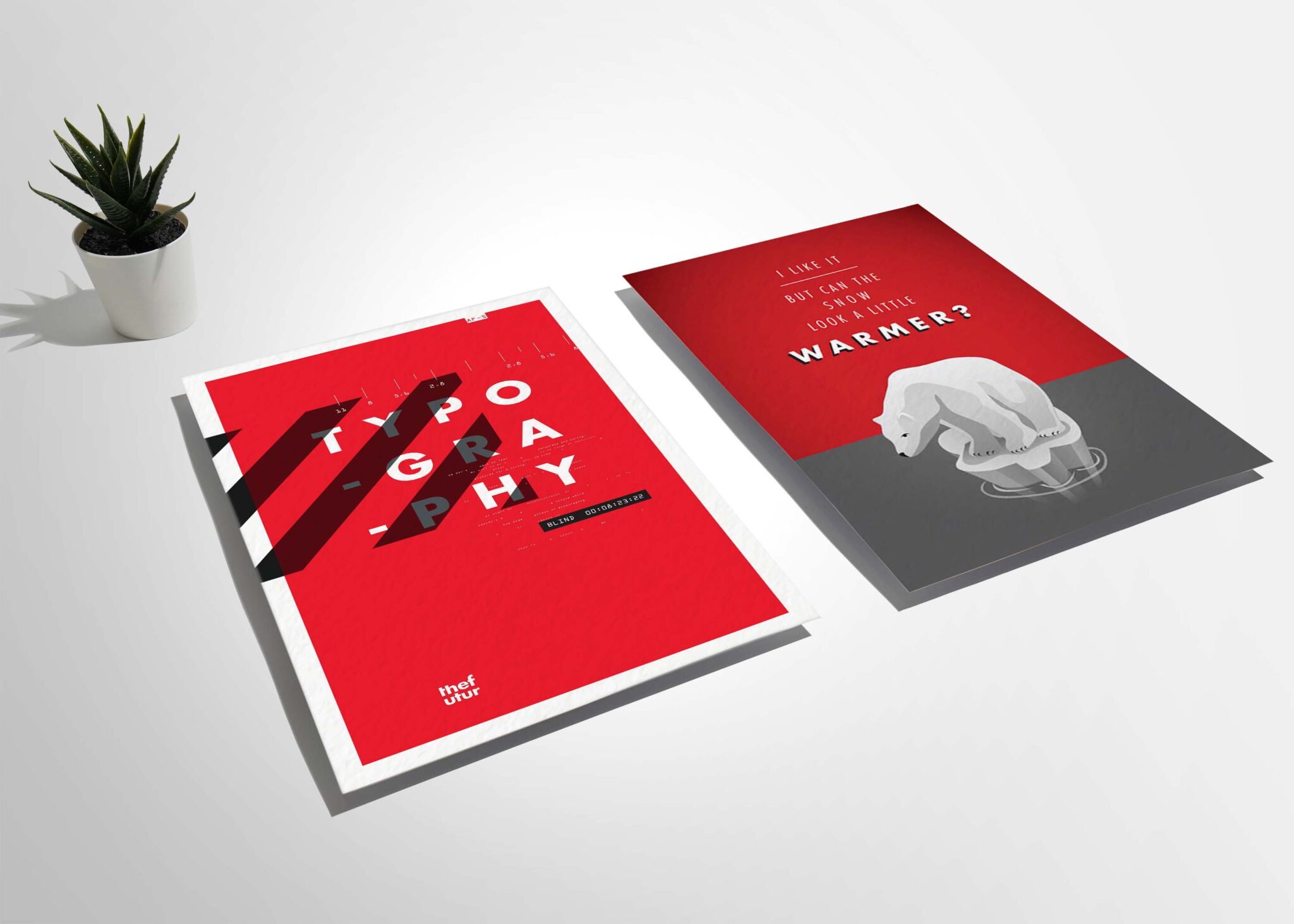
Introducing our Side Tilted A6 Flyer Artwork PSD Mockup, designed specifically for graphic designers and marketers. This mockup allows you to showcase your artwork in a realistic setting, making it perfect for presentations, portfolios, and client approval. With its side tilt angle, your designs will stand out, giving them a unique perspective that captures attention.
The PSD file is fully editable, allowing you to easily customize the background and adjust the lighting to suit your design needs. Simply add your artwork using smart layers, and you’ll have a stunning visual ready in no time. Whether you’re working on promotional material or event flyers, this mockup is an essential tool for enhancing your designs and impressing clients.
All of these Resources are easy to use and can present your information beautifully. Some are free, while others cost a few dollars.More great & free PSD Mockups Collection:
- PSD Burger Food Truck Design Mockup
- Jam Jar Twitch Mockups Templates
- Useful PSD Coaster Mockups Template
FAQs – Side Tilted A6 Flyer Artwork PSD Mockup
Can I edit the Side Tilted A6 Flyer Mockup in Photoshop?
Yes, the mockup is fully editable in Photoshop. Simply use the smart layers to insert your artwork and customize the design.
Is the A6 Flyer Mockup suitable for print presentations?
Absolutely! This mockup provides a realistic look, making it ideal for print presentations and showcasing designs effectively.
What file format is the mockup available in?
The mockup is provided in PSD format, which is compatible with Adobe Photoshop for easy editing.
Does the mockup include customizable background options?
Yes, you can easily change the background to any color or texture that fits your design aesthetic.
Do I need specific Photoshop skills to use this mockup?
Basic Photoshop skills are sufficient to use this mockup, thanks to the user-friendly smart layer feature.