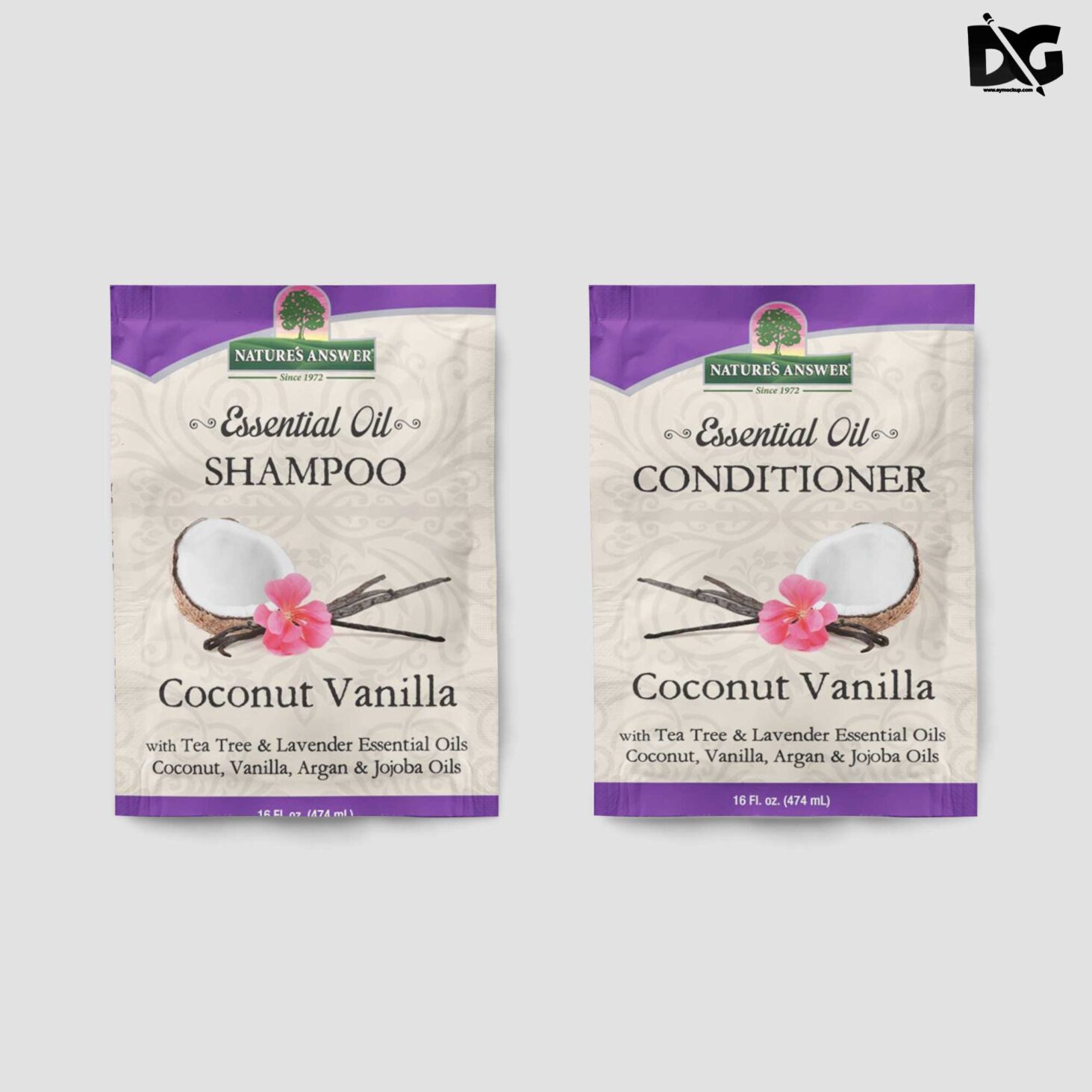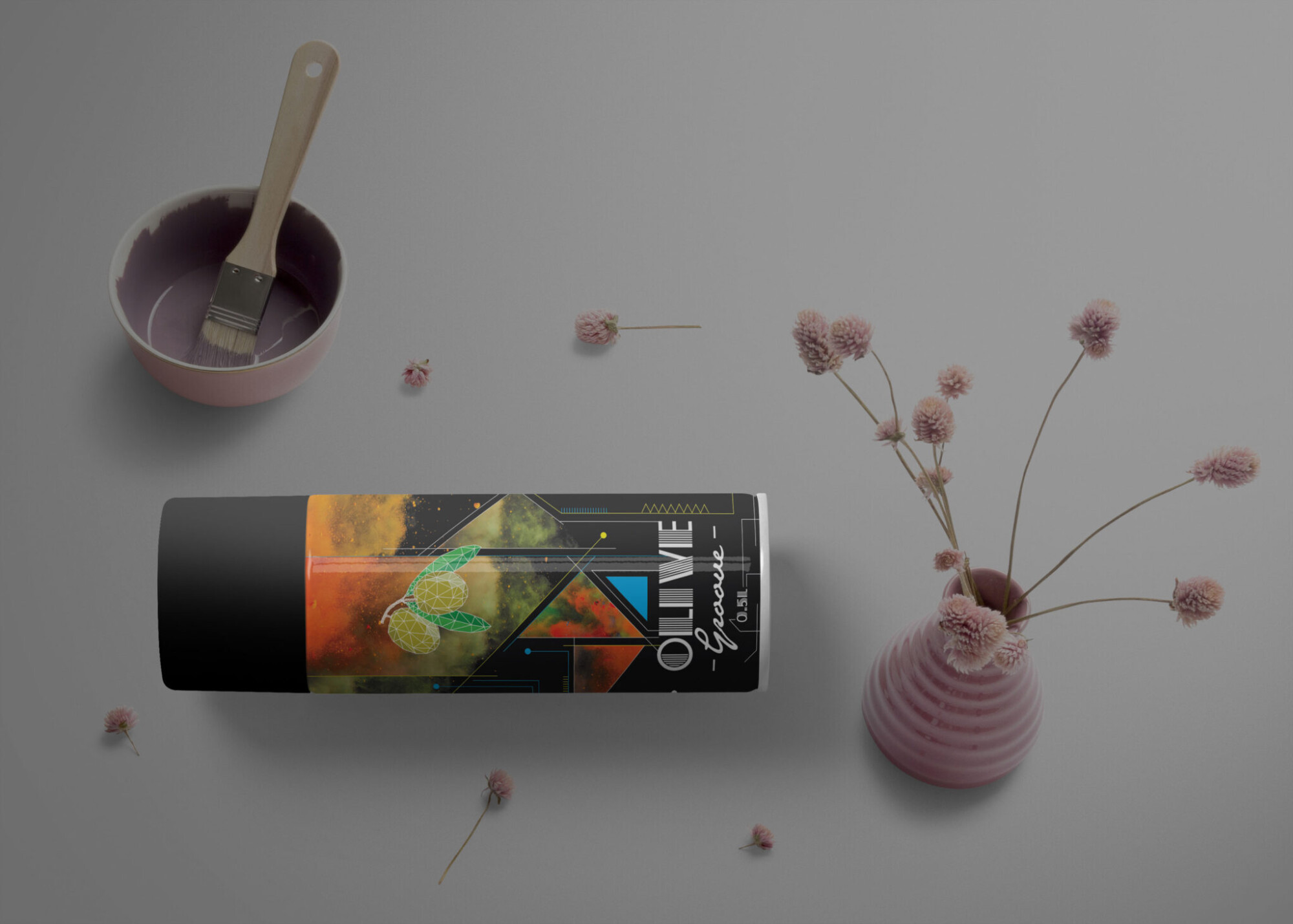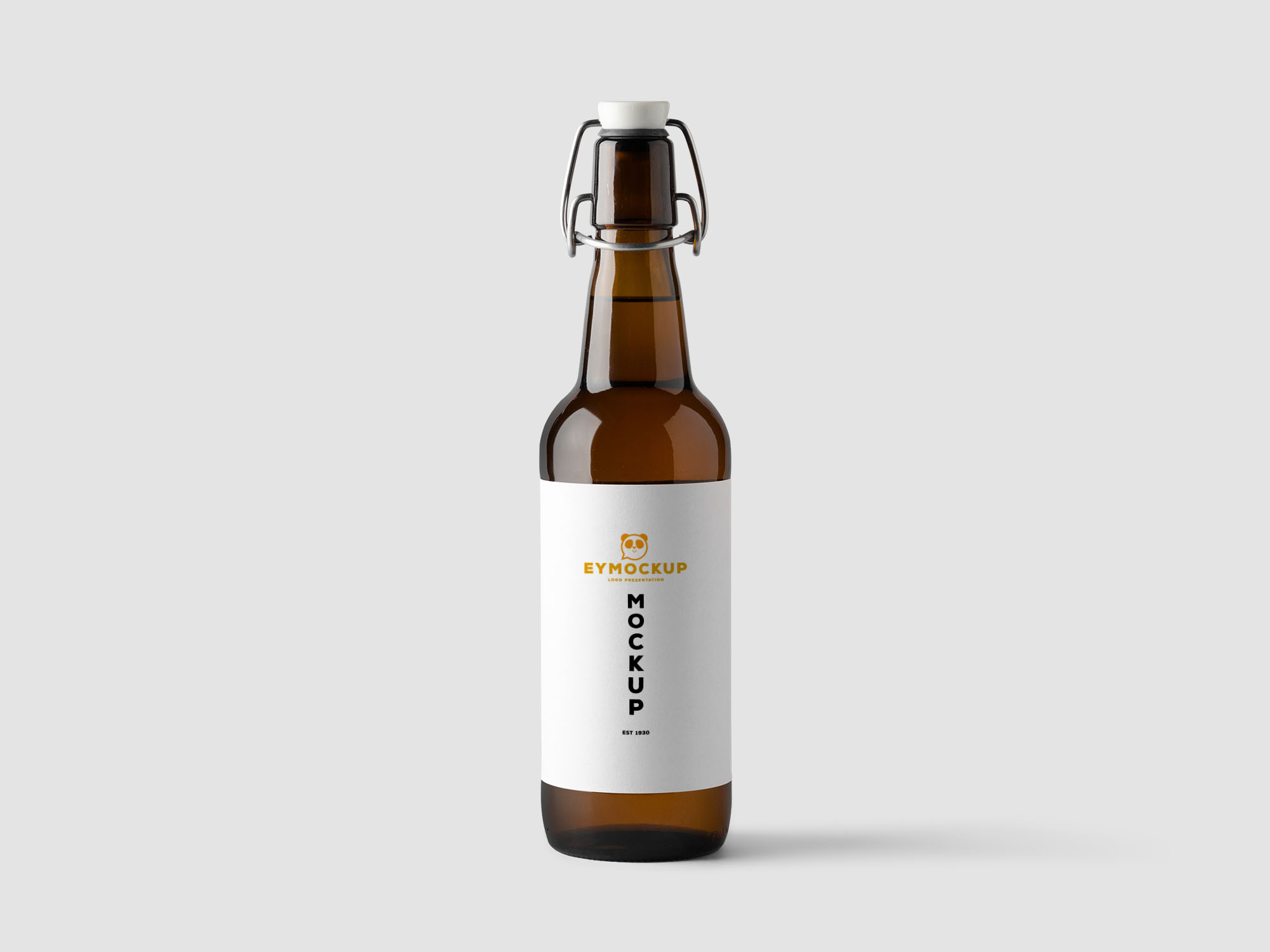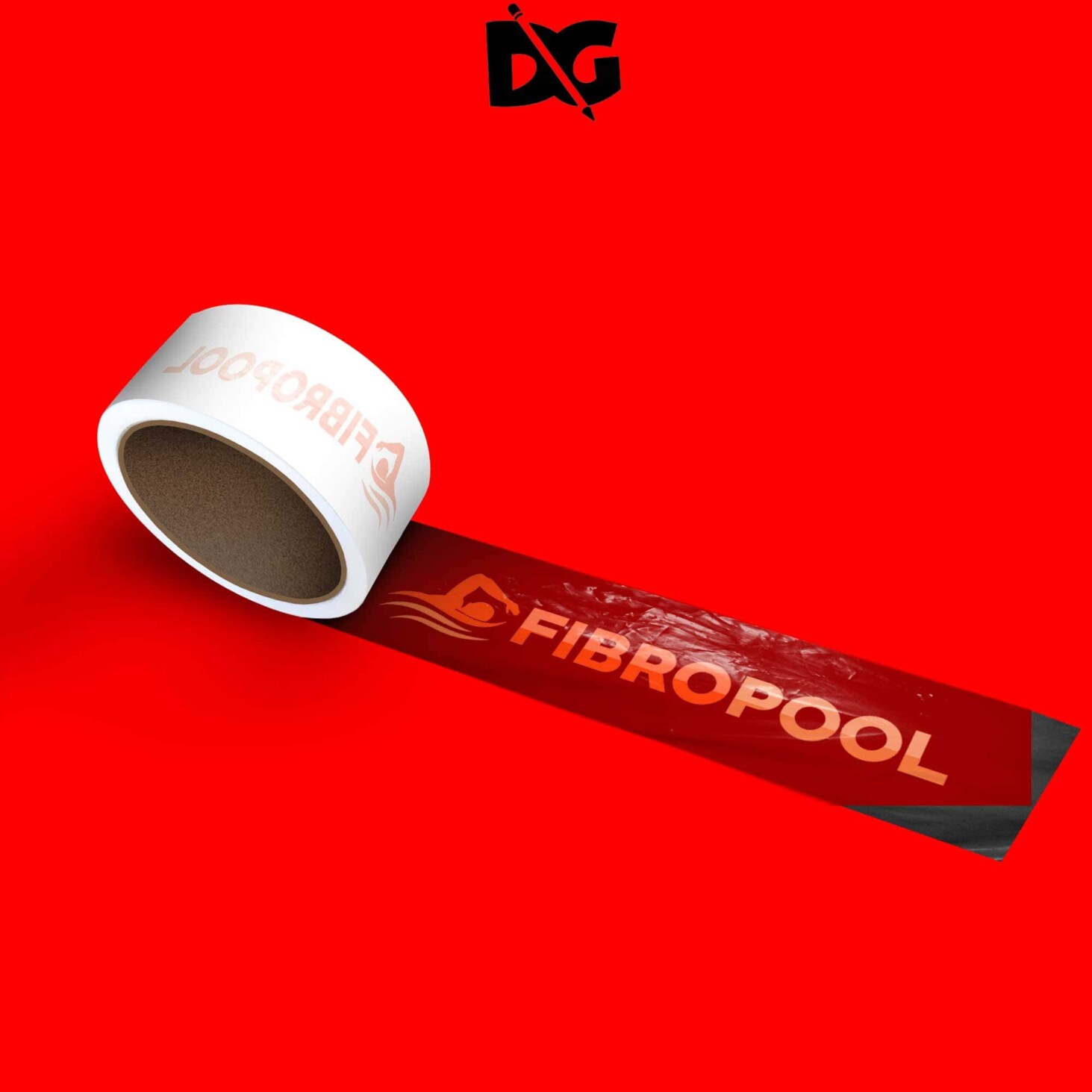
Enhance your design presentations with our free adhesive tape mockup. This versatile mockup allows you to showcase your artwork in a realistic and professional manner. Whether you’re designing packaging, branding materials, or promotional items, this mockup is perfect for adding a touch of creativity to your project.
Our adhesive tape mockup is easy to use, making it suitable for both beginners and experienced designers. Simply insert your designs into the smart object layer, and you’ll have a stunning visual ready to impress your clients. With customizable lighting and shadows, you can ensure your mockup aligns perfectly with your overall design aesthetic.
All of these Resources are easy to use and can present your information beautifully. Some are free, while others cost a few dollars.More great & free PSD Mockups Collection:
- 3d logo mockup psd free download
- Postcard Mockup PSD free download
- Plastic bottle mockup free download
- eBook Cover PSD Download Mockup
FAQs – Adhesive Tape Mockup
Can I edit the adhesive tape mockup in Photoshop?
Yes, the mockup is fully editable in Photoshop. Just place your design in the smart object layer for a seamless integration.
What formats are available for the adhesive tape mockup?
The mockup is typically available in PSD format, which is compatible with Adobe Photoshop.
Does it support high-resolution designs?
Absolutely! The mockup is designed to support high-resolution images, ensuring your designs look crisp and professional.
Is it easy to customize the lighting in the mockup?
Yes, the mockup allows for easy customization of lighting and shadows to match your design requirements.
Do I need special skills to use the adhesive tape mockup?
No special skills are required. If you’re familiar with basic Photoshop tools, you’ll find it straightforward to use.