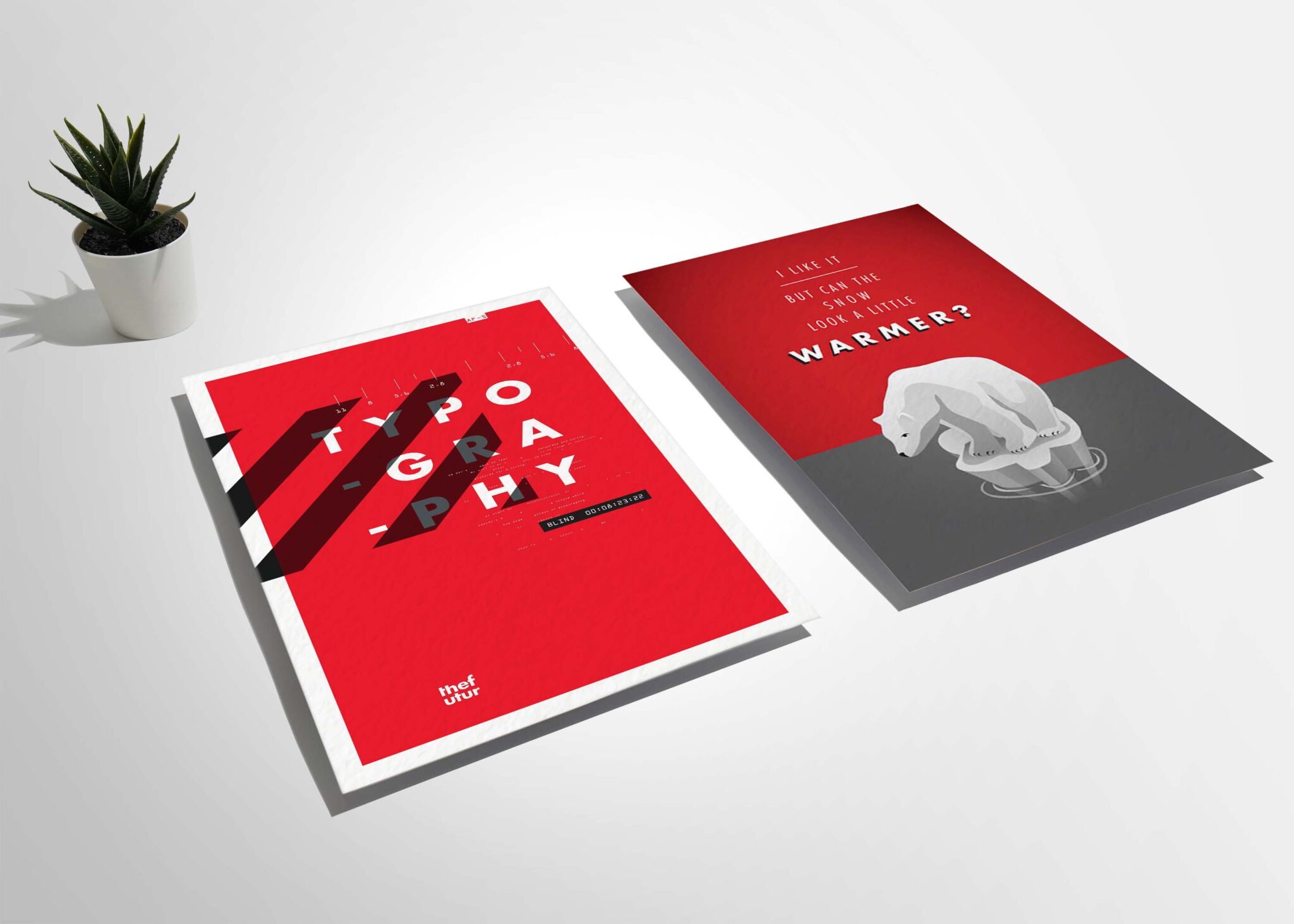
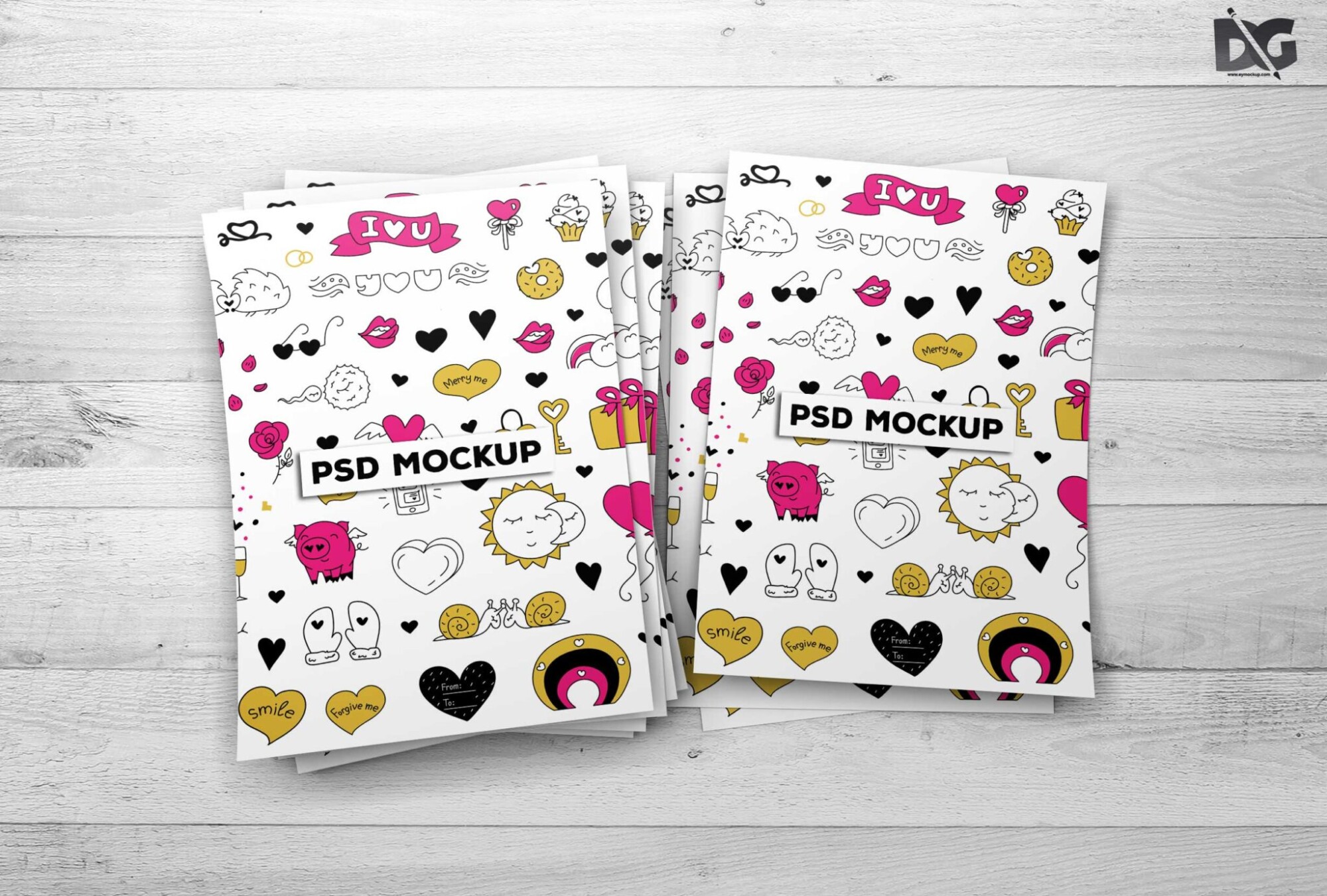
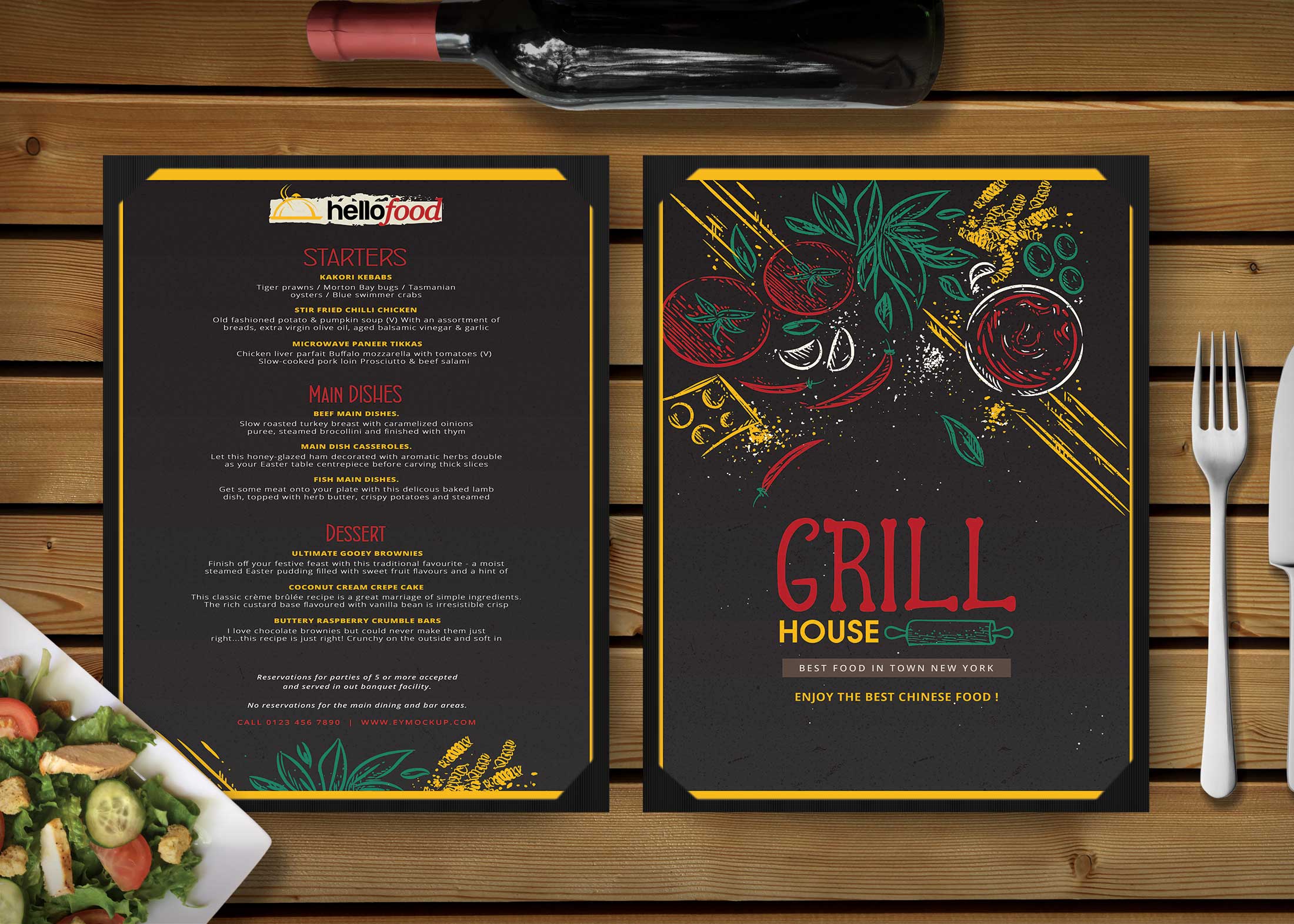
Our new A4 Paper Flyer Mockup is designed to showcase your designs in a realistic and visually appealing manner. This mockup is perfect for presentations, portfolio displays, and marketing materials. With its high-quality resolution and realistic textures, you can easily demonstrate how your flyer designs will look in the real world, capturing the attention of potential clients and stakeholders.
This mockup is user-friendly and compatible with Adobe Photoshop. Simply download, open the file, and place your designs into the smart object layer. You can adjust the lighting and shadows to suit your preferences, ensuring that your flyer stands out. Whether you’re a graphic designer, marketer, or business owner, this mockup will elevate your design presentations and help you communicate your ideas effectively.
All of these Resources are easy to use and can present your information beautifully. Some are free, while others cost a few dollars.More great & free PSD Mockups Collection:
- Square box mockup PSD download
- Bottle Mockup PSD Download Now
- Latest Logo Mockup PSD Free Download
- Cafe menu design template free download
FAQs – New A4 Paper Flyer Mockup
Can I edit the A4 Paper Flyer Mockup in Photoshop?
Yes, the mockup is fully editable in Adobe Photoshop using smart object layers for easy design insertion.
Does the mockup include realistic lighting effects?
Absolutely! The A4 Paper Flyer Mockup features customizable lighting effects to enhance the realism of your designs.
What file formats are available for this mockup?
The mockup is available in PSD format, which is compatible with most versions of Adobe Photoshop.
Can I use this mockup for commercial projects?
Yes, you can use the A4 Paper Flyer Mockup for both personal and commercial projects without restrictions.
Is it easy to customize the flyer design in the mockup?
Yes, simply double-click the smart object layer to insert your design, and the mockup will update automatically.