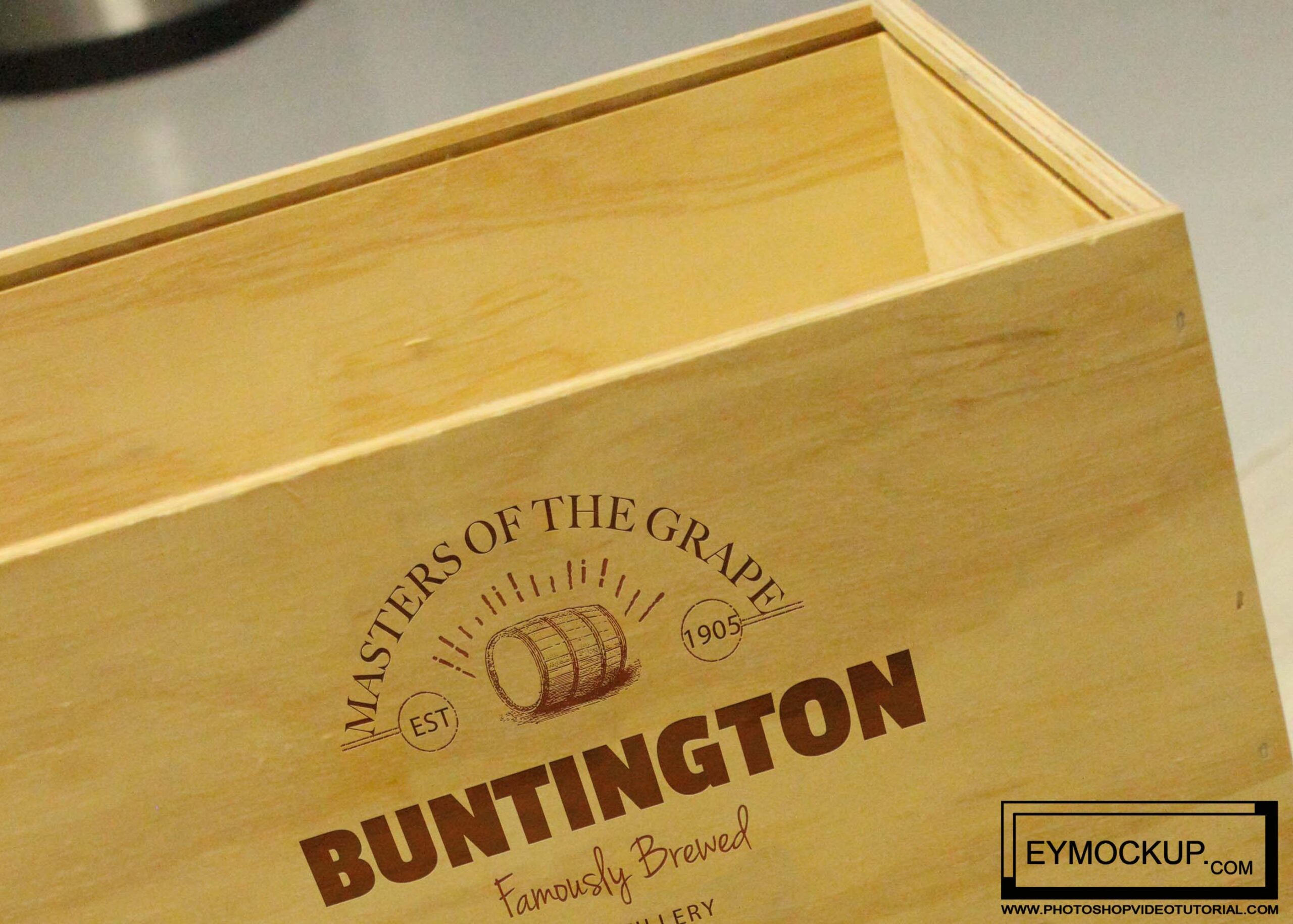
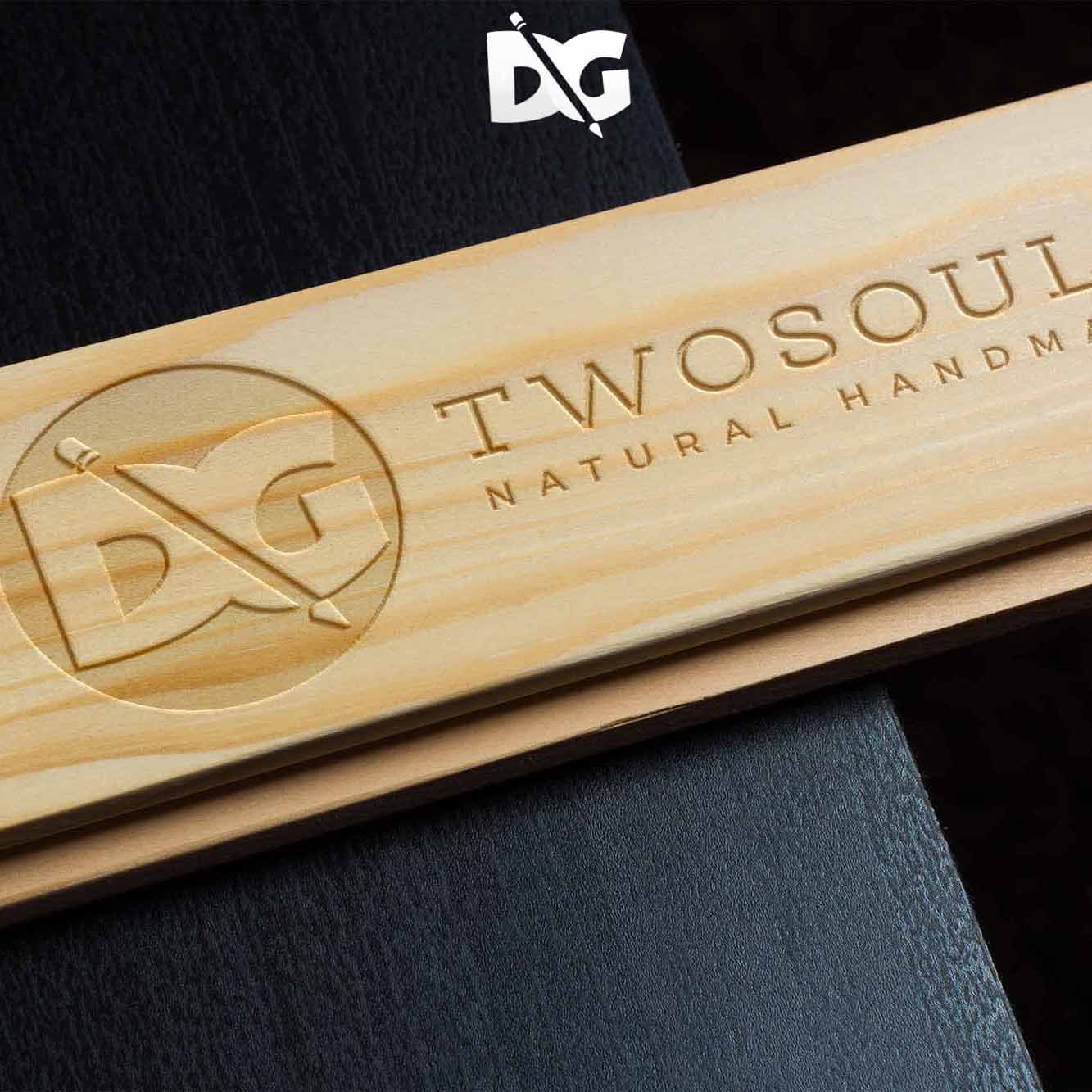
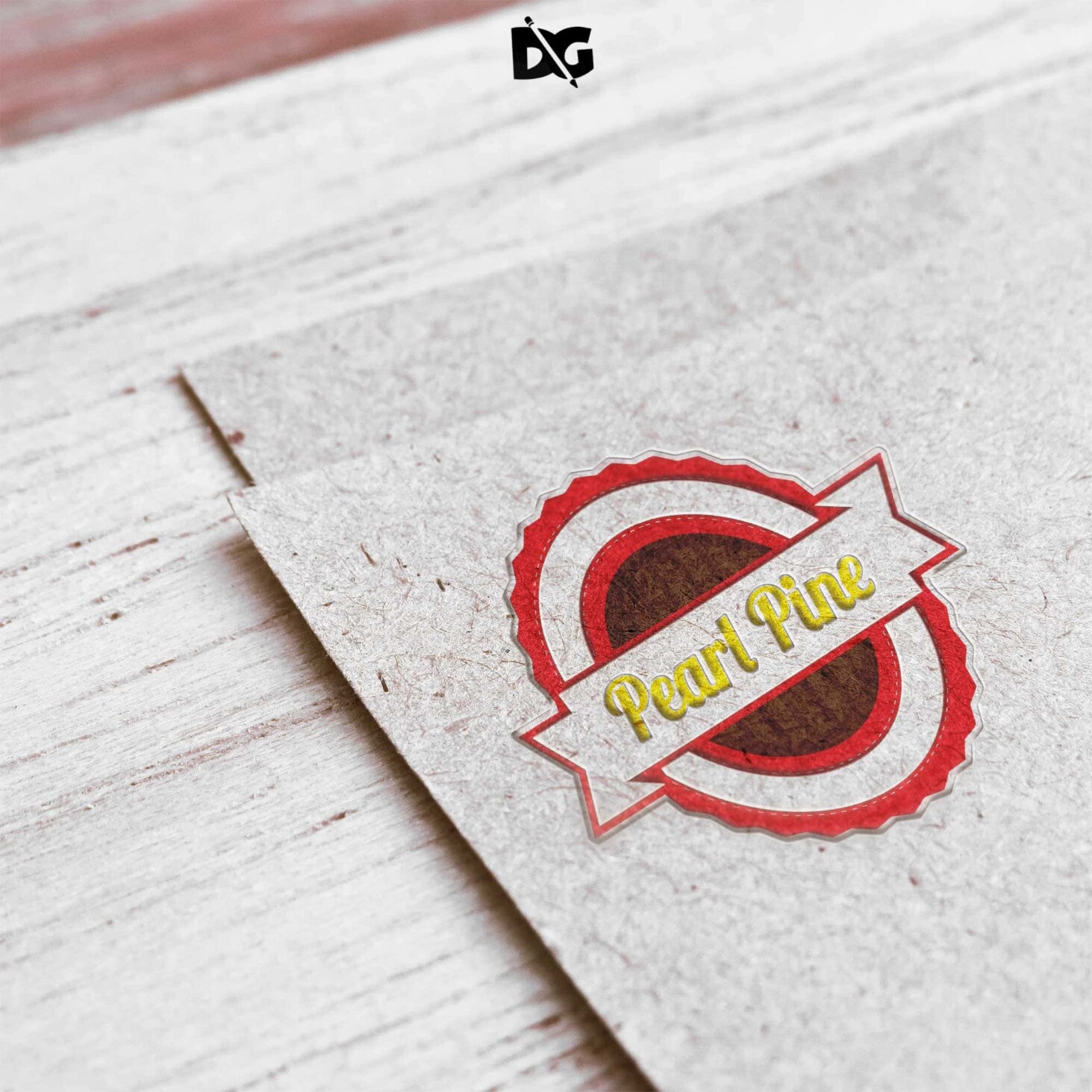
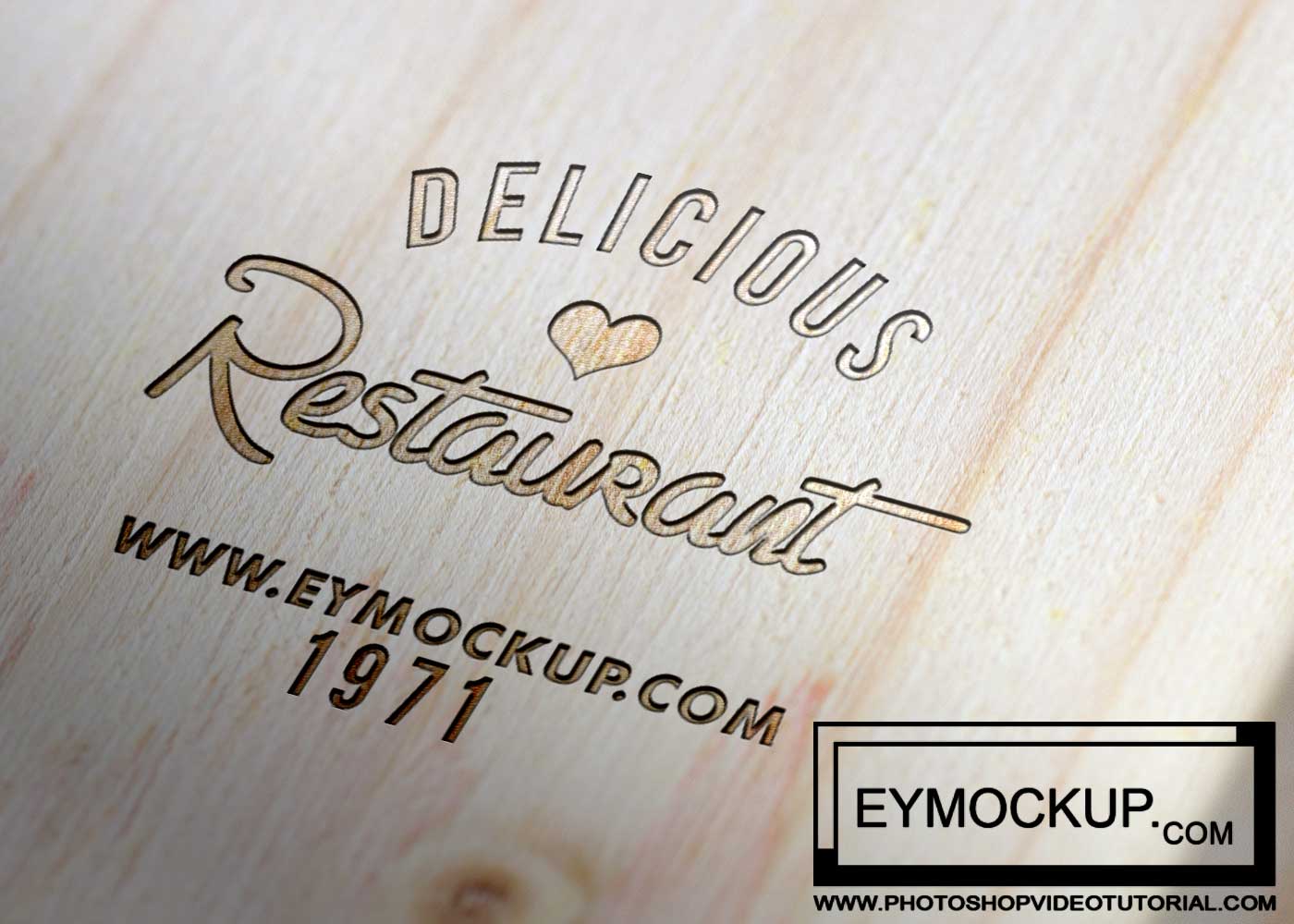
Elevate your brand’s presentation with our Free Painted Wood Logo Mockup. This high-quality mockup allows you to showcase your logo in a realistic setting, making it perfect for designers looking to impress clients. The textured wood background adds warmth and character, ensuring your logo stands out beautifully.
Our mockup is easy to use and compatible with Adobe Photoshop. Simply insert your logo using the smart object feature, and watch as your design comes to life in a stunning wood effect. Ideal for branding projects, social media posts, and portfolio displays, this mockup will help you create eye-catching visuals effortlessly.
Making a logo for your business or association is a key factor in getting a professional touch to your association. The logo is the main thing your clients will see when they approach you so it must be of a reviving and appealing design.
Download these free PSD wood logo mockups that feature popular realistic logo mockup designs like an engraved mockup, pyrogravure style logo or 3D wood logo designs.
All of these Mockup Resources are easy to use and can present your information beautifully. Some are free, while others cost a few dollars.
More great & free PSD Mockups Collection:
Description:
Available Format: Layered PSD through smart object insertion
License: Free for personal and commercial use
Zip File Includes: Photoshop PSD File
Resolution: 2200 x 1500 px
Advertisement:
FAQs – Free Painted Wood Logo Mockup
Can I use the painted wood logo mockup for commercial projects?
Yes, you can use the mockup for commercial projects, as it is designed for both personal and professional use.
Do I need Photoshop to edit the mockup?
Yes, Adobe Photoshop is required to edit the mockup and customize it with your logo using the smart object feature.
What file format does the mockup come in?
The mockup is provided in a PSD format, which is fully editable in Adobe Photoshop.
Is it difficult to customize the wood logo mockup?
No, customizing the mockup is straightforward. Just double-click the smart object layer, insert your logo, and save.
Does the mockup include different lighting options?
Yes, the mockup features adjustable lighting layers, allowing you to create the perfect ambiance for your design.