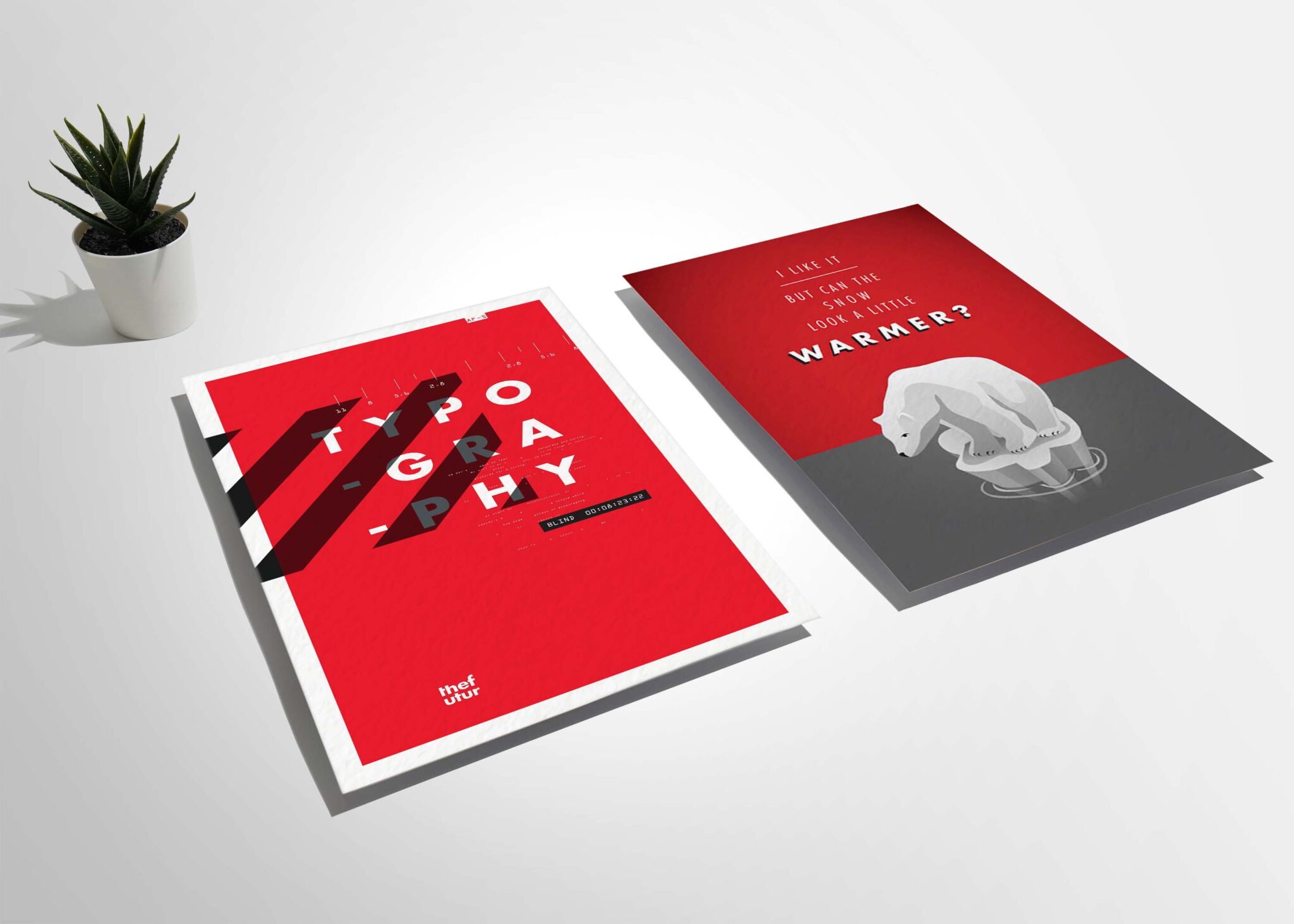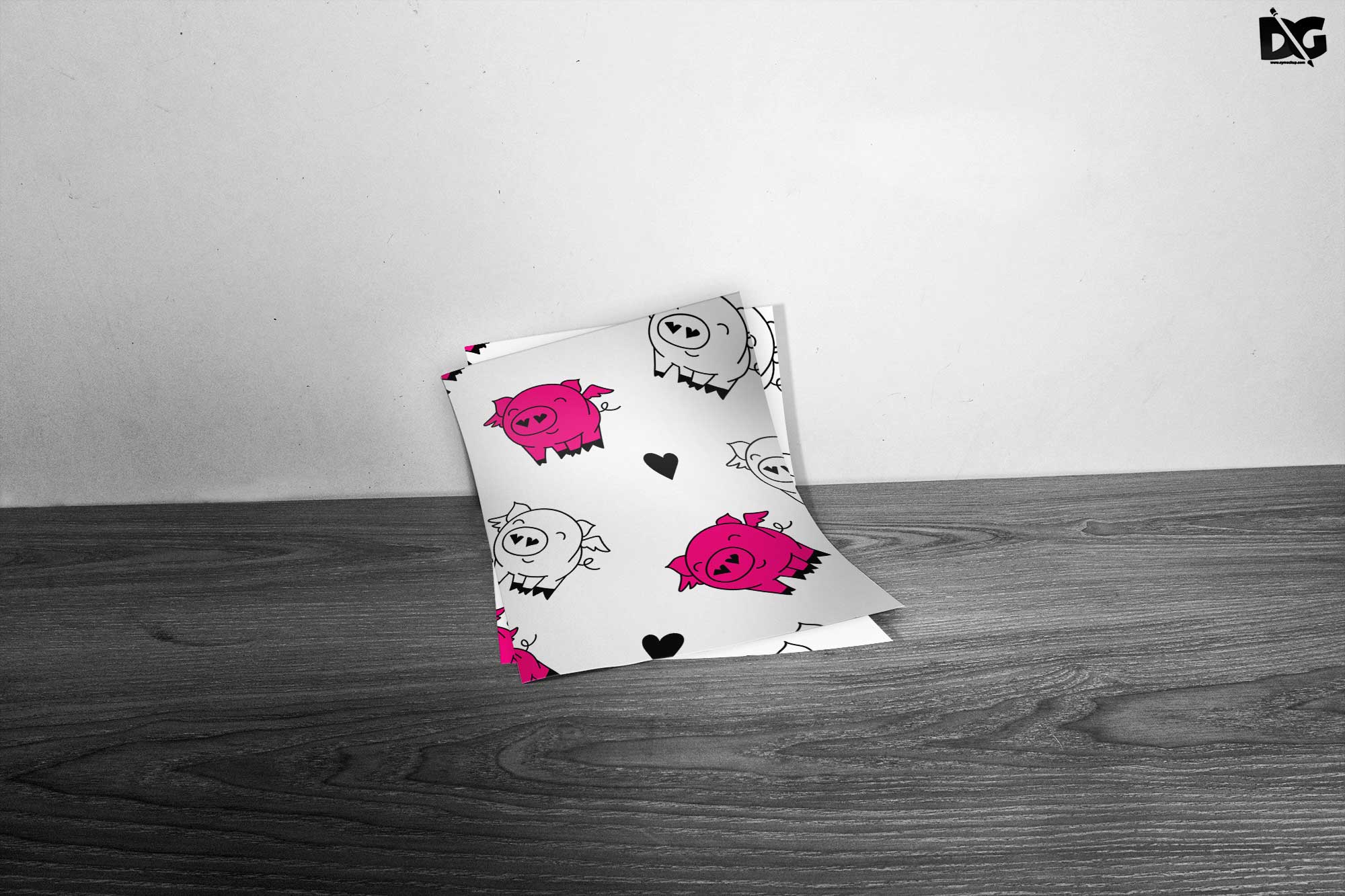
Showcase your designs with our free wall flyer mockups, perfect for enhancing your portfolio or presenting client projects. These high-quality mockups allow you to visualize your artwork in a realistic setting, making it easy to impress your audience. Simply insert your design into the smart object layer and watch it come to life on the wall.
Our collection features various styles and backgrounds, ensuring you find the perfect match for your flyers. The mockups are easy to edit using Photoshop, requiring minimal effort to achieve stunning results. Whether you’re a professional designer or a hobbyist, these mockups are a valuable resource for anyone looking to elevate their presentations.
Your Brand Deserves Free Wall Flyer Mockups
Our awesome team of designers pledge to developing superior but affordable graphics design Free Wall Flyer Mockups
All of these Resources are easy to use and can present your information beautifully. Some are free, while others cost a few dollars.
More great & free PSD Mockups Collection:
- Packaging Mockup
- Paper Mockups
- Photo-Realistic Mockup
- Photoshop Tutorials
Description:
Available Format: Layered PSD through smart object insertion License: Free for personal and commercial use Zip File Includes: Photoshop PSD File Resolution: 2000 x 2250 pxFAQs – Free Wall Flyer Mockups
Can I use these wall flyer mockups for client presentations?
Yes, these mockups are perfect for client presentations, helping you showcase your designs in a professional and visually appealing way.
Do I need Photoshop to edit the mockups?
Yes, you will need Photoshop to edit the mockups. Simply open the file and replace the design using the smart object feature.
Is it easy to customize the wall flyer mockups?
Absolutely! Customizing the mockups is straightforward. Just drag and drop your design into the smart object layer, and you’re done!
What file formats are the mockups available in?
The mockups are typically provided in PSD format, which is compatible with most versions of Adobe Photoshop.
Does the lighting affect the appearance of my design in the mockup?
Yes, the mockups are designed with realistic lighting to enhance the overall presentation of your design, making it look more professional.