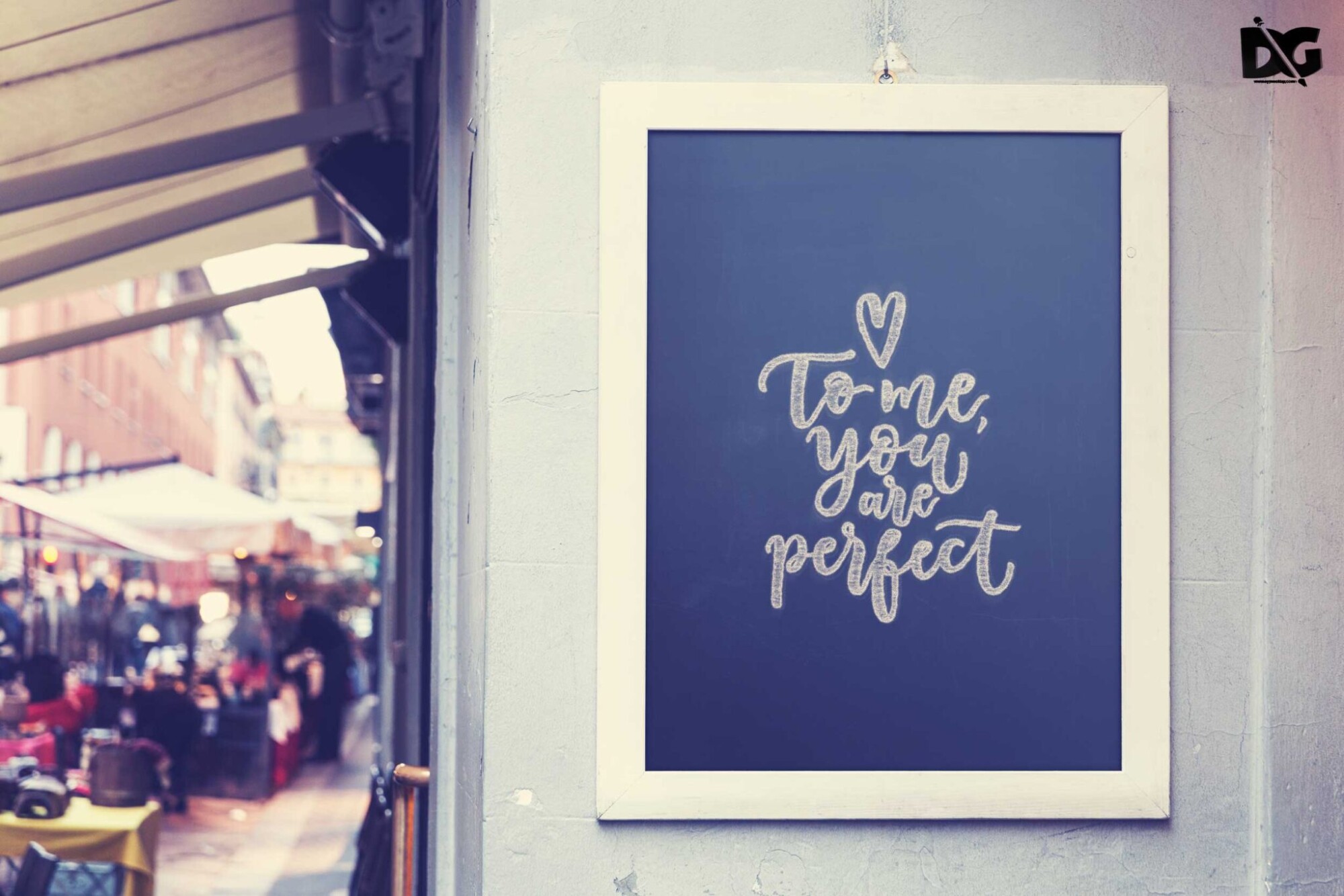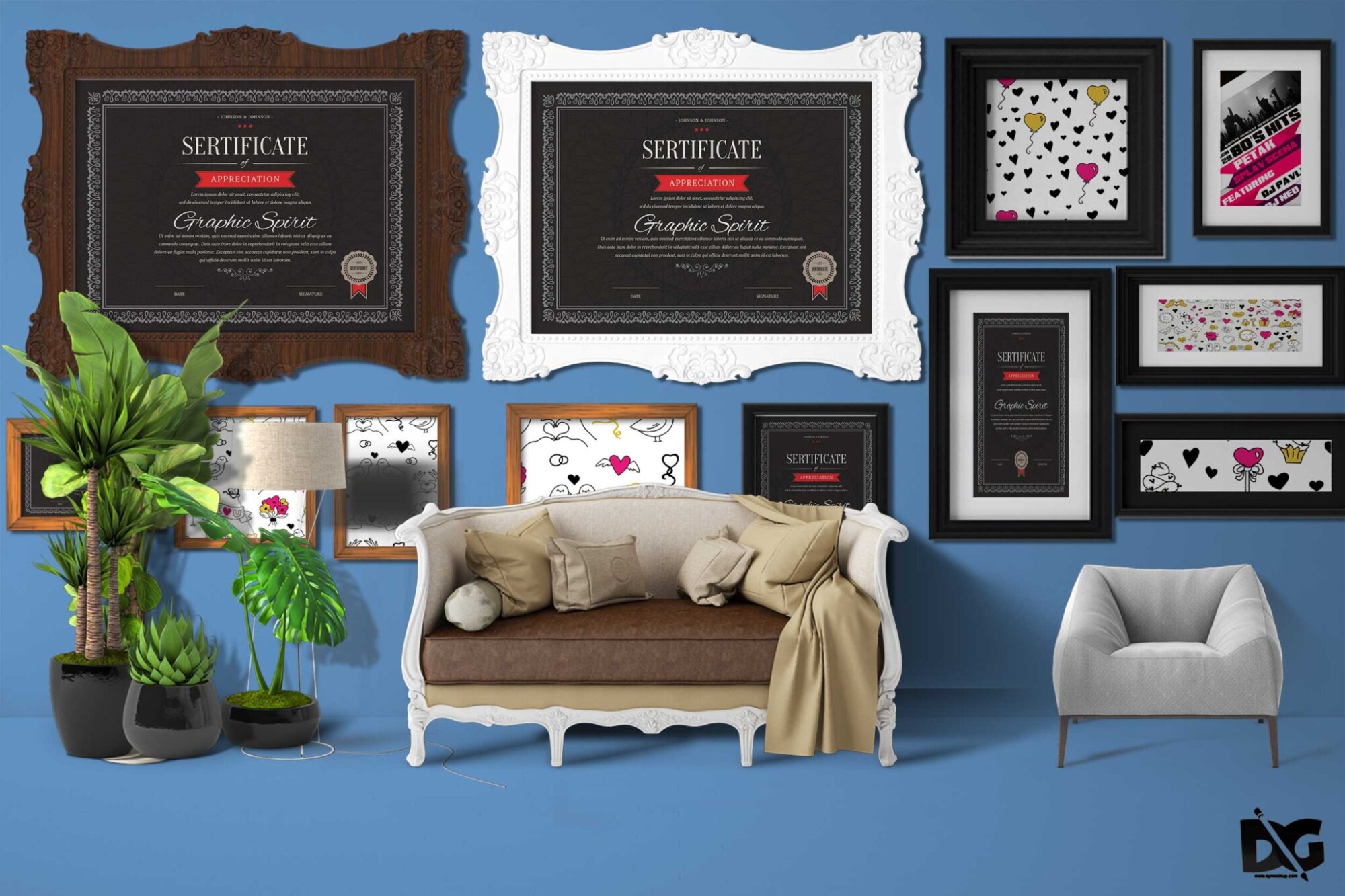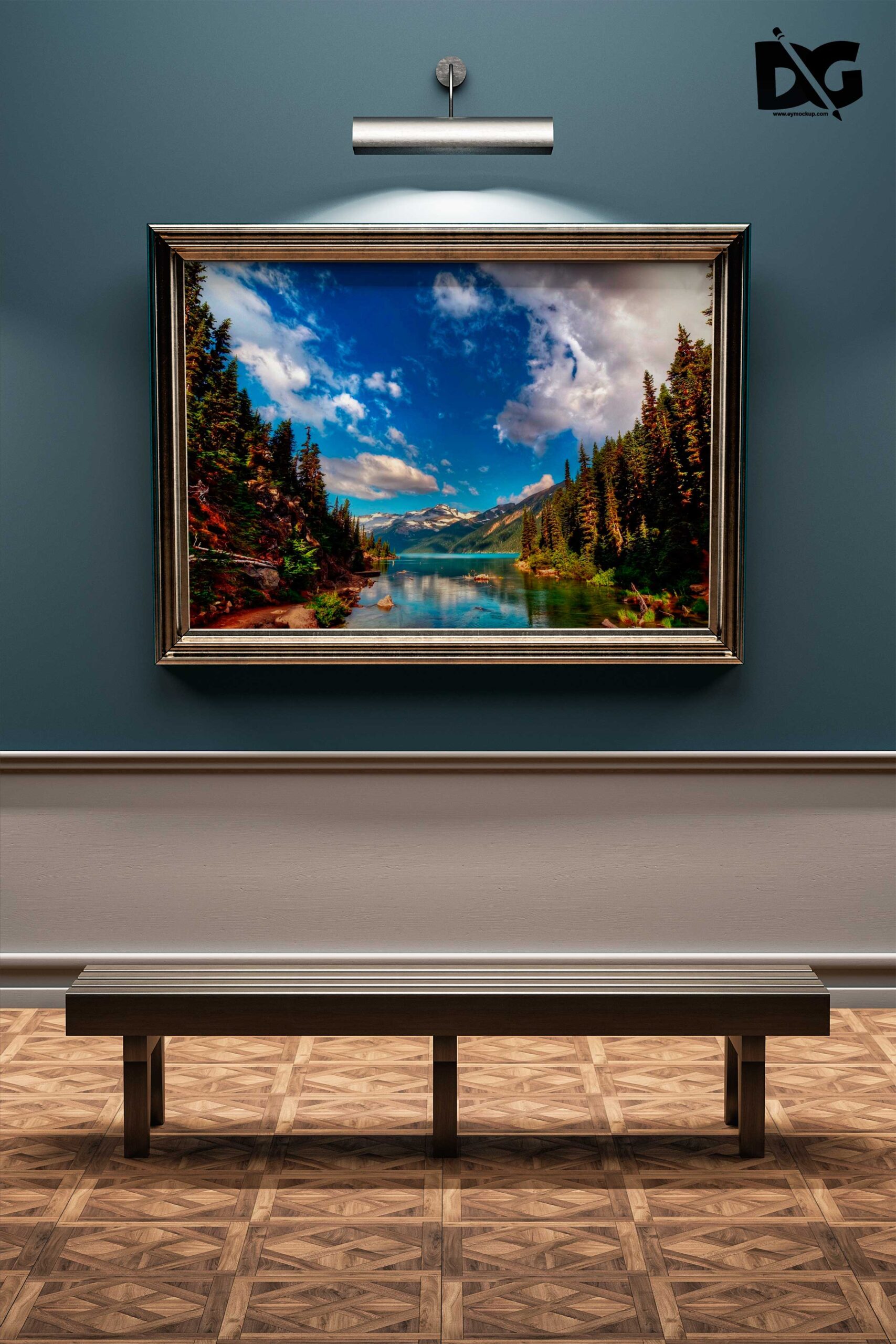
Elevate your design presentations with our free room wall poster mockup. This high-quality mockup allows you to showcase your artwork in a realistic setting, perfect for interior design concepts, art portfolios, or promotional materials. Simply insert your designs into the smart object layer in Photoshop, and you’ll have a stunning visual ready for sharing or printing in no time.
Whether you’re a graphic designer, artist, or marketer, this mockup adds a professional touch to your projects. The well-lit environment and detailed textures enhance the overall appeal, making your designs stand out. Ideal for online shops or social media posts, this mockup demonstrates how your poster will look in a real-world setting, helping potential clients visualize your work.
Your Brand Deserves Premium Room Blue Wall PSD Poster Design Mockup for presentation
Our awesome team of designers pledge to developing superior but affordable graphics design Premium Room Blue Wall PSD Poster Design Mockup
All of these Resources are easy to use and can present your information beautifully. Some are free, while others premium poster mockups cost a few dollars.
With these ready-made Photoshop Free PSD poster mockups, you can quickly place your art in a realistic setting without having to go through all the trouble of getting it printed out.
Take a look at these poser mockups to see if any of them are right for your projects!
More great & free PSD Mockups Collection:
Description:
Available Format: Layered PSD through smart object insertion
License: Free for personal and commercial use
Zip File Includes: Photoshop PSD File
Resolution: 2200 x 1500 px
Advertisement:
FAQs – Free Room Wall Poster Mockup
Can I use the free room wall poster mockup for commercial projects?
Yes, you can use the mockup for commercial projects without any restrictions. It’s free for personal and professional use.
Do I need Photoshop to edit the mockup?
Yes, you will need Photoshop to edit the mockup. It uses smart objects, making it easy to insert your designs.
What file formats does the mockup support?
The mockup is typically provided in PSD format, which is compatible with Adobe Photoshop for easy editing.
Is it easy to change the poster design in the mockup?
Absolutely! Just double-click the smart object layer, replace the design, and save to update the mockup instantly.
Can I customize the lighting in the mockup?
Yes, you can adjust the lighting settings in Photoshop to match your design’s mood or theme, enhancing the overall look.