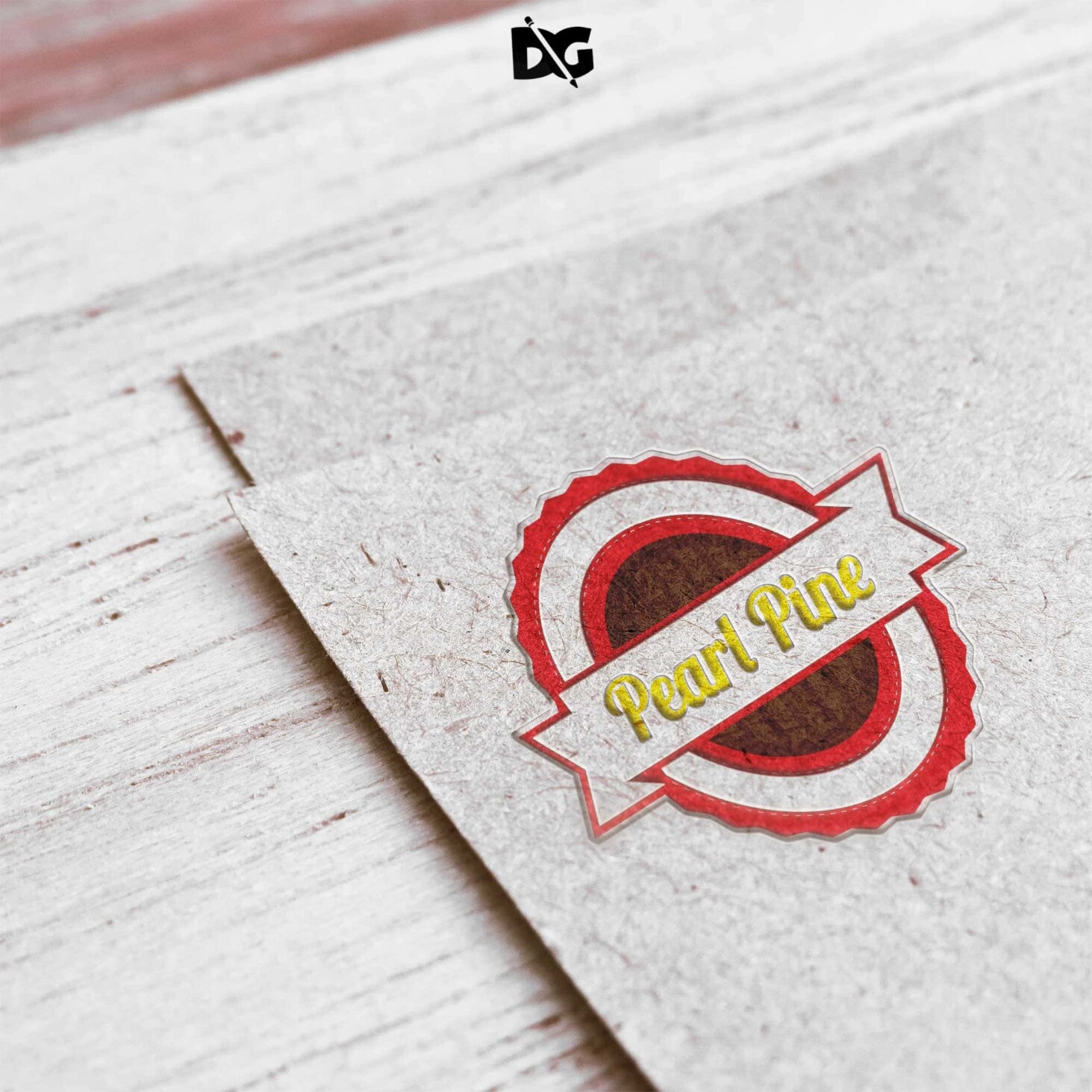
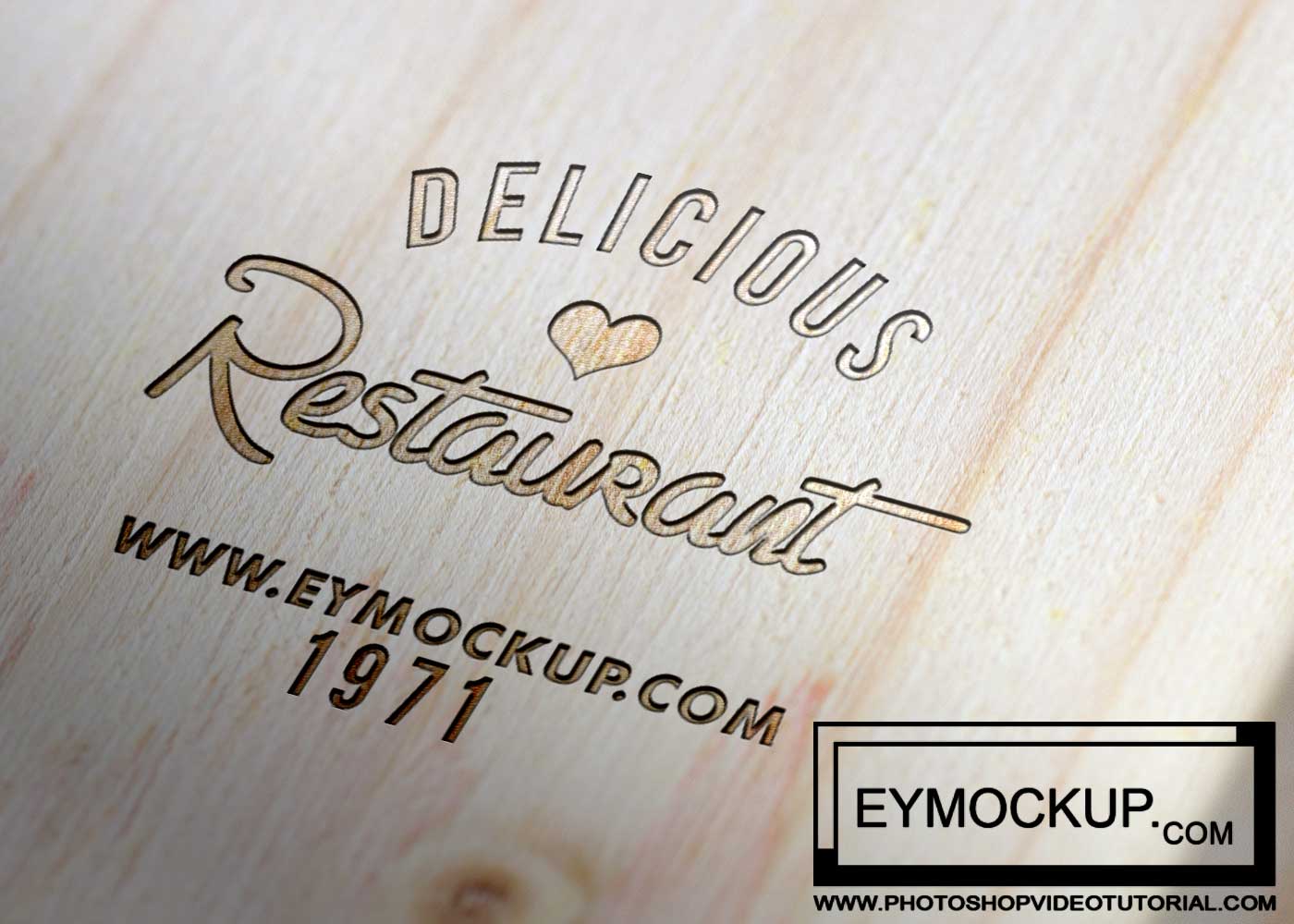
Introducing the Metal Made Badge Logo Mockup, a premium tool designed for graphic designers seeking to showcase their logo designs in a realistic and appealing manner. This mockup features a stunning metal badge effect, perfect for presenting logos in portfolios, social media, or client presentations. With its high-resolution quality, every detail of your design will shine through, making it an essential asset for elevating your branding projects.
The mockup is easy to use, thanks to its smart object layers in Photoshop. Simply drag and drop your logo into the designated layer, and watch as your design transforms into a polished metal badge. Additionally, the customizable lighting and shadows allow you to adjust the mockup to suit your style. Whether you’re creating a badge for a product, event, or personal brand, this mockup will enhance the visual appeal and professionalism of your presentation.
All of these Resources are easy to use and can present your information beautifully. Some are free, while others cost a few dollars.More great & free PSD Mockups Collection:
- 3d logo mockup psd free download
- Postcard Mockup PSD free download
- Plastic bottle mockup free download
- eBook Cover PSD Download Mockup
FAQs – Metal Made Badge Logo Mockup
Can I edit the Metal Made Badge Logo Mockup in Photoshop?
Yes, you can easily edit the mockup in Photoshop using smart object layers for quick logo placement.
Does the mockup support different logo formats?
The mockup supports various formats, including PNG and JPEG, allowing flexibility in design integration.
What are the dimensions of the Metal Badge Mockup?
The mockup features high-resolution dimensions, typically around 3000×2000 pixels, ensuring a sharp display for your logo.
Is it easy to customize the lighting in the mockup?
Yes, you can adjust the lighting settings in Photoshop to achieve the desired ambiance for your badge presentation.
Do I need advanced skills to use the mockup effectively?
No, the mockup is designed for all skill levels, making it accessible for both beginners and experienced designers.