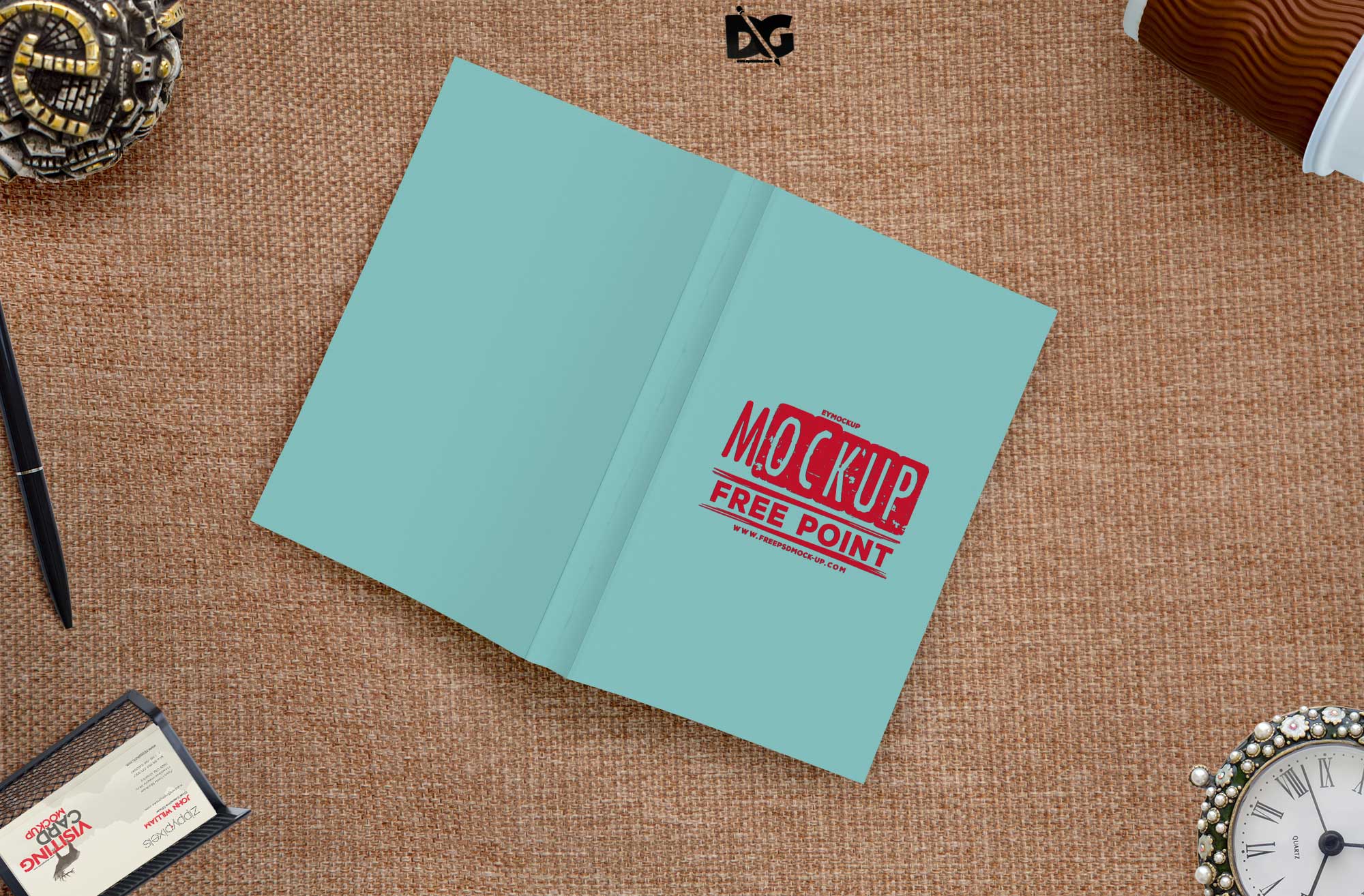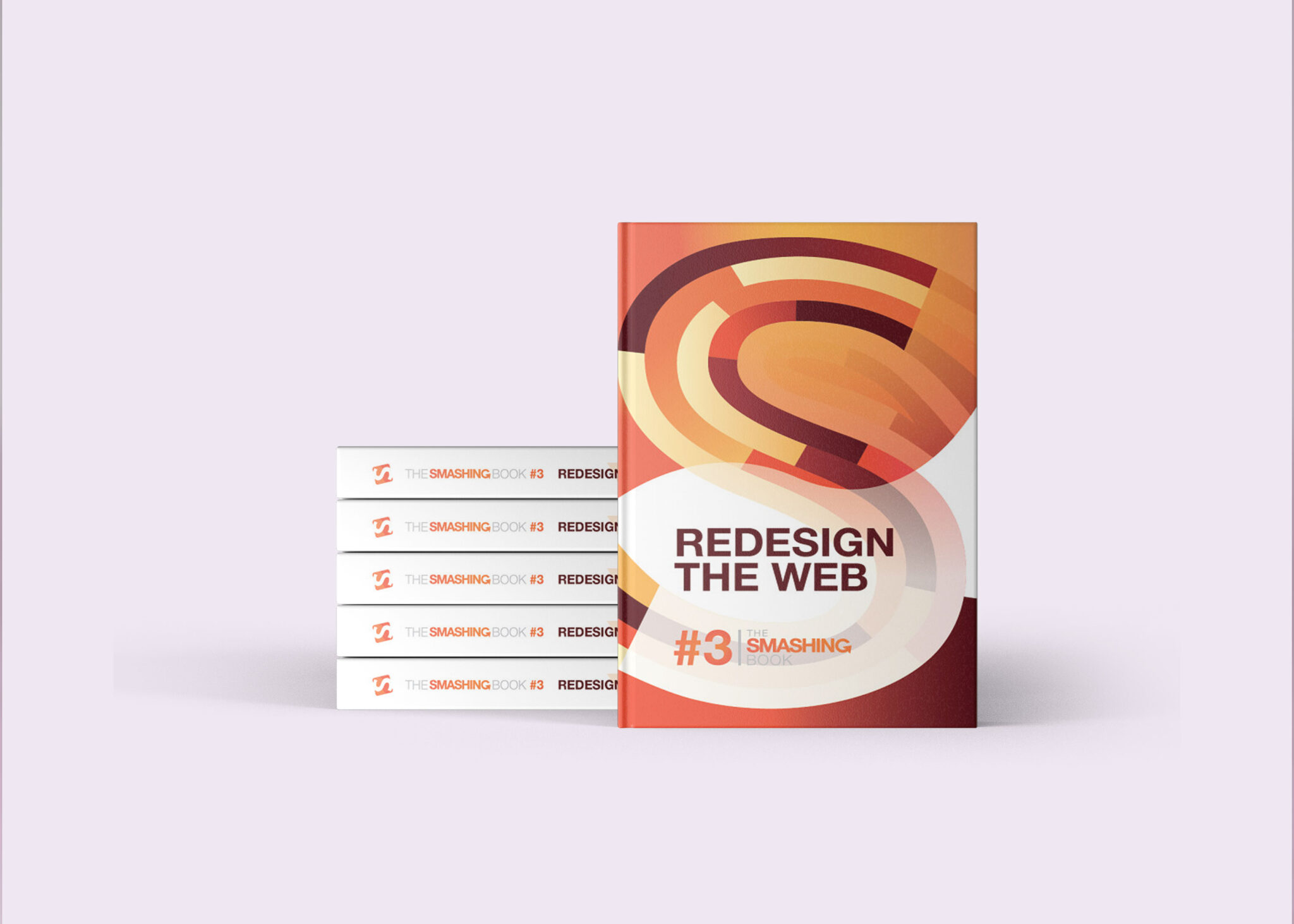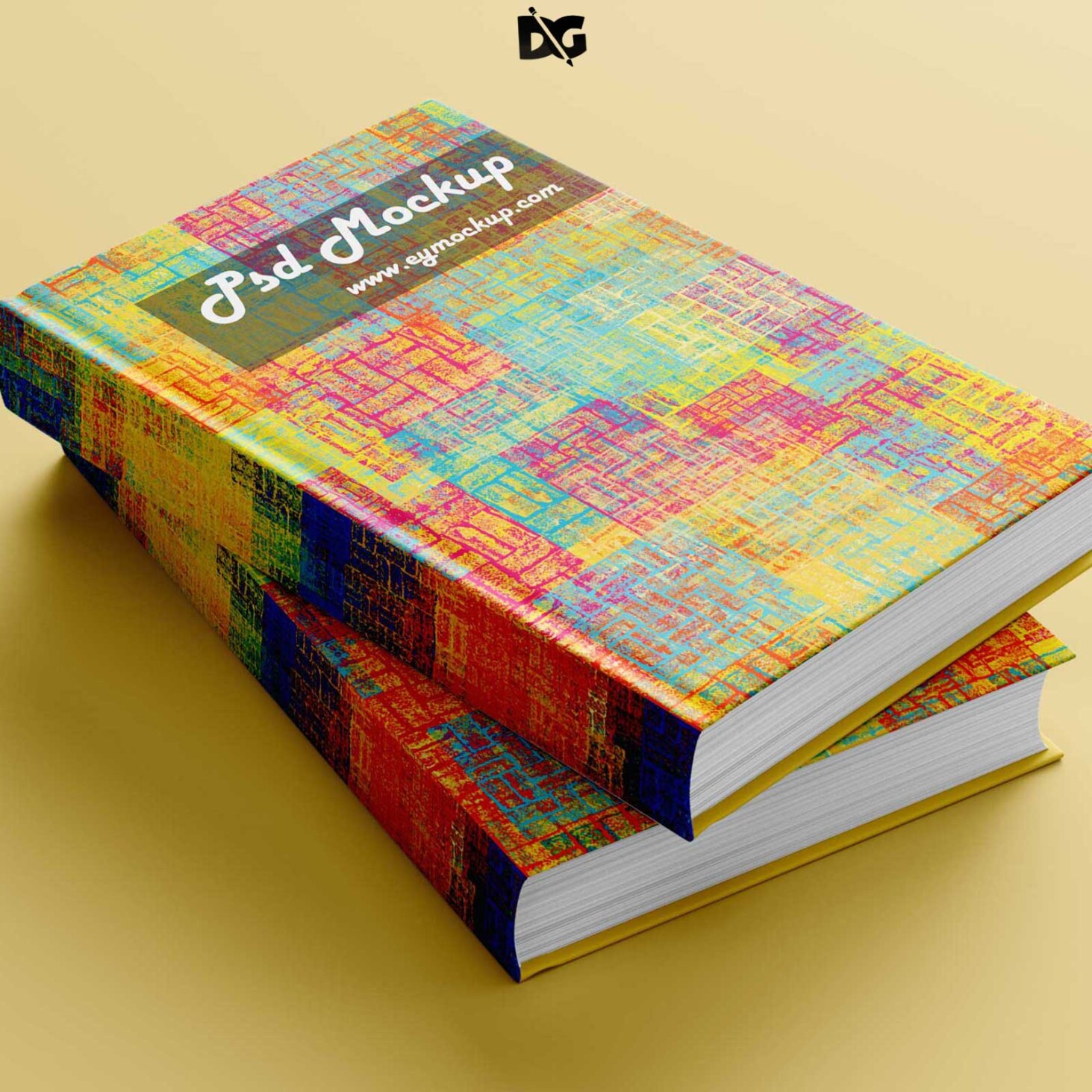
Creating eye-catching book cover designs is essential for capturing your audience’s attention. Our free PSD mock-up allows you to visualize your design in a realistic setting, making it easier to present your ideas to clients or showcase your work. With customizable layers, you can easily edit the mock-up to fit your unique style and branding.
This mock-up is designed for both amateur and professional designers. Whether you are creating a fiction novel, a non-fiction guide, or a children’s book, the versatility of this mock-up will help you display your design effectively. Utilize the smart object feature in Photoshop to insert your cover design seamlessly and adjust the lighting to achieve a polished look.
All of these Resources are easy to use and can present your information beautifully. Some are free, while others cost a few dollars.More great & free PSD Mockups Collection:
- 3d logo mockup psd free download
- Postcard Mockup PSD free download
- Plastic bottle mockup free download
- eBook Cover PSD Download Mockup
FAQs – Cover Book Design PSD Mock-up
Can I edit the book cover design mock-up in Photoshop?
Yes, the mock-up is fully editable in Photoshop. Simply use the smart object layers to insert your own cover design seamlessly.
Does the mock-up support different book sizes?
Absolutely! The PSD mock-up can be adjusted to different book sizes, allowing you to create a design that fits your specific project.
What file format is the book cover mock-up available in?
The mock-up is available in PSD format, ensuring compatibility with Adobe Photoshop for easy editing and customization.
Can I change the background lighting in the mock-up?
Yes, you can easily adjust the background lighting layers in the mock-up to enhance your book cover design’s visual appeal.
Is it easy to use this book cover mock-up for beginners?
Definitely! The user-friendly structure of the mock-up makes it accessible for both beginners and experienced designers.