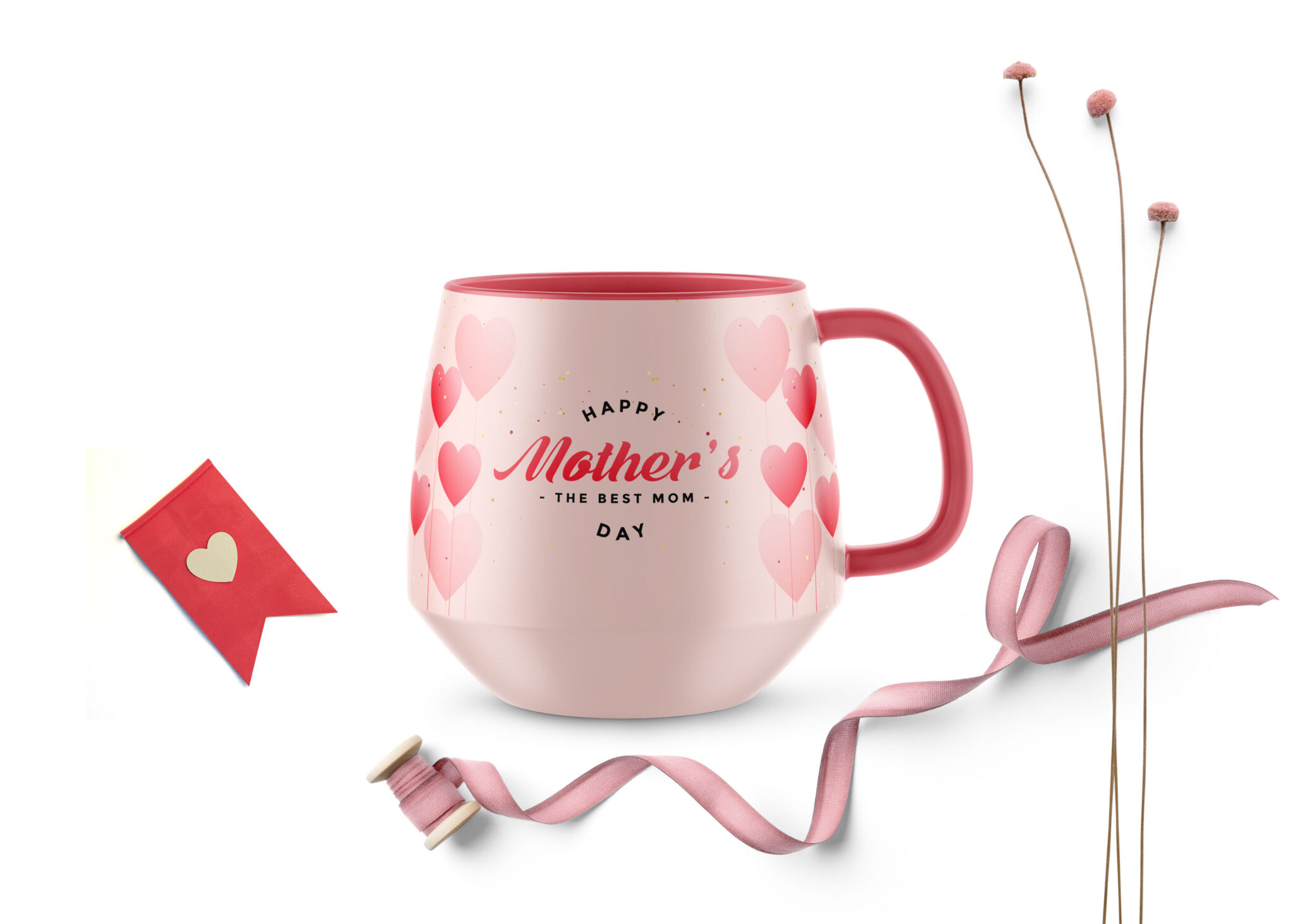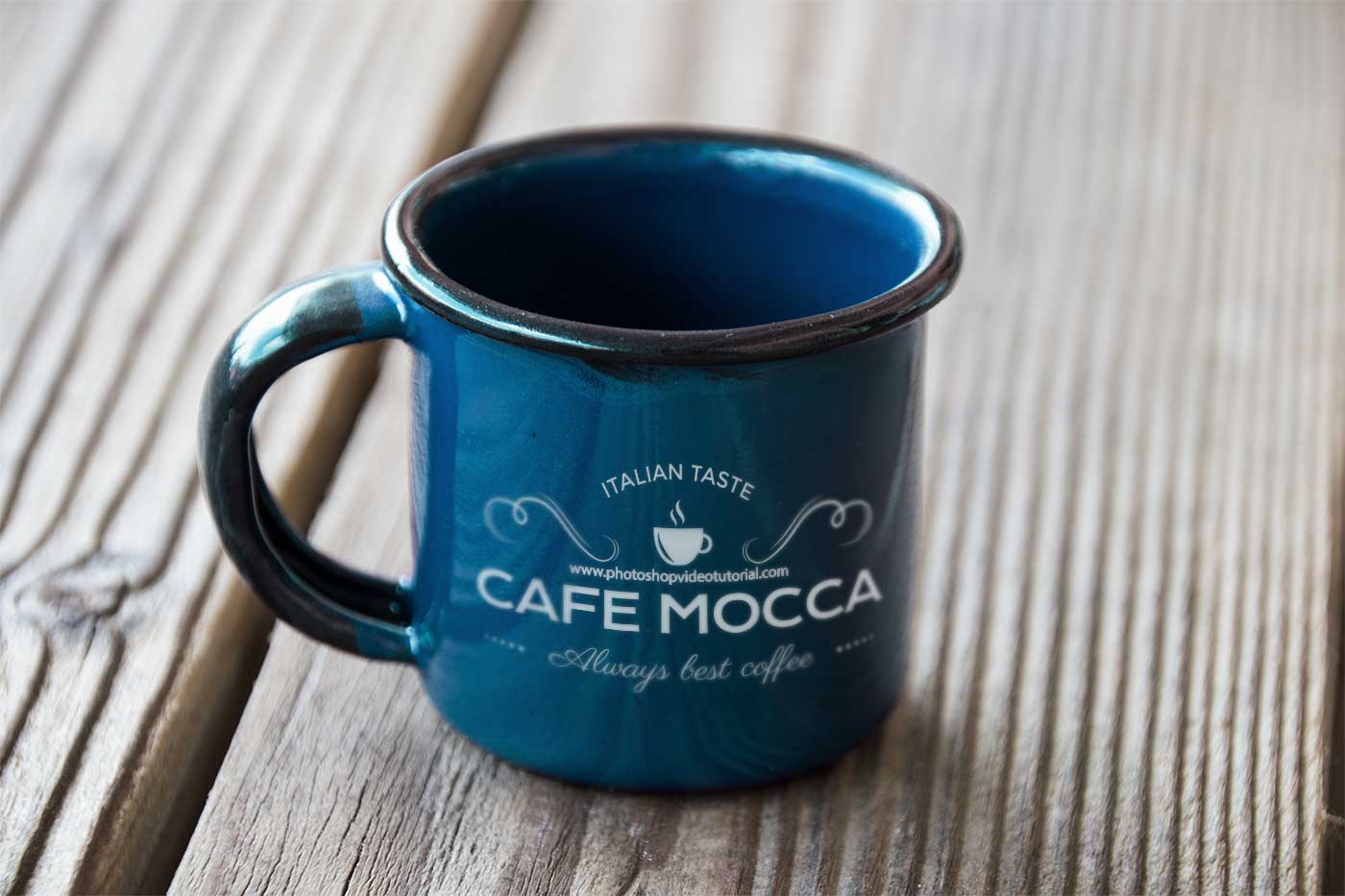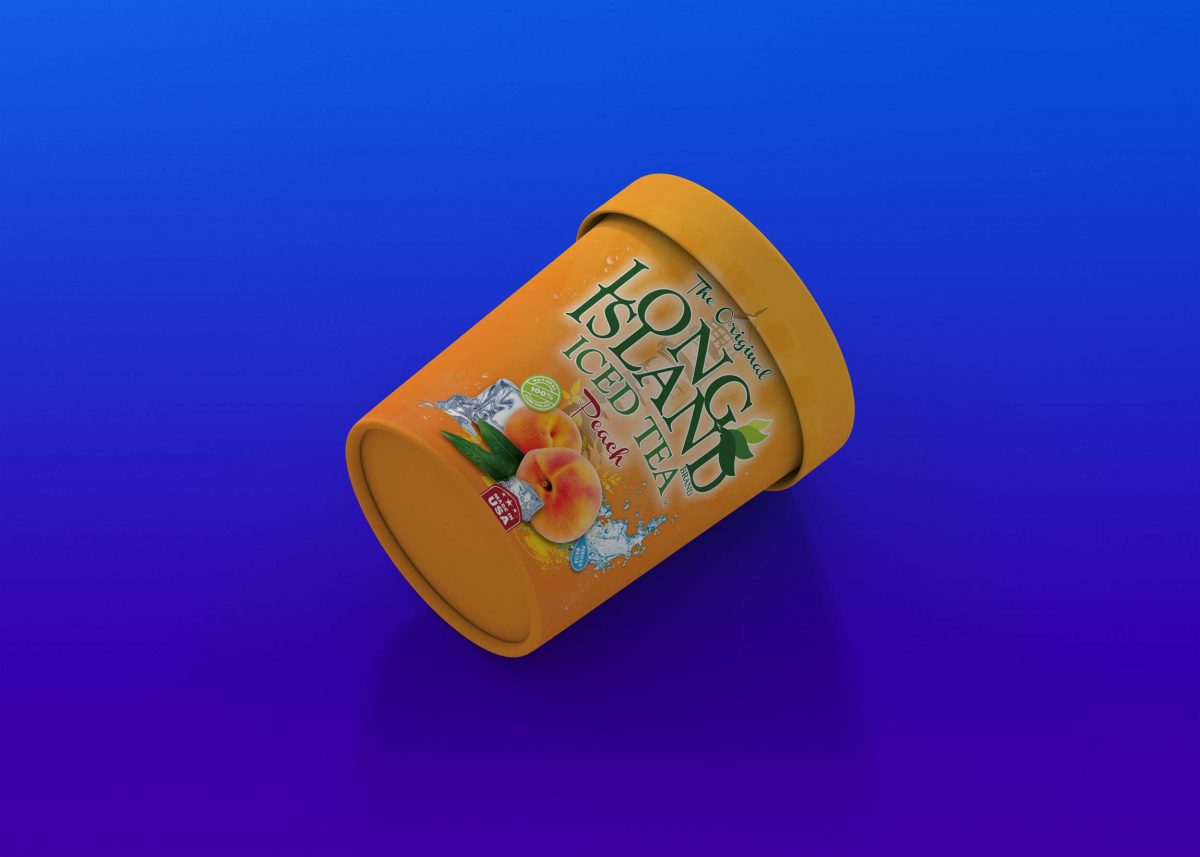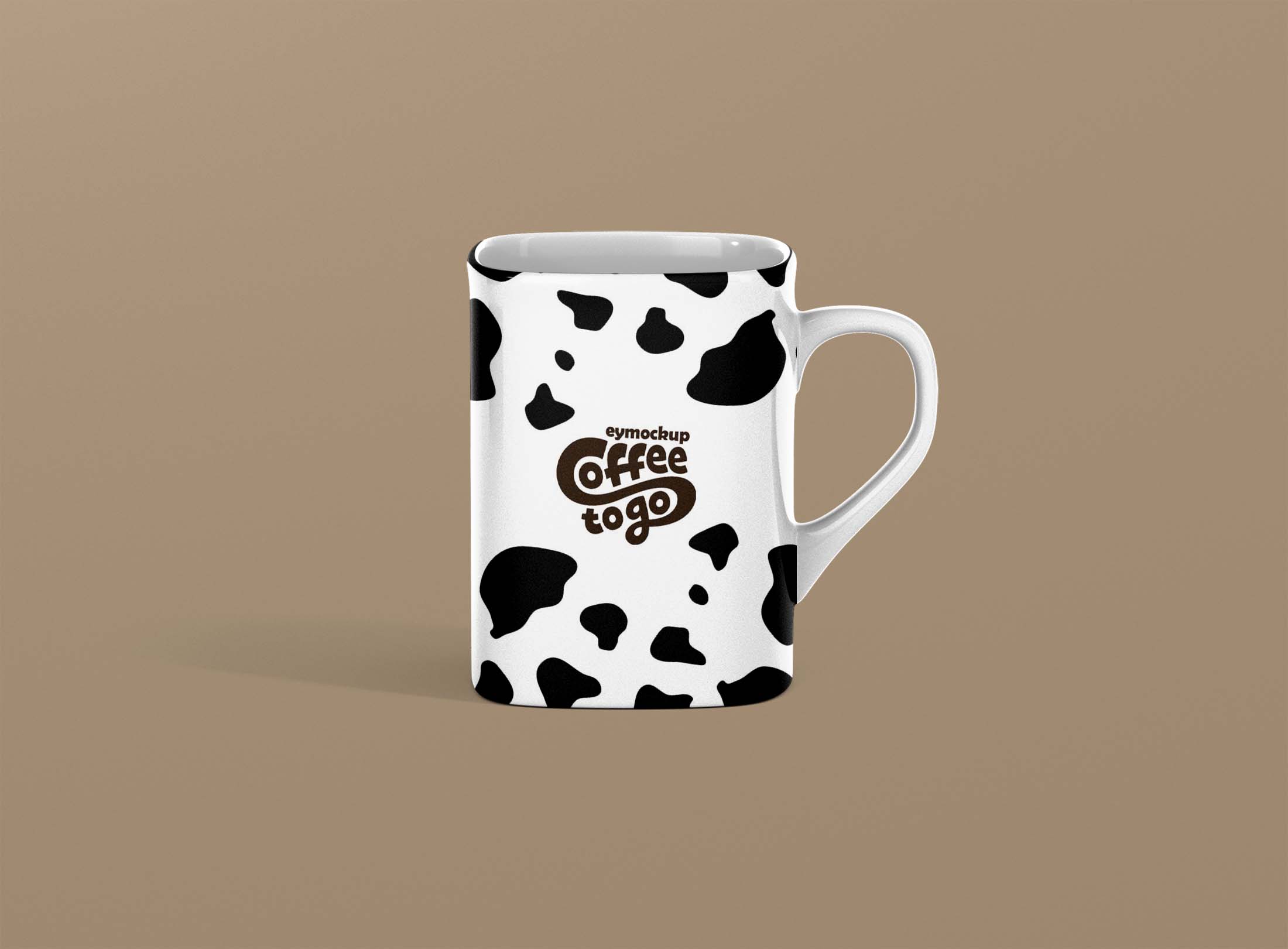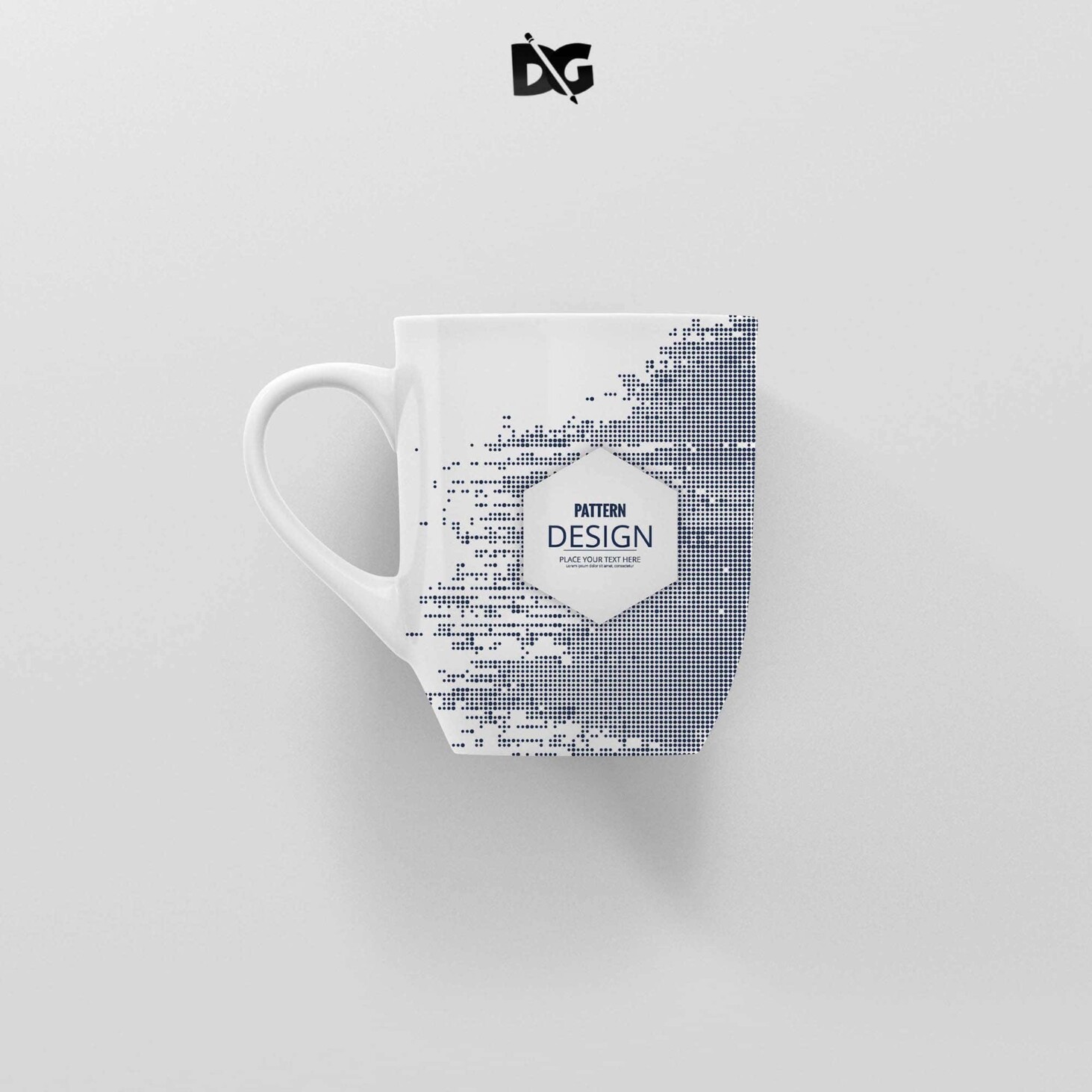
Elevate your sublimation projects with our free sublimation mug label mockup. Designed for creative minds, this mockup allows you to showcase your designs in a realistic and visually appealing manner. Whether you’re a seasoned designer or just starting, our user-friendly template will help you present your work professionally.
With customizable features, you can easily edit the mockup in Photoshop to fit your unique design needs. Adjust the colors, add your graphics, and play with textures to create an eye-catching presentation. Perfect for marketing, portfolio displays, or personal projects, this mockup is an essential tool for anyone looking to enhance their sublimation creations.
All of these Resources are easy to use and can present your information beautifully. Some are free, while others cost a few dollars.More great & free PSD Mockups Collection:
- 3d logo mockup psd free download
- Postcard Mockup PSD free download
- Plastic bottle mockup free download
- eBook Cover PSD Download Mockup
FAQs – Sublimation Mug Label Mockup
Can I edit the sublimation mug label mockup in Photoshop?
Yes, the mockup is fully editable in Photoshop, allowing you to customize colors, graphics, and textures easily.
What file formats are included with the mockup?
The mockup typically includes PSD files, which are compatible with Photoshop for seamless editing.
Is it easy to replace the label design on the mug?
Absolutely! Simply open the PSD file, and use the smart object layer to insert your label design effortlessly.
Does the mockup support high-resolution images?
Yes, our sublimation mug label mockup supports high-resolution images for crisp and clear presentations.
What lighting settings are used in the mockup?
The mockup features soft, natural lighting that enhances the appearance of your designs, making them pop on the mug.