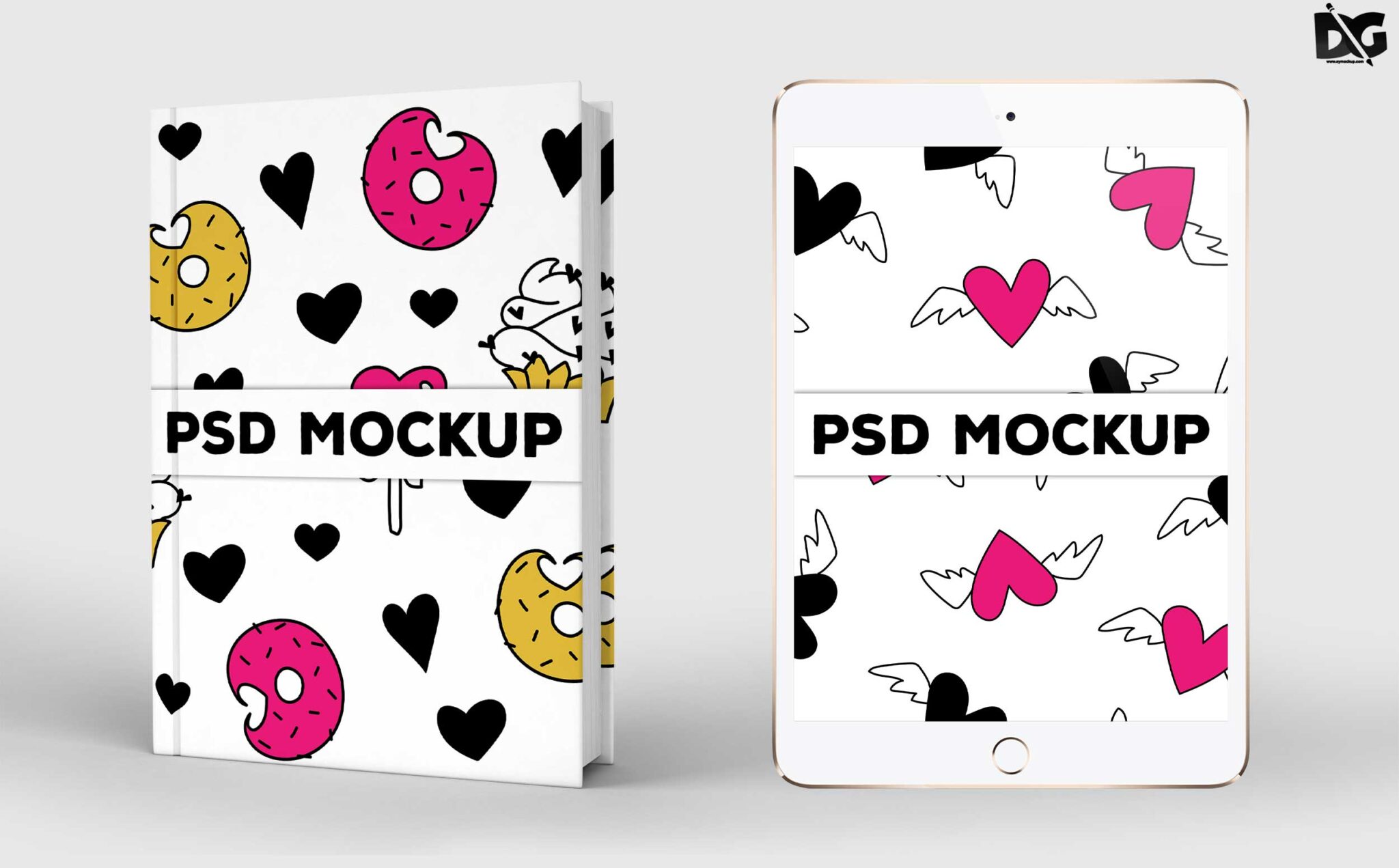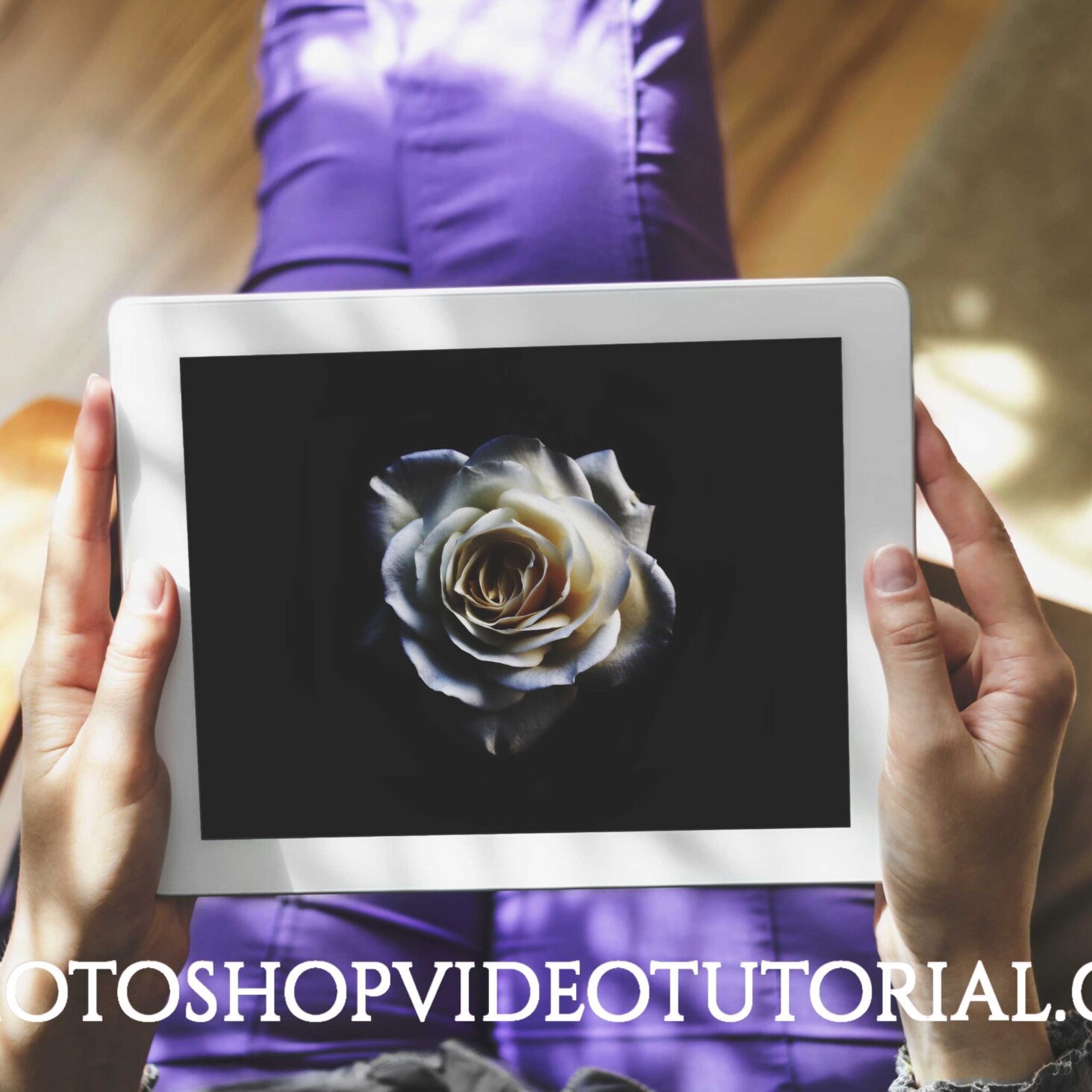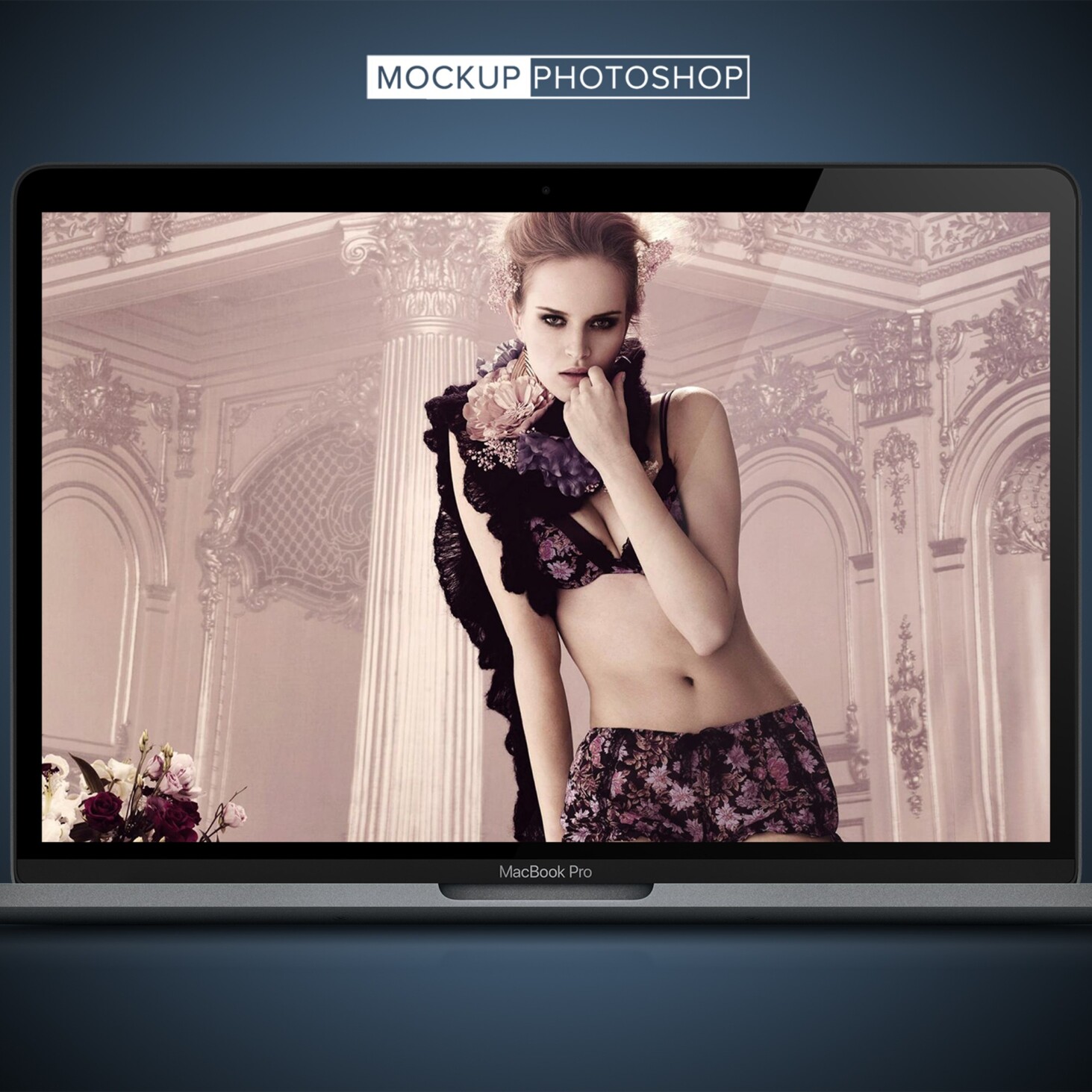
Apple MacBook mockups are essential tools for designers looking to showcase their work in a realistic setting. These mockups allow you to present your designs in high-quality environments, making them perfect for portfolios, presentations, and marketing materials. With a variety of angles and styles, you can find the ideal mockup that fits your design needs.
Our free downloadable mockups come in various formats, compatible with popular design software like Photoshop. Whether you need a simple screen display or a more complex scene with ambient lighting, these mockups can enhance your design’s visual appeal. Simply drag and drop your artwork into the mockup, and watch your designs come to life.
All of these Resources are easy to use and can present your information beautifully. Some are free, while others cost a few dollars.More great & free PSD Mockups Collection:
- 3d logo mockup psd free download
- Postcard Mockup PSD free download
- Plastic bottle mockup free download
- eBook Cover PSD Download Mockup
FAQs – Apple Macbook Mockups
Can I customize the Apple MacBook mockups?
Yes, you can easily customize our mockups in Photoshop by changing colors, backgrounds, and adding your own designs.
What file formats are the MacBook mockups available in?
The mockups are typically available in PSD format, ensuring compatibility with Adobe Photoshop and similar editing software.
Does it matter what resolution the designs are in?
For best results, use high-resolution designs that match or exceed the mockup’s resolution for clear and professional presentations.
Is it easy to edit the mockups in Photoshop?
Absolutely! Our mockups come with smart objects, allowing for quick and easy editing to showcase your designs effectively.
Do I need special skills to use these mockups?
Basic Photoshop skills are recommended, but detailed tutorials are often available to help you navigate the editing process.