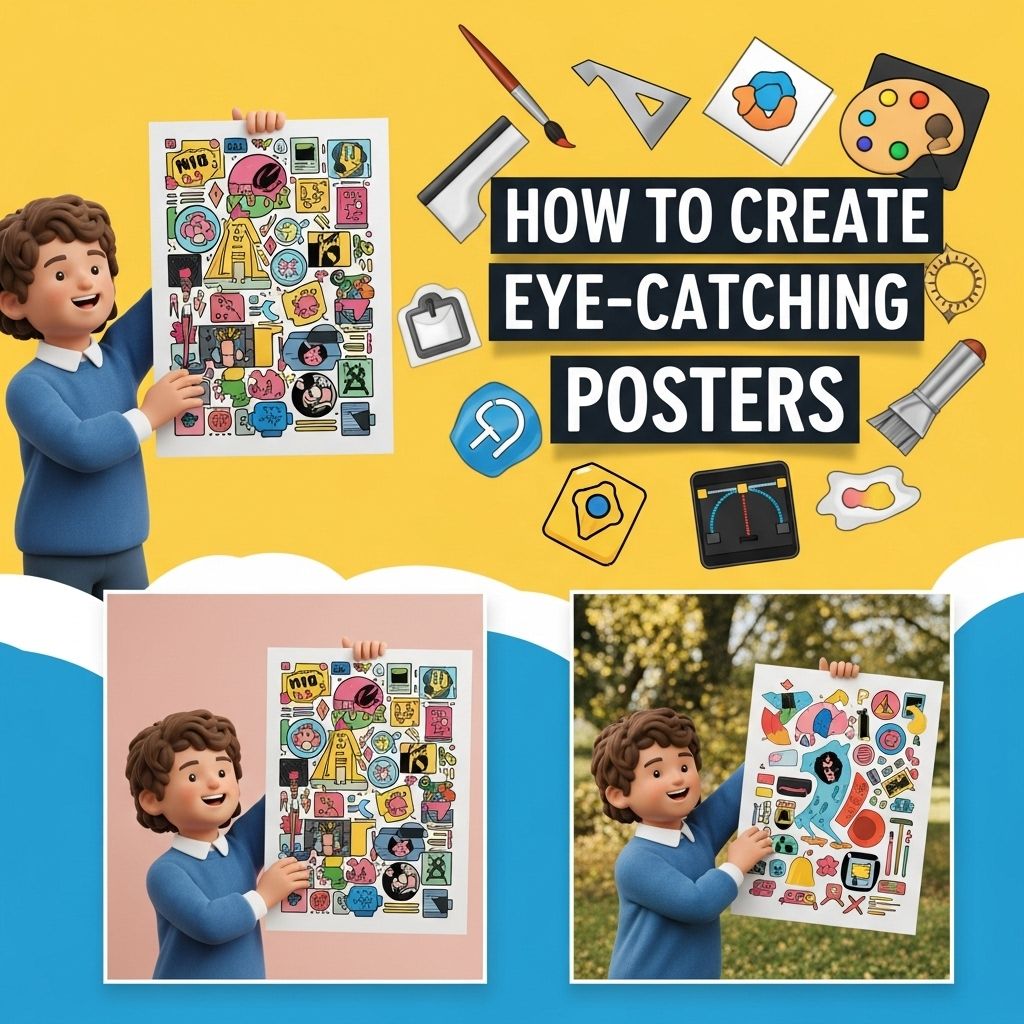
Creating eye-catching posters is a vital skill in today’s visually driven world. Whether for advertising an event, conveying information, or showcasing artwork, a well-designed poster can capture attention and communicate effectively. In this article, we will delve into the essential elements of poster design, explore various techniques, and provide practical tips for producing stunning visuals that resonate with your audience.
Creating stunning posters that grab attention requires a keen eye for design and an understanding of visual communication. By integrating bold colors, compelling images, and concise messaging, you can effectively engage your audience and convey your message. For those looking to enhance their design skills, exploring resources on improving user experience on websites can provide valuable insights.
The Basics of Poster Design
Before jumping into design tools and techniques, it’s essential to understand the basic principles of poster design. These foundational elements ensure that your poster not only looks good but also effectively communicates its intended message.
1. Purpose and Audience
The first step in designing a poster is to clearly define its purpose and target audience. Consider the following:
- What is the message? – Are you promoting an event, sharing information, or showcasing artwork?
- Who will see it? – Understanding your audience will help tailor your design choices.
2. Size and Format
Posters come in various sizes and formats, including:
| Size | Dimension | Common Use |
|---|---|---|
| A3 | 297 x 420 mm | Events, small promotions |
| A2 | 420 x 594 mm | Concerts, fairs |
| A1 | 594 x 841 mm | Exhibitions, large events |
| A0 | 841 x 1189 mm | Billboards, extensive advertising |
Visual Hierarchy
Effective poster design relies heavily on visual hierarchy. This principle refers to the arrangement of elements to convey the importance of information. The following strategies can enhance hierarchy:
1. Size and Scale
Make important information larger or bolder to draw attention. For example:
- Event titles should be the most prominent elements.
- Subtitles and details should be smaller but still legible.
2. Color Contrast
Using contrasting colors can help highlight essential elements.
3. Typography
Choosing the right fonts is crucial for readability. A combination of a bold headline font with a more subtle body font usually works well. Aim for:
- Two to three font families for variety.
- Consistent font sizes for headings, subheadings, and body text.
Color Theory in Poster Design
Color plays a significant role in poster design, affecting mood and audience perception. Consider these tactics:
1. Color Schemes
Utilize color schemes to create harmony:
- Monochromatic: Variations of a single color for a cohesive look.
- Complementary: Opposite colors on the color wheel to create vibrant contrasts.
- Analogous: Colors next to each other on the wheel for a serene effect.
2. Psychological Effects
Different colors evoke different feelings and reactions:
- Red: Excitement, urgency
- Blue: Trust, calm
- Green: Growth, tranquility
Incorporating Graphics and Images
Images can significantly enhance your poster’s appeal. Here are some tips for incorporating visuals:
1. High-Quality Images
Use high-resolution images to prevent pixelation. Stock photo websites like Unsplash and Pexels offer free, high-quality visuals.
2. Illustrations and Icons
Consider using custom illustrations or icons to convey complex ideas simply. Vector graphics can be particularly useful as they scale without losing quality.
Layout and Composition
The layout is critical to how your audience interprets the information. Here are some layout principles:
1. Grid System
A grid system can help maintain balance and alignment. Most design software offers grid options that can simplify the organization of elements.
2. Balance and White Space
Use white space strategically to create breathing room, allowing your key messages to stand out. Effective use of white space can lead to a cleaner, more professional appearance.
Design Tools and Software
With the right tools, creating beautiful posters has never been easier. Some popular design software includes:
- Adobe Photoshop: Industry standard for raster graphics.
- Adobe Illustrator: Best for creating vector graphics.
- Canva: User-friendly web-based tool ideal for beginners.
- Inkscape: A free option for vector graphics.
Printing and Distribution
After designing your poster, it’s crucial to ensure it looks great in print. Consider the following:
1. Paper Quality
Choose suitable paper stock for your poster. Options include:
- Glossy: Vibrant colors, ideal for photos.
- Matte: More subdued, less glare.
2. Print Resolution
Ensure your design is set to at least 300 DPI for high-quality prints.
Conclusion
Designing eye-catching posters is an art that combines creativity with strategy. By understanding your audience, employing effective design principles, and utilizing the right tools, you can create posters that not only capture attention but also convey your message powerfully. Remember to iterate on your designs, seek feedback, and continually refine your skills to become a master poster designer.
FAQ
What are the key elements of an eye-catching poster?
The key elements of an eye-catching poster include a strong headline, engaging visuals, clear typography, a balanced layout, and a compelling call to action.
How do I choose the right colors for my poster?
Choose colors that complement each other and align with your message. Use contrasting colors for text and backgrounds to enhance readability.
What size should my poster be?
The size of your poster depends on its purpose and where it will be displayed. Common sizes include 18×24 inches and 24×36 inches, but you can customize to fit your needs.
How can I make my poster more readable from a distance?
Use large, bold fonts for headlines, limit the amount of text, and ensure high contrast between text and background. Simple images can also help convey your message quickly.
What tools can I use to create posters?
You can use graphic design software like Adobe Illustrator, Canva, or even Microsoft PowerPoint to create visually appealing posters.
How important is the use of images in poster design?
Images are crucial in poster design as they attract attention and help convey the message quickly. Ensure that the images are high-quality and relevant to your content.