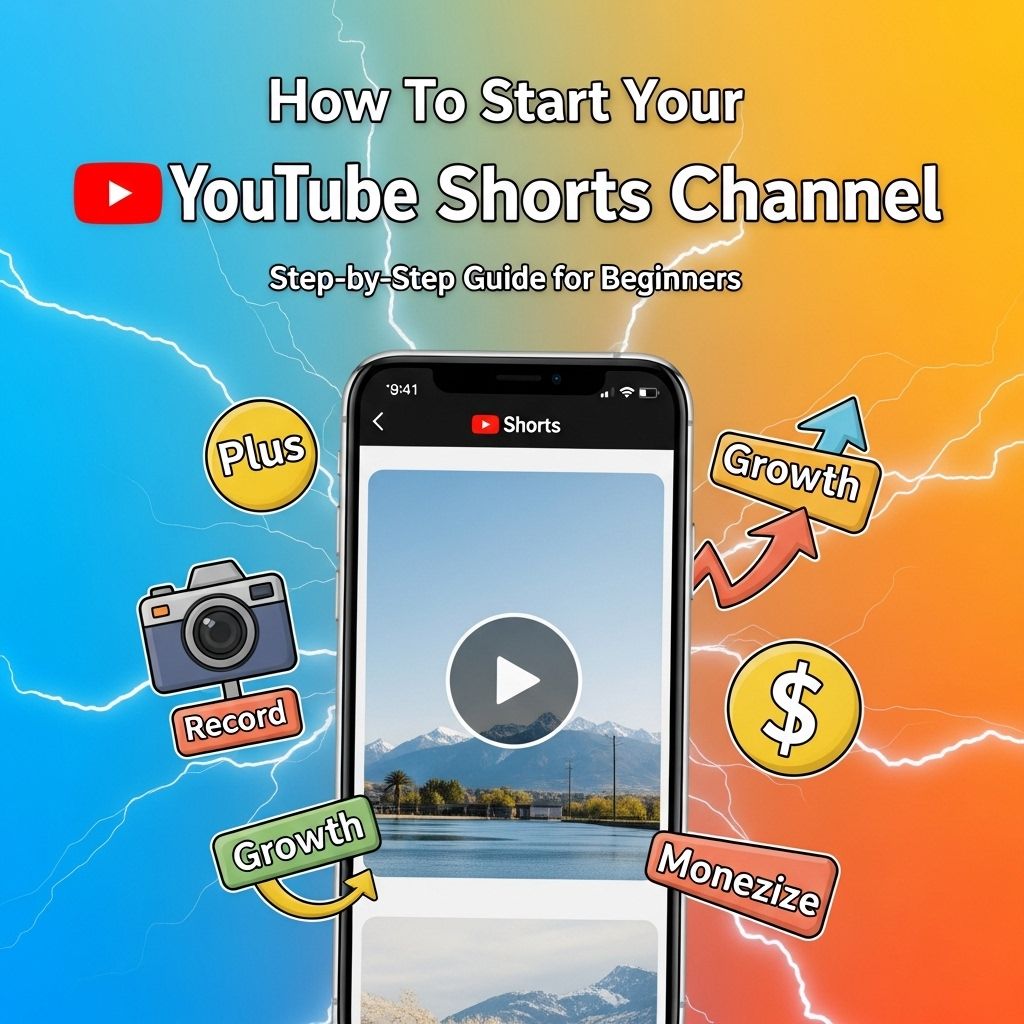
In a world where short-form content is becoming increasingly popular, starting a YouTube Shorts channel can be an exciting and rewarding venture. With the rise of platforms like TikTok and Instagram Reels, YouTube has jumped on the bandwagon by allowing creators to produce 60-second videos that can capture attention quickly. This article will guide you through the essential steps to kickstart your YouTube Shorts channel and make it a success.
Ready to dive into the world of YouTube Shorts? Kickstart your channel today with engaging content that captures your audience’s attention in mere seconds. Plus, if you’re looking for creative visuals to enhance your videos, discover creative mug mockups that can add a professional touch.
Understanding YouTube Shorts
YouTube Shorts is YouTube’s answer to the short-form video trend. These videos are designed to be quick, engaging, and easy to consume. They are created using a vertical format and can be filmed directly within the YouTube app or uploaded from your device. Here are some key features of YouTube Shorts:
- Maximum length of 60 seconds
- Vertical video format
- Ability to add music from a vast library
- Option to use various creative tools like text, filters, and speed controls
Why Choose YouTube Shorts?
The popularity of short-form content has skyrocketed in recent years, and YouTube Shorts offers a unique opportunity for creators. Here are a few reasons to consider:
- Wide Reach: YouTube has over 2 billion active users, making it an ideal platform for reaching a large audience.
- Engagement: Short videos can lead to higher engagement rates as viewers tend to watch them in quick succession.
- Monetization Opportunities: YouTube is continuously enhancing monetization options for Shorts, including ad revenue and merchandise links.
Setting Up Your Channel
Before creating content, you need to set up your YouTube channel. Here’s how:
1. Create a Google Account
If you don’t already have a Google account, create one as it’s required for accessing YouTube.
2. Create Your Channel
Once you have a Google account:
- Go to YouTube and sign in.
- Click on your profile icon and select “Your Channel.”
- Follow the prompts to create your channel.
3. Customize Your Channel
Make your channel visually appealing:
- Add a profile picture that represents your brand.
- Include a channel banner.
- Write a compelling channel description.
Developing Content Ideas
Content is king on YouTube, and Shorts are no exception. Here are some ideas to get your creative juices flowing:
Trending Topics
Keep an eye on trends. Use tools like Google Trends or YouTube’s trending page to find popular topics in your niche.
Challenges and Tutorials
Creating challenge videos or quick tutorials can attract a broad audience. Consider:
- Cooking challenges
- DIY projects
- Fitness workouts
Behind-the-Scenes Content
Provide your audience with a sneak peek into your life or your creative process. This can build a stronger connection with viewers.
Filming and Editing Your Shorts
Creating high-quality Shorts doesn’t require professional equipment. Here’s a quick guide on filming and editing:
Filming Tips
- Use natural lighting whenever possible.
- Keep your shots steady; use a tripod if you have one.
- Be mindful of the audio quality.
Editing Tools
Editing can make or break your video. Consider using:
| Tool | Description |
|---|---|
| InShot | User-friendly mobile editing app. |
| Adobe Premiere Rush | Powerful editing software with desktop and mobile options. |
| CapCut | Popular editing tool with numerous templates and effects. |
Optimizing for Success
Creating great content is only part of the equation. You also need to optimize your videos for visibility:
Thumbnails and Titles
Even though Shorts are displayed differently, enticing thumbnails and catchy titles can still attract viewers.
Use Hashtags
Incorporate relevant hashtags related to your content, including #Shorts, to help your videos get discovered.
Engage with Your Audience
Responding to comments and engaging with viewers fosters a sense of community. Encourage viewers to like, share, and subscribe.
Consistency is Key
Just like any other content platform, consistency is crucial for growth:
- Establish a posting schedule that works for you.
- Aim for at least 2-3 Shorts per week.
- Analyze your performance metrics to see what works best.
Monetization and Growth Strategies
Once your channel begins to grow, consider monetization strategies:
Ad Revenue
Once eligible, you can earn revenue through ads placed on your videos. Requirements include:
- 1,000 subscribers
- 4,000 public watch hours in the past 12 months
Sponsored Content
Collaborate with brands that align with your content. Sponsored posts can be lucrative.
Merchandising
As your brand grows, consider selling merchandise to your audience.
Analyzing and Adapting Strategies
After launching your Shorts channel, keep track of your progress:
Use YouTube Analytics
Analyze metrics such as:
- View counts
- Audience retention
- Engagement rates
Adapt Based on Performance
Be prepared to adapt your content strategy based on what the analytics indicate.
Conclusion
Starting a YouTube Shorts channel is an exciting opportunity in the fast-evolving landscape of digital content. By understanding the platform, developing engaging content, and optimizing your videos, you can build a successful channel. Stay consistent, engage with your audience, and keep learning and adapting, and you’ll be well on your way to becoming a successful creator on YouTube Shorts.
FAQ
What are YouTube Shorts?
YouTube Shorts are short, vertical videos that are up to 60 seconds long, designed to create engaging and easily consumable content for viewers.
How do I create a YouTube Shorts channel?
To create a YouTube Shorts channel, start by setting up a YouTube account, then create content specifically tailored for Shorts by keeping your videos under 60 seconds and using vertical formatting.
What type of content works best for YouTube Shorts?
Content that is entertaining, informative, or visually appealing tends to perform well on YouTube Shorts. Popular formats include challenges, tutorials, quick tips, and funny skits.
Do I need to have a certain number of subscribers to upload YouTube Shorts?
No, you do not need to have any specific number of subscribers to upload YouTube Shorts. Anyone can create and upload Shorts to their channel.
How can I promote my YouTube Shorts effectively?
You can promote your YouTube Shorts by sharing them on social media platforms, engaging with your audience through comments, collaborating with other creators, and using trending hashtags.
Can I monetize my YouTube Shorts?
Yes, you can monetize your YouTube Shorts through the YouTube Partner Program once you meet the eligibility requirements, which include having at least 1,000 subscribers and 4,000 watch hours.