Elevate your design presentations with our Free Side View DL Flyer Mockup. This high-quality mockup allows you to showcase your flyer designs in a realistic side view, making your work stand out. Perfect for designers looking to impress clients, this mockup is easy to use and customizable to fit your brand’s aesthetics.
Our mockup is designed to be compatible with Adobe Photoshop, ensuring a seamless editing experience. Simply insert your designs into the smart layers, adjust the lighting if necessary, and you’re ready to present your work professionally. Whether for digital portfolios or client presentations, this mockup is an essential tool for any graphic designer.
This freebie is a Side View DL Flyer Mockup that comes with a photorealistic look, easy customization via Smart Objects and a well-organized layer structure. This Side View DL Flyer Mockup features a lot of details, such as shadows and reflections. You can change the background color to any color that you like using the right-click menu in PS.
Showcase your flyest designs with this easy to use DL flyer template! Easily add your own photo, logo or artwork to the smart objects and impress with your branding. This Free Side View DL Flyer Mockup is for you if you are looking for a fashionable, modern and clean layout to showcase your latest design. Change the background with one click and replace it with your own image, this mockup can be used to display your logo or artwork in a beautiful way on the side view of a flyer design.
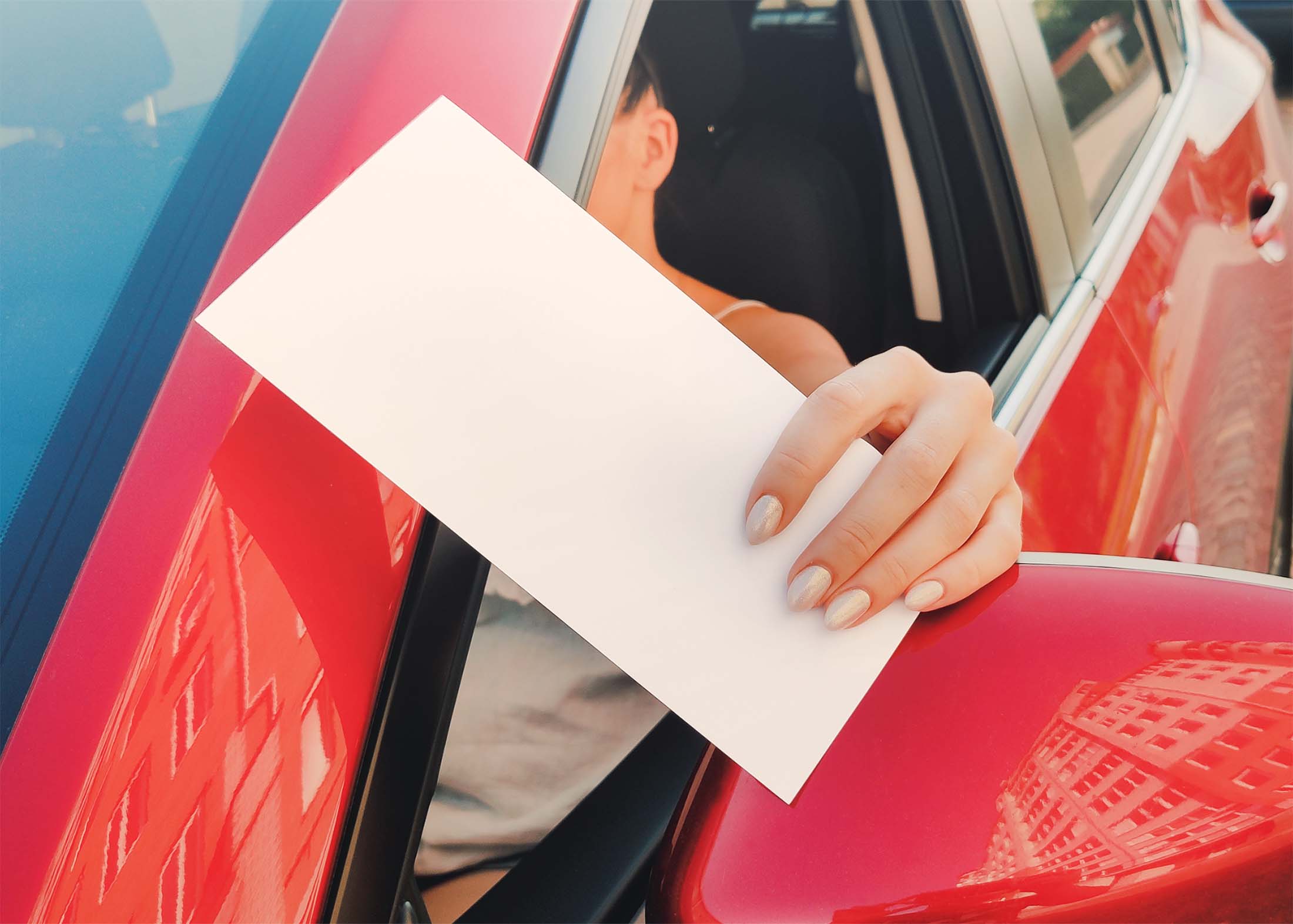

Free DL flyer mockup comes with an elegant, clean and creative design. It’s perfect for presenting your flyers, Business Cards and any other print-ready artwork. Use the Smart Object to easily replace the mockup content with your own files.
Quickly change the background color or textures via a single click to create a fantastic photo presentation in no time. A free side view flyer mock-up to help you display your artwork in a professional and photorealistic way. The file is fully layered, with smart objects for easy editing.
Download a free Side View DL Flyer Mockup to easily display your designs and showcase it to the customers. The PSD file provided here is fully layered and comes with smart objects that allow you to replace the design in a few clicks. This mockup suits for various types of designs like business cards, brochures, flyers, etc where you want to display them on a flat surface and make it look realistic.
Description:
Available Format: Layered PSD through smart object insertion
License: Free for personal and commercial use
Zip File Includes: Photoshop PSD File
Resolution: 2000 x 2250 px
FAQs – Free Side View DL Flyer Mockup
Can I edit the side view DL flyer mockup in Photoshop?
Yes, the mockup is fully editable in Adobe Photoshop using smart layers for easy design insertion.
Do I need any special software to use this mockup?
You only need Adobe Photoshop to edit the mockup, ensuring a straightforward experience for all users.
Is it easy to customize the lighting in the mockup?
Yes, you can adjust the lighting within Photoshop to match your design’s mood and enhance visual appeal.
What file format is the mockup available in?
The mockup is available in PSD format, which is standard for Photoshop editing.
Does the mockup support high-resolution designs?
Absolutely, the mockup is designed to accommodate high-resolution images, ensuring your designs look sharp and professional.