Elevate your product presentations with our free cosmetic tube mockup. This versatile design allows you to showcase your branding in a realistic and appealing way. Perfect for beauty brands, this mockup features high-quality graphics that make your products stand out in promotional materials.
Our mockup is easy to use, even for beginners. Simply insert your design using Photoshop, adjust the lighting and shadows for a natural look, and you’re ready to impress your clients. Whether for social media posts or website displays, this cosmetic tube mockup is an essential tool for any designer.
This Free Cosmetic Tube Mockup is great to promote any of your latest tube products. Simply use the smart layer to add your own branding and designs, or pick from one of our templates to begin customizing right away!
Show your Free Cosmetic Tube Mockup in style with this free, high resolution mockup.
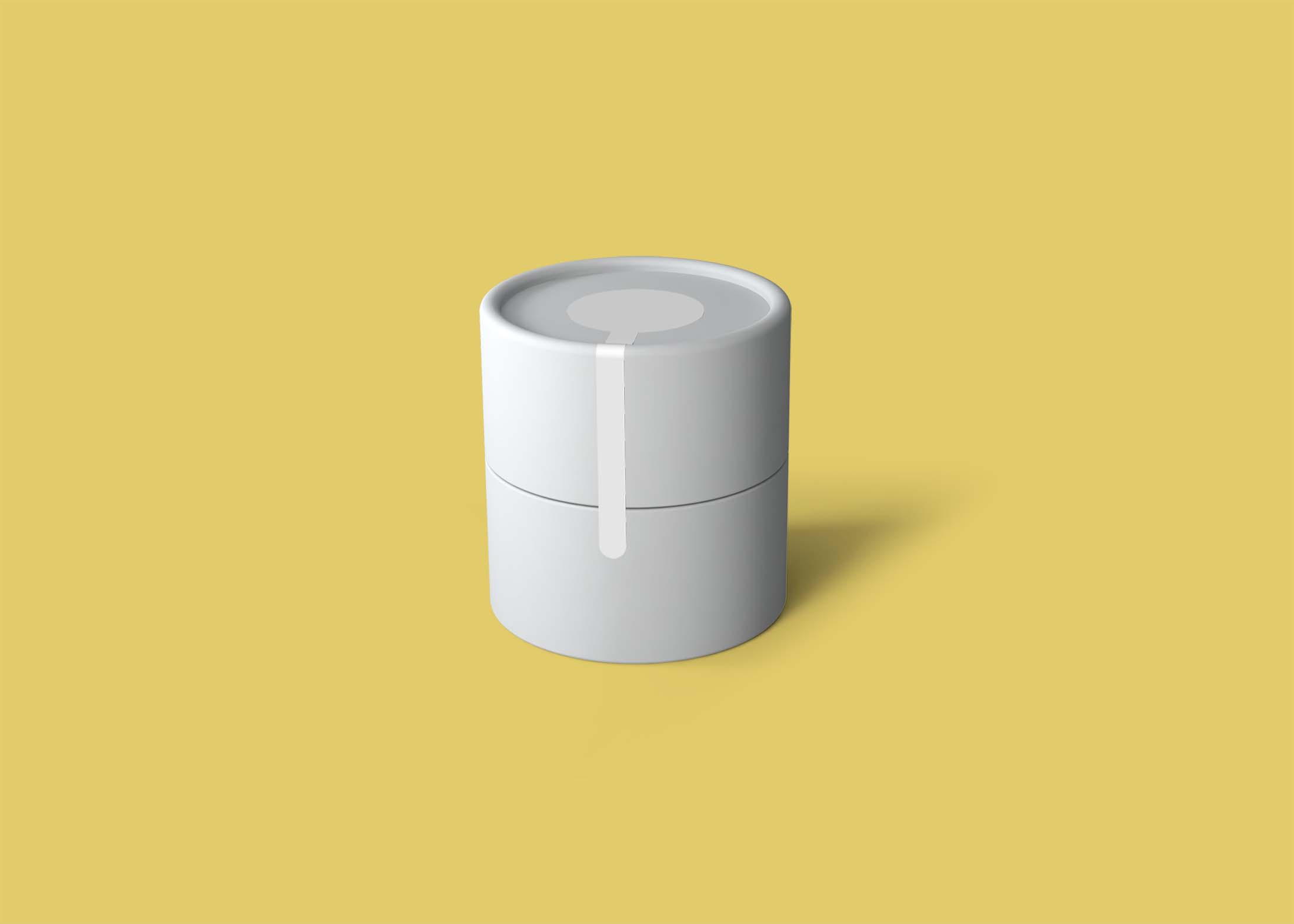

Open your door to the world of tube and use our free, easy-to-use mockup to present your Free Cosmetic Tube Mockup in a warm and inviting way.
Free Cosmetic Tube Mockup that works great for showing off your latest design. This template features a realistic looking tube mockup in front of a yellow background.
Description:
Available Format: Layered PSD through smart object insertion
License: Free for personal and commercial use
Zip File Includes: Photoshop PSD File
Resolution: 2200 x 1500 px
Advertisement:
FAQs – Free Cosmetic Tube Mockup
Can I edit the free cosmetic tube mockup in Photoshop?
Yes, the mockup is fully editable in Photoshop, allowing you to customize colors, designs, and shadows to suit your branding.
Does the mockup include different angles?
Yes, the free cosmetic tube mockup comes with multiple angles to provide a comprehensive view of your product.
What file format is the mockup available in?
The mockup is available in PSD format, making it easy for users to edit and customize their designs.
Is it possible to change the background of the mockup?
Absolutely! You can easily change the background in Photoshop to match your branding or design concept.
Do I need any special skills to use the mockup?
No special skills are required; basic knowledge of Photoshop is sufficient to effectively use the mockup.