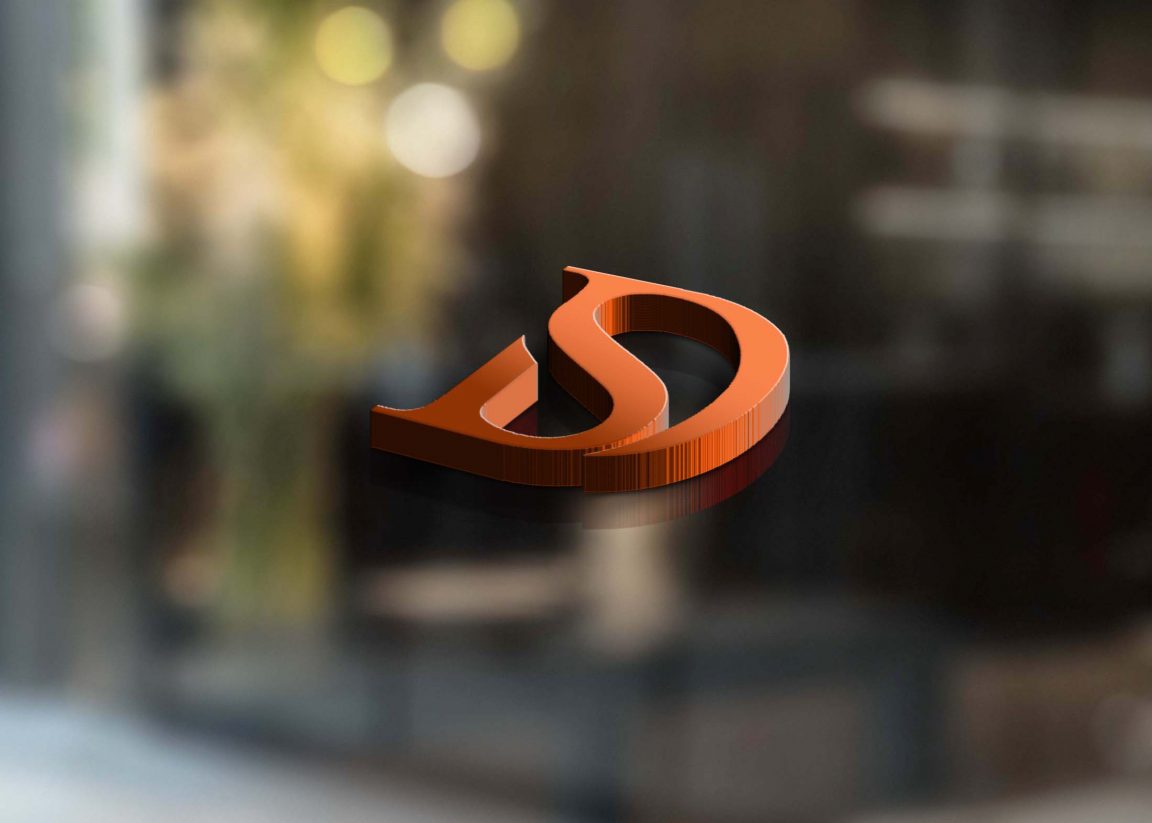
Showcase your logo in a unique way with our Clear Transparent Window Logo Mockup. This mockup allows you to present your designs with a realistic and professional look. The transparent window effect adds depth and elegance, making your logo stand out in any presentation or portfolio.
Easily customize the mockup using Adobe Photoshop to fit your brand’s style. Simply insert your logo into the smart object layer and adjust the lighting to achieve the desired effect. Perfect for designers looking to impress clients or for businesses wanting to elevate their branding visuals.
Clear Transparent Window Logo Mockup is best to showcase your logo, text, lettering and artwork logo in a transparent window to make it more realistic. The mockup is easy to use and fully customizable.
This clear window logo mockup allows you to show off your logo with a transparent background by placing your graphic right on a transparent window, giving a clear view of the underneath side of the window.
We are so excited to present our new logo mockup, which presents your brand or business identity inside a clear window.
The great Photoshop PSD file of the mockup is well organized and contains separate smart objects that let you changes the color of the background, window and logo.
Description:
Available Format: Layered PSD through smart object insertion
License: Free for personal and commercial use
Zip File Includes: Photoshop PSD File
Resolution: 2200 x 1500 px
Advertisement:
FAQs – Clear Transparent Window Logo Mockup
Can I edit the Clear Transparent Window Logo Mockup in Photoshop?
Yes, the mockup is fully editable in Adobe Photoshop. You can easily replace the logo and adjust the effects to suit your needs.
What file format is the mockup available in?
The mockup is provided in PSD format, allowing for smooth editing and high-quality output for your presentations.
Does it work with any logo design?
Absolutely! The Clear Transparent Window Logo Mockup can accommodate various logo designs, ensuring flexibility for different brand styles.
Is it easy to customize the lighting in the mockup?
Yes, adjusting the lighting in the mockup is easy. You can modify the layers in Photoshop to achieve the perfect ambiance for your logo.
What are the dimensions of the mockup?
The mockup dimensions are optimized for high-resolution displays, ensuring your logo looks crisp and professional in any setting.