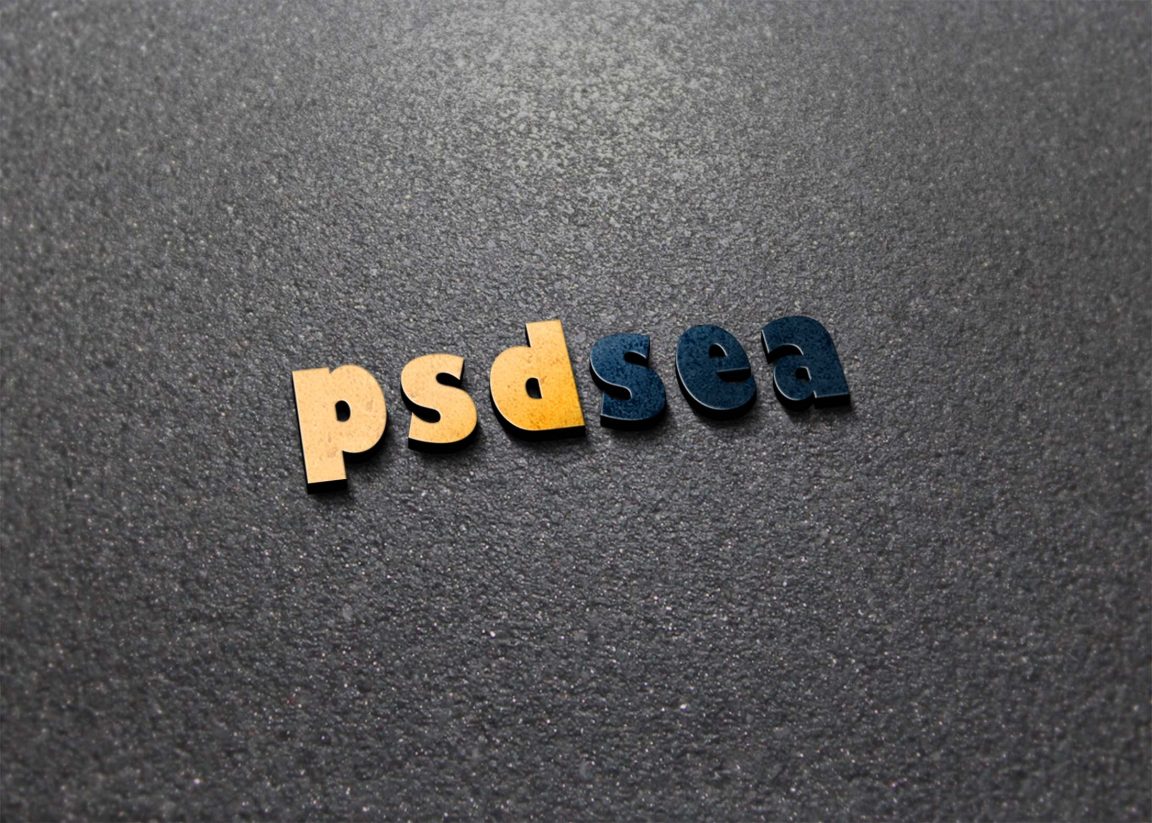
Introducing our stunning 3D free mockup on a road, designed to elevate your design presentations. This mockup showcases your artwork in a lifelike setting, allowing you to visualize how your designs will appear in real-world scenarios. Ideal for showcasing branding projects, advertisements, or product designs, it provides a professional touch that captivates your audience.
Our mockup is user-friendly and compatible with Adobe Photoshop, making it easy to edit and customize. Simply place your artwork into the designated smart object layer, adjust the lighting and shadows for realism, and you’re ready to impress. Perfect for designers looking to present their work in a unique way, this 3D mockup on a road will help you stand out and leave a lasting impression.
In this free mock-up, you will find a 3D free mockup On Road, created for you to use in your design presentation. Feel free to use it for any purpose, personal or commercial.
Create a realistic 3D effect of your design, graphics, text or anything on a free surface like road.
This free mockup is provided exclusively by Place it because we know how much you care about your business presentations. Our mockups make your design look great while they save you time, money and effort.
Get this stunningly realistic mock-up and make your designs stand out on this 3D Free Mock-Up on Road . You can easily change the perspective, just move the slide or scale it up or down.
Description:
Available Format: Layered PSD through smart object insertion
License: Free for personal and commercial use
Zip File Includes: Photoshop PSD File
Resolution: 2200 x 1500 px
Advertisement:
FAQs – 3D Free Mockup on Road
Can I customize the 3D free mockup on road?
Yes, you can easily customize the mockup by placing your designs into the smart object layers provided.
Do I need Photoshop to use the mockup?
Yes, this mockup is designed for use in Adobe Photoshop, where you can edit and personalize it.
What file format is the mockup available in?
The mockup is available in PSD format, which is compatible with Adobe Photoshop.
Is the lighting adjustable in the mockup?
Yes, you can adjust the lighting and shadows to fit your design aesthetics within Photoshop.
Does the mockup include multiple views?
Yes, the mockup includes various angles to provide flexibility in showcasing your designs.