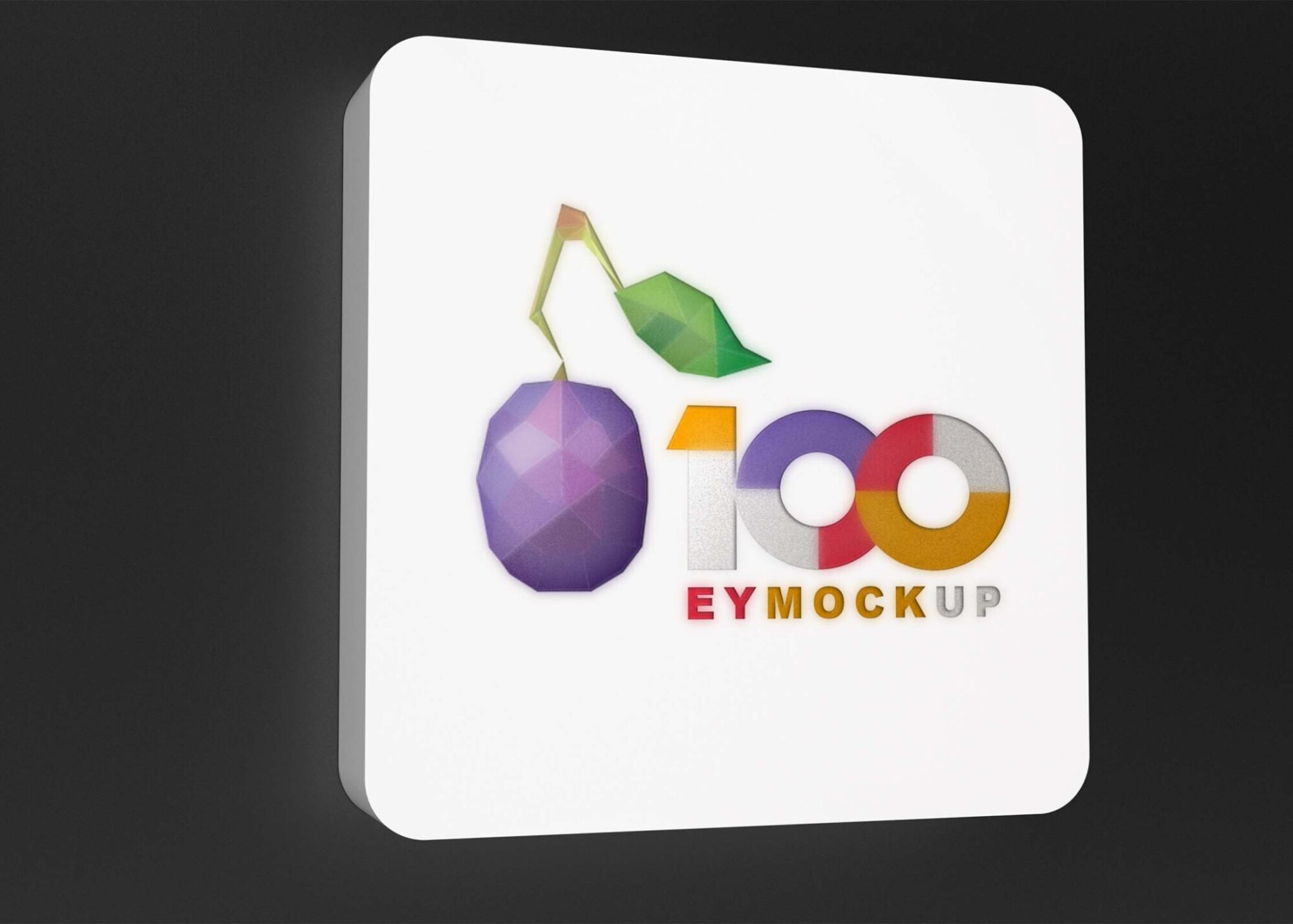
Showcase your hotel brand with our Free Hotel Storefront 3D Logo Mockup. This realistic mockup allows you to present your logo in a stunning storefront setting, helping you visualize how your branding will look in the real world. Perfect for designers and hotel owners alike, this mockup is easy to use and fully customizable, ensuring your logo stands out in any promotional material.
Our mockup is designed to provide a professional look, featuring adjustable lighting and perspective settings. Simply download the PSD file and open it in Photoshop to start editing. You can easily replace the placeholder logo with your own, modify colors, and adjust shadows to fit your vision. This mockup is an excellent tool for marketing presentations or social media campaigns, allowing you to impress potential clients with a high-quality visual representation of your hotel brand.
All of these Resources are easy to use and can present your information beautifully. Some are free, while others cost a few dollars.
More great & free PSD Mockups Collection:
- Free PSD Mockups for Books and More!
- 3D Packaging PSD Mockups
- PSD Burger Food Truck Design Mockup
- Jam Jar Twitch Mockups Templates
Description:
Available Format: Layered PSD through smart object insertion License: Free for personal and commercial use Zip File Includes: Photoshop PSD File Resolution: 3000 x 2250 px
FAQs – Free Hotel Storefront 3D Logo Mockup
Can I edit the Free Hotel Storefront 3D Logo Mockup?
Yes, you can easily edit the mockup in Photoshop by replacing the placeholder logo with your own and adjusting the design elements.
Does the mockup support different logo formats?
The mockup is compatible with various logo formats, including PNG and JPEG. Ensure your logo has a transparent background for the best results.
Is it easy to customize the lighting in the mockup?
Absolutely! The mockup allows you to adjust the lighting and shadows to create the perfect ambiance for your hotel branding.
What file type is the mockup available in?
The mockup is provided in a PSD file format, making it easy to edit and customize in Adobe Photoshop.
Do I need advanced skills to use the mockup?
Not at all! Basic knowledge of Photoshop is sufficient to navigate the layers and customize the mockup to fit your needs.